72
Clinician's Guide
Programming the NESS H200 Wireless System
Before programming the H200 Wireless System:
• Make sure the cloth electrodes are wet and attached to the Orthosis electrode bases.
• Make sure there is good contact between the cloth electrodes and the forearm.
• Make sure there are no signs of pressure or skin irritation around the wrist or palm, or
where the cloth electrodes contact the skin.
• Check the position of the wrist bridge and thenar. The wrist bridge should lie across the
wrist and the thenar should sit on the thenar eminence.
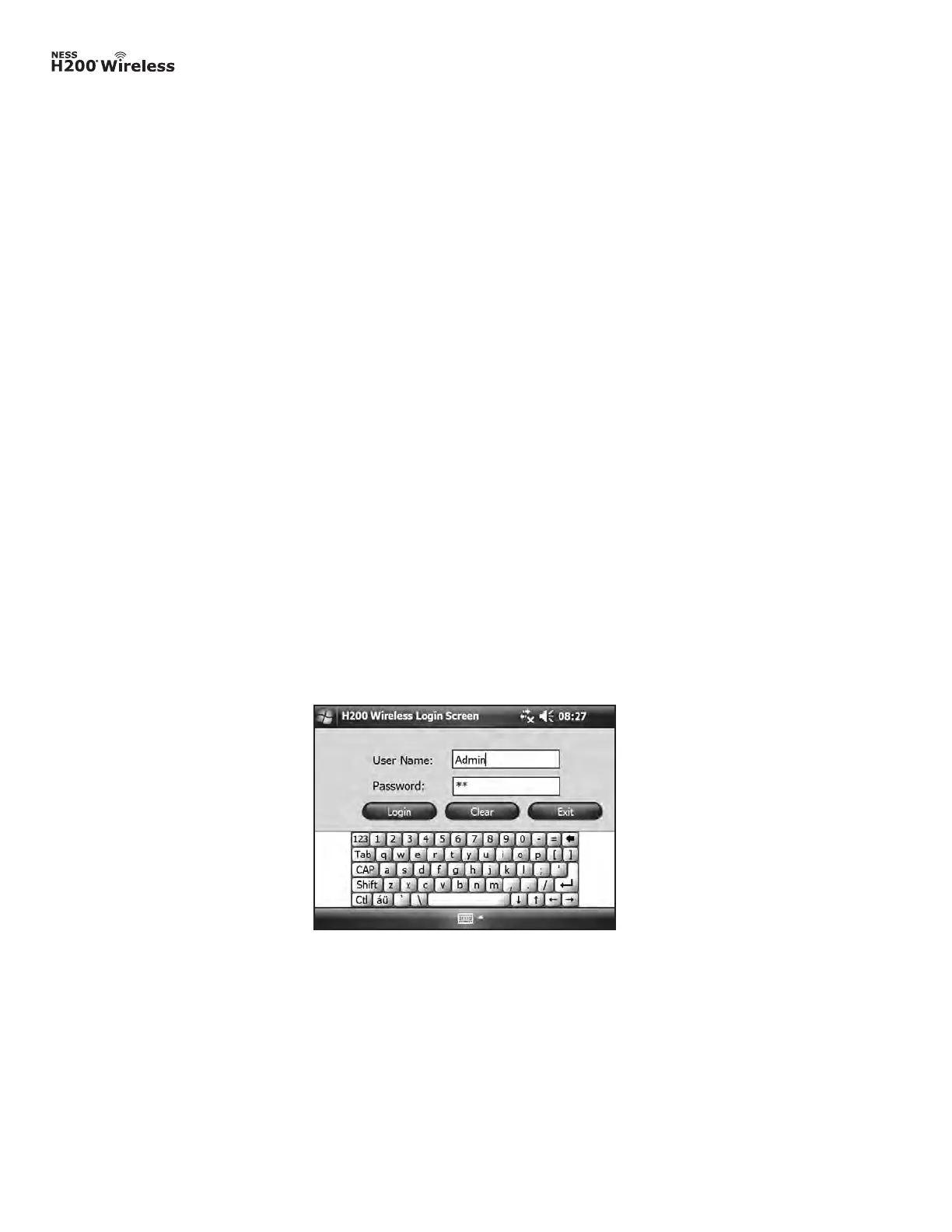
Figure 8-12: Login screen.
Logging In
1. Turn on the Clinician’s Programmer and launch the H200 Wireless Software.
2. From the Login screen, enter a user name and password, and then press Login. See
Figure 8-12.
3. If the login is successful, the Patient List window will open. See Figure 8-13.



 To Next Page