_____________________________________________________________________
724-746-5500 | blackbox.com Page 236
?,"./*0'V(#%
*
*
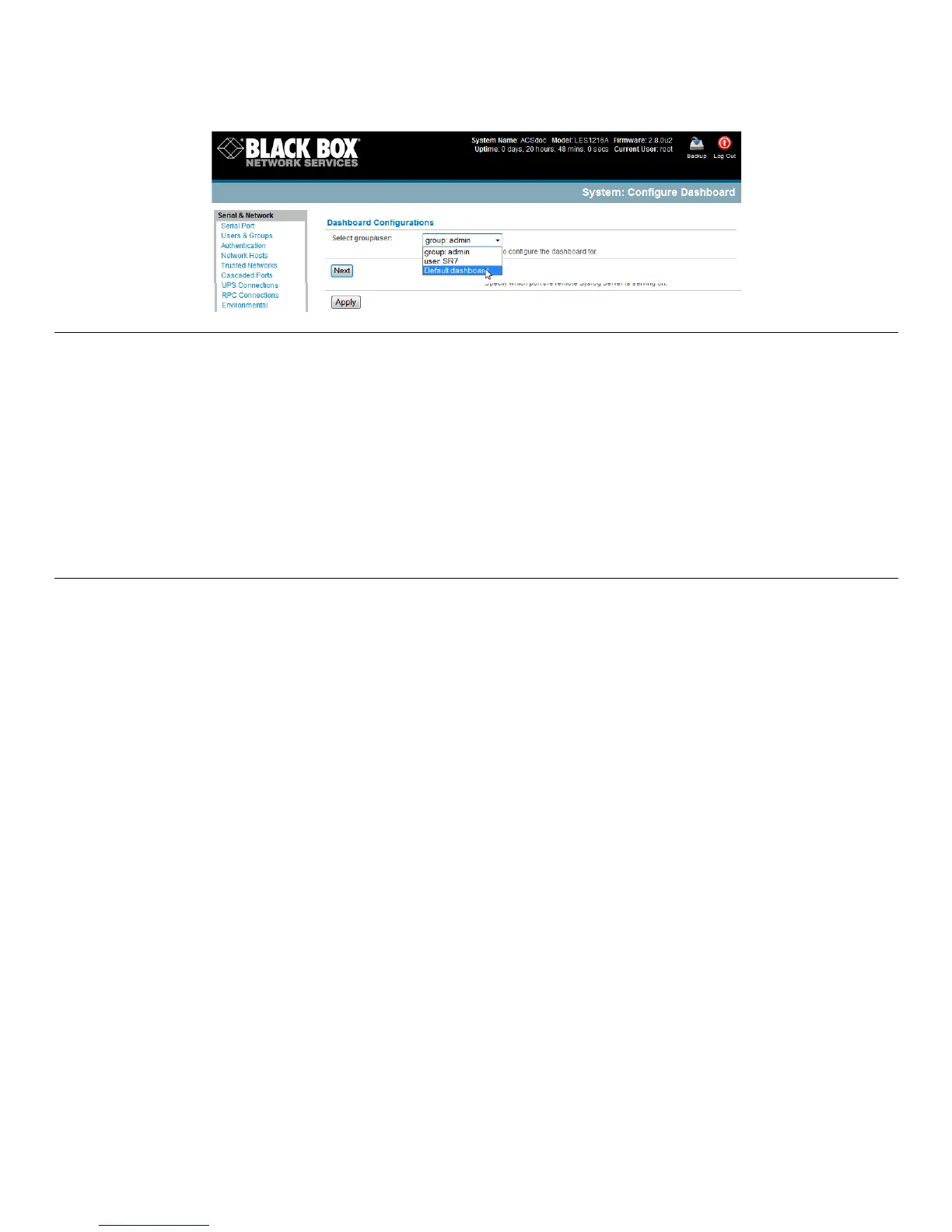
Note: You can configure a custom dashboard for any admin user or for the admin group, or you can reconfigure the
default dashboard.
The Status:Dashboard screen is the first screen displayed when admin users (other than root) log into the console
manager. If you log in as “John,” and John is member of the admin group and there is a dashboard layout
configured for John, then you will see the dashboard for John upon login and each time you click on the
Status:Dashboard menu item.
If there is no dashboard layout configured for John, but there is an admin group dashboard configured, then you
will see the admin group dashboard instead. If there is no user dashboard or admin group dashboard configured,
then you will see the default dashboard.
The root user does not have its own dashboard.
Use the above configuration options to enable admin users to setup their own custom dashboards.
C6(*!-#6&0-%)*)"#:,-D#*#"1*F.97&-$2*C 6 (# (*5 ") 9 ($# *"4. ,' ) (*( -. 6 *0A *$6( *3$ -$' # *#.%( ( 4 #*N- ,(%$ #<*)( B ".( #<*:0 %$ #*' :# <*%:. <*-4 ) *
(4B"%04M(4$-,*#$-$'#O*-4 )*-*.'#$0M*#.%":$*#.%((42*C6 (*59@.#*'#(%*.-4*.04A"9'%(*5 6".6*0A*$6(#(*5 ")9($*"#*$0*&(*)"#:,-D()*
56(%(R*
\0*$0*$6(*>.4H73.-6%/.83)(*:-4(,*-4)*#(,(.$*56".6*5")9($*"#*$0*&(*)"#:,-D()*"4*(-.6*0A*$6(*#"1*)"#:,-D*,0.-$"04#*
N5")9($J*n cO2*
?,"./*=**/8#*











 To Next Page