_____________________________________________________________________
724-746-5500 | blackbox.com Page 237
*
*
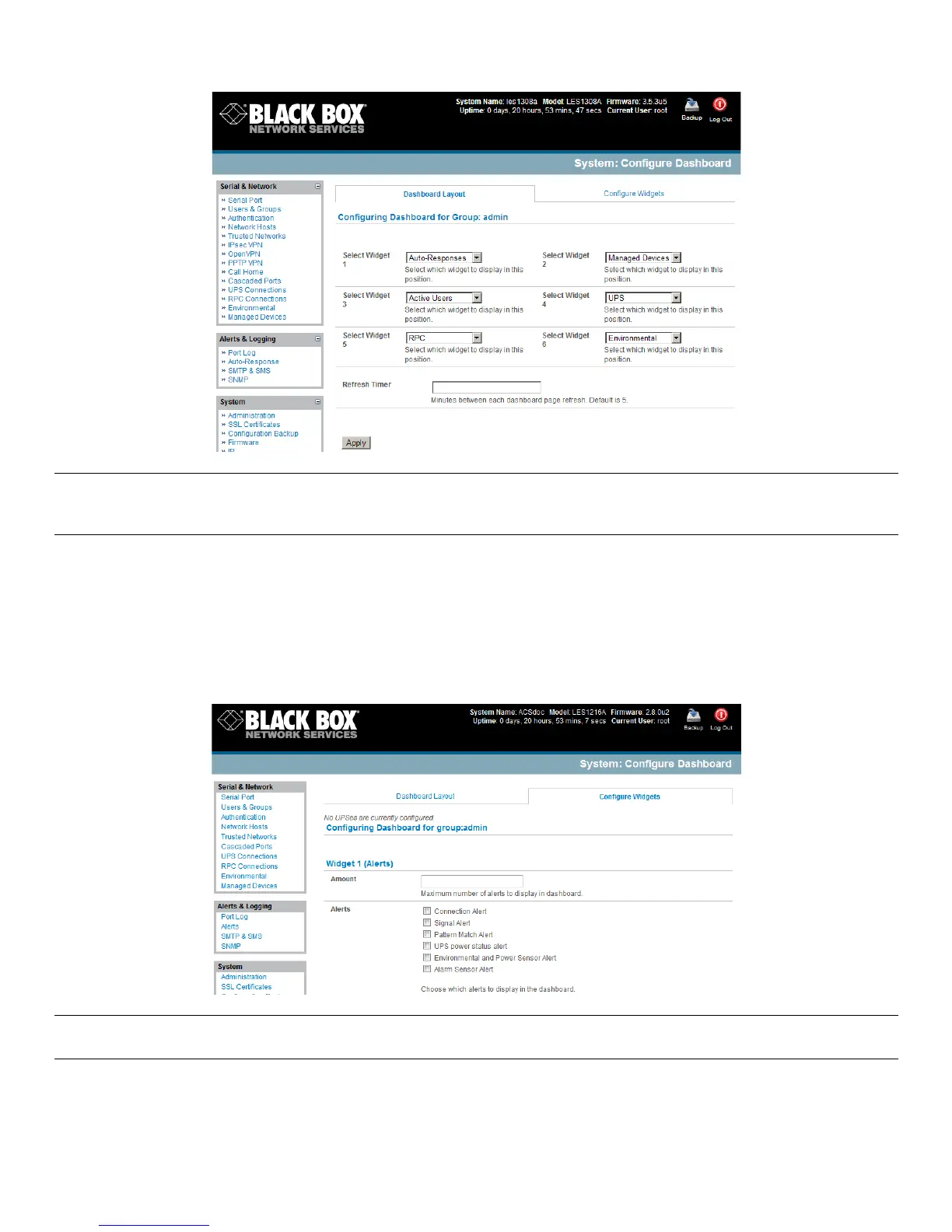
Note: The Alerts widget is a new screen that shows the current alerts status. When an alert gets triggered, a
corresponding .XML file is created in /var/run/alerts/. The dashboard scans all these files and displays a summary status
in the alerts widget. When an alert is deleted, the corresponding .XML files that belong to that alert are also deleted.
C0*.04A"9'%(*56-$*"#*$0*&(*)"#:,-D () *& D*( - .6 *5")9($R*
\0*$0*$6(*F3,C21)-'%A261'(4*:-4(,*-4)*.04A"9'%(*(-.6*#(,(.$()*5")9($*NA0%*(1-M:,(<*#:(."AD*5 6".6*P>3*#$-$'#*"#*
$0*&(*)"#:,-D() *04*$6 (*34$'F.97&-*0%*$6(*M-1"M'M*4'M&(%*0A*G -4-9()*!(B".(#*$0*&(*)"#:,-D()*"4*$6(*9&).!&$'
F.97&-2*
?,"./*=**/8#*
*
*
Note: Dashboard configuration is stored in the /etc/config/config.xml file. Each configured dashboard will increase the
config file. If this file gets too big, you can run out of memory space on the console manager.
*











 To Next Page