56
4.7.1 General display area
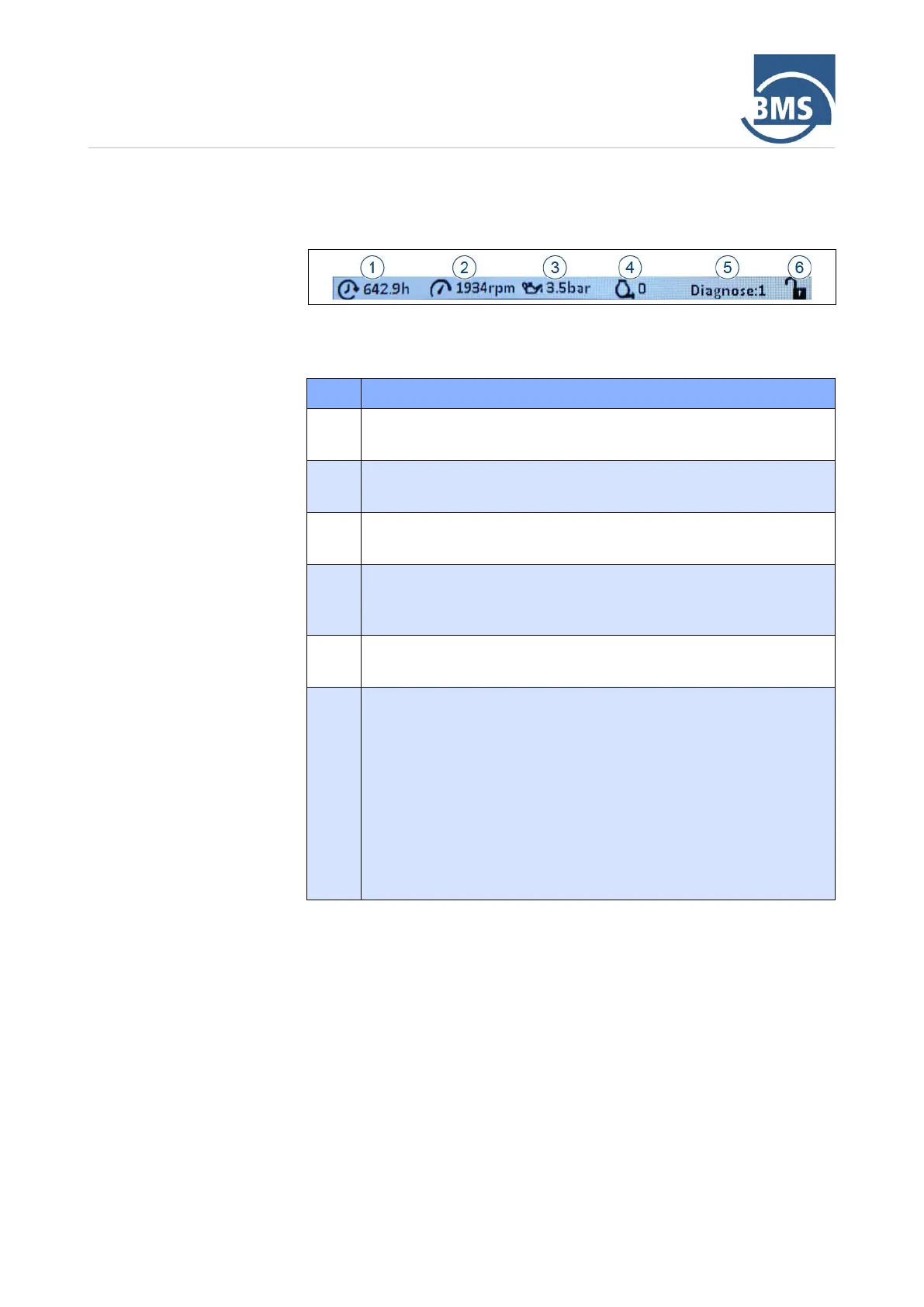
The lower part of the multifunction display contains a general display area.
This area is displayed for all menus.
Figure 19: General display area
The displays in this area have the following meaning:
Hour counter
Displays the operating hours.
Speed indicator
Displays the current motor speed in rpm (revolutions per minute).
Oil pressure display
Shows the current motor oil pressure in bar.
Mixture counter
Shows the number of mixtures made. The mixture counter is
automatically reset when the machine is switched off.
Diagnosis
Shows the sum of the pending error codes.
Key lock
When the lock is closed, the key lock is activated.
Deactivating the key lock
1. Press the selector switch.
2. Press and hold the selector switch for 3 seconds.
When the lock is open, you can navigate through the menus by
turning the selector switch.
➢ If the selector switch is not operated for 30 s, the key lock is
activated and the main screen is displayed.



 To Next Page