If there are several towns/cities with the same
name:
1. Change to the list of town/city names.
2. Select the town/city.
Entering the postal code
1. Select "Town/City/Postal Code" or the dis‐
played town/city.
2. Select the numbers.
3. Change to the list of postal codes and
towns/cities.
4. Selecting an entry.
Or: enter a street and intersection
1.
Select "Street" or the displayed street.
2. Enter a street and intersection in the same
way as you would enter a town/city.
If there are several streets with the same
name:
1.
Change to the list of street names.
2. Select the street.
Starting destination guidance
1.
"Accept destination"
2. "Start guidance" or "Add as another dest."
Add, refer to page 16, a destination as a
further destination.
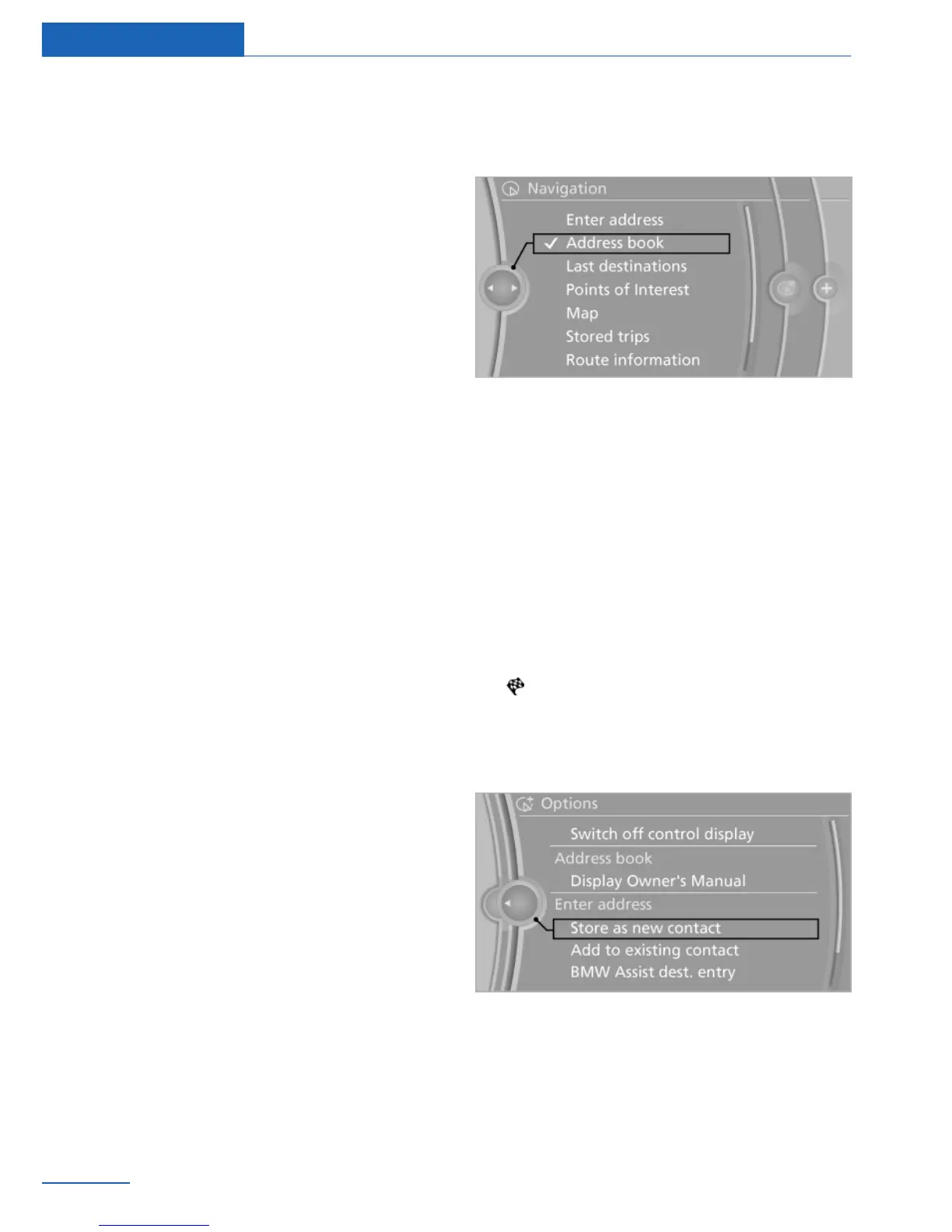
Address book
Selecting a destination from the
address book
1.
"Navigation"
2. "Address book"
Contacts with addresses are displayed if
these have been checked as destinations
from among the Contacts.
3. Select a contact in the list or, if desired,
with "A-Z search".
4. If necessary, "Business address" or "Home
address"
Storing the destination in the address
book
After entering the destination, store the desti‐
nation in the address book.
1.
"Navigation"
2. "Map"
3. "Guidance"
4. Open "Options".
5. "Store as new contact" or "Add to existing
contact"
6. Select an existing contact, if available.
7. "Business address" or "Home address"
8. Enter "Last name" and, if applicable, "First
name".
9. "Store contact in vehicle"
Seite 10
Navigation Destination input
10
Online Edition for Part no. 01 40 2 926 935 - X/13



 To Next Page