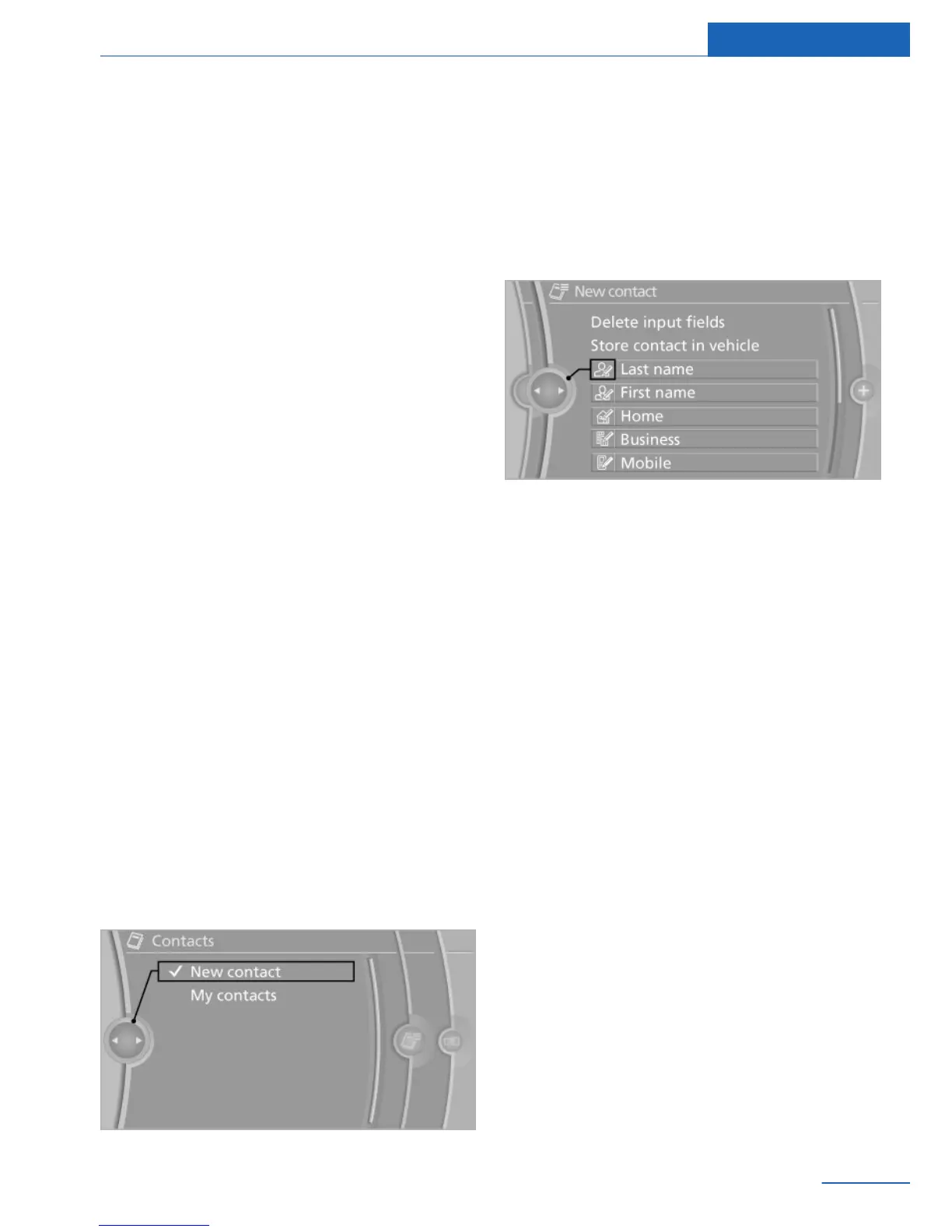
Contacts
Vehicle equipment
All standard, country-specific and optional
equipment that is offered in the model series is
described in this chapter. Therefore, equip‐
ment is also described that is not available in a
vehicle, e. g., because of the selected optional
equipment or country variant. This also applies
for safety-related functions and systems.
General information
Contacts can be created and edited. The con‐
tacts from the mobile phone are also dis‐
played. Addresses can be adopted as destina‐
tions for navigation and the phone numbers
can be dialed.
Functional requirement
This description of contacts applies if the vehi‐
cle is equipped with a hands-free device with
USB interface or without a mobile phone prep‐
aration package.
New contact
Create
1.
"Contacts"
2. "New contact"
3. The entry fields are still filled with the pre‐
vious entries: "Delete input fields".
4. Fill in the entry fields: select the symbol
next to the entry field.
5. Enter the text.
6. If the vehicle is equipped with a navigation
system: Enter the address. Only addresses
contained in the navigation data in the ve‐
hicle can be entered. This ensures that
destination guidance is possible for all ad‐
dresses.
7. If necessary, "Store".
8. "Store contact in vehicle"
Specifying the home address
A home address can be stored. It appears at
the top of the contact list.
1.
"Home"
2. Create a contact.
3. "Store contact in vehicle"
My contacts
General information
List of all contacts stored in the vehicle.
Displaying contacts
1.
"Contacts"
Seite 101
Contacts Communications
101
Online Edition for Part no. 01 40 2 926 935 - X/13



 To Next Page