External devices
Vehicle equipment
All standard, country-specific and optional
equipment that is offered in the model series is
described in this chapter. Therefore, equip‐
ment is also described that is not available in a
vehicle, e. g., because of the selected optional
equipment or country variant. This also applies
for safety-related functions and systems.
The concept
Various external devices can be connected to
the vehicle. The sound is output through the
vehicle loudspeakers. The system can be op‐
erated via iDrive, depending on how the exter‐
nal device is connected to the vehicle.
Symbol Meaning
AUX-IN port.
USB audio interface.
Music interface for smartphones.
Bluetooth audio.
AUX-IN port
At a glance
▷ For connecting audio devices, e.g., MP3
players. The sound is output on the vehicle
loudspeakers.
▷ Recommendation: use medium tone and
volume settings on the audio device. The
tone depends on the quality of the audio
files.
Connecting
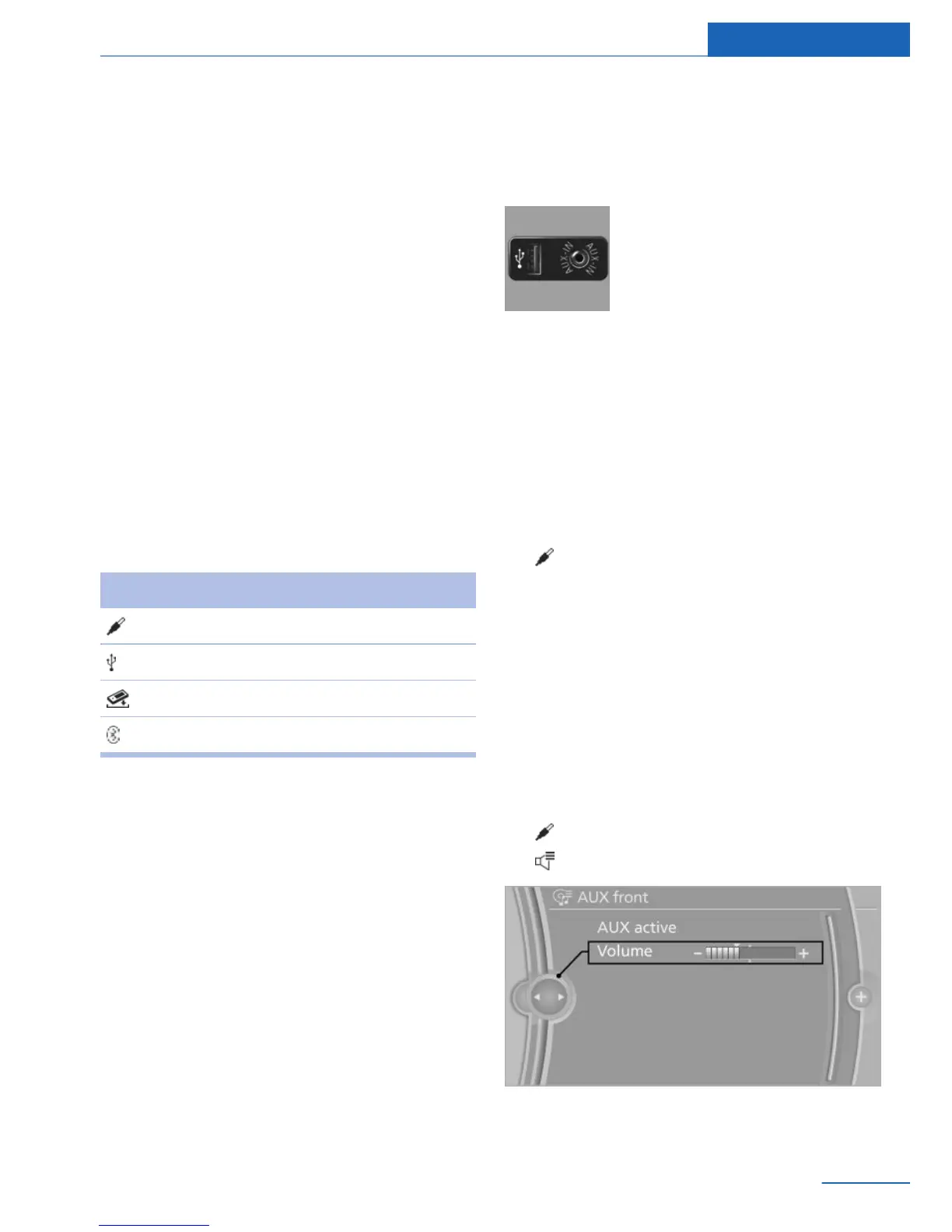
The AUX-IN port is located in
the center armrest.
Connect the headphones or
line-out connector of the device
to the AUX-IN port.
Ensure that the plug is inserted in the AUX-IN
port as far as it will go.
Playback
1. Connect the audio device, switch it on and
select a track on the audio device.
2. "Multimedia"
3. "External devices".
4. "AUX front"
Volume
The volume of the sound output is dependent
on the audio device. If this volume differs
markedly from the volume of the other audio
sources, it is advisable to adjust the volumes.
Adjusting the volume
1.
"Multimedia"
2. "External devices".
3. "AUX front"
4. "Volume"
5. Turn the controller until the desired volume
is set and press the controller.
Seite 51
External devices Entertainment
51
Online Edition for Part no. 01 40 2 926 935 - X/13



 To Next Page