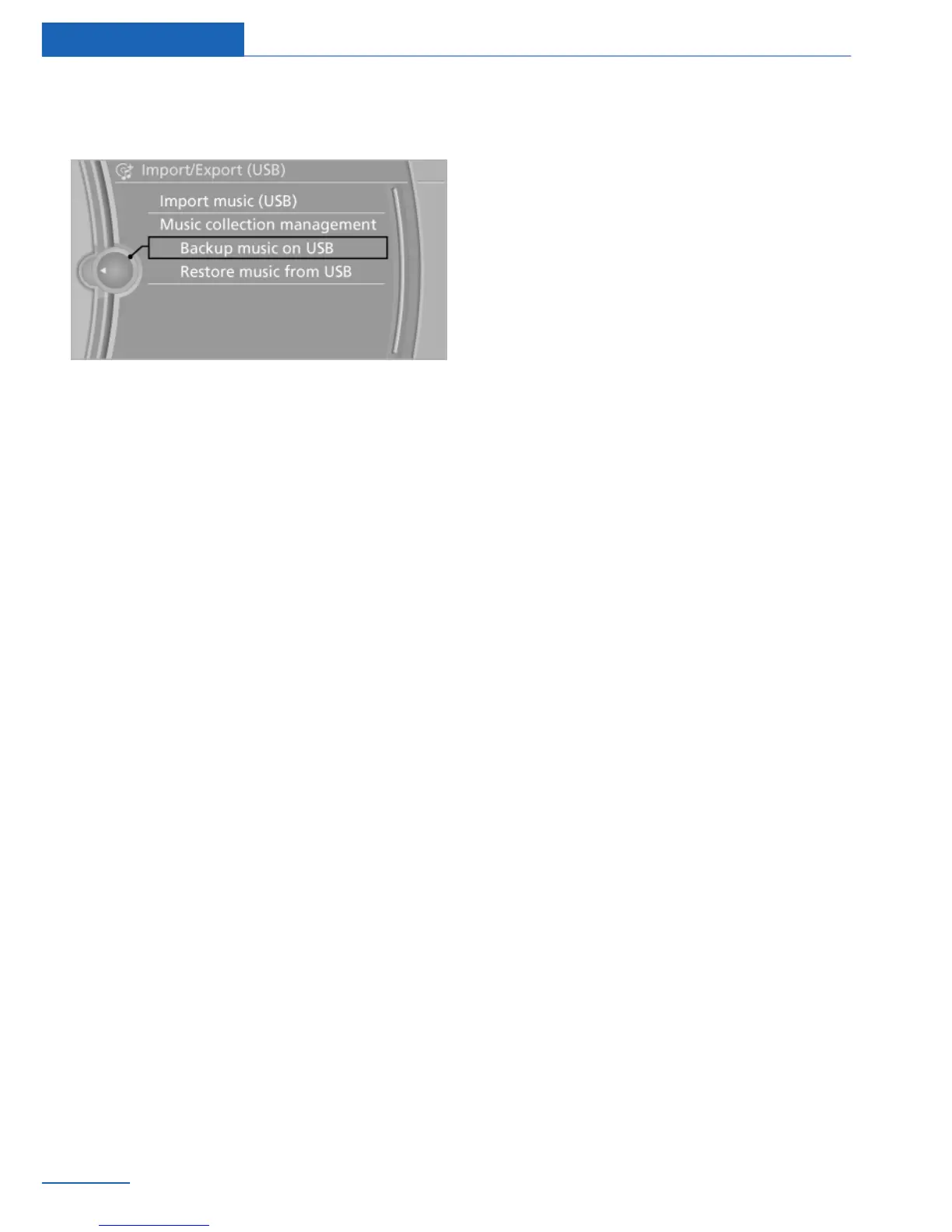
5. "Import/Export music"
6. "Backup music on USB"
Storing the music collection in the
vehicle
When the music collection is saved from the
USB device, the existing music collection in
the vehicle is replaced. It is best to perform the
storage operation during a relatively long trip. If
storing cannot be finished, do not remove the
USB medium, the operation will be resumed
on the next journey.
1.
Connect the USB medium to the USB port
in the center armrest.
2. "Multimedia"
3. "Music collection"
4. Open "Options".
5. "Import/Export music"
6. "Restore music from USB"
Deleting the music collection
1.
"Multimedia"
2. "Music collection"
3. Open "Options".
4. "Manage music collection"
5. "Delete music"
6. If necessary, select the category whose
tracks are to be deleted.
7. "Delete music"
Seite 66
Entertainment Music collection
66
Online Edition for Part no. 01 40 2 926 935 - X/13



 To Next Page