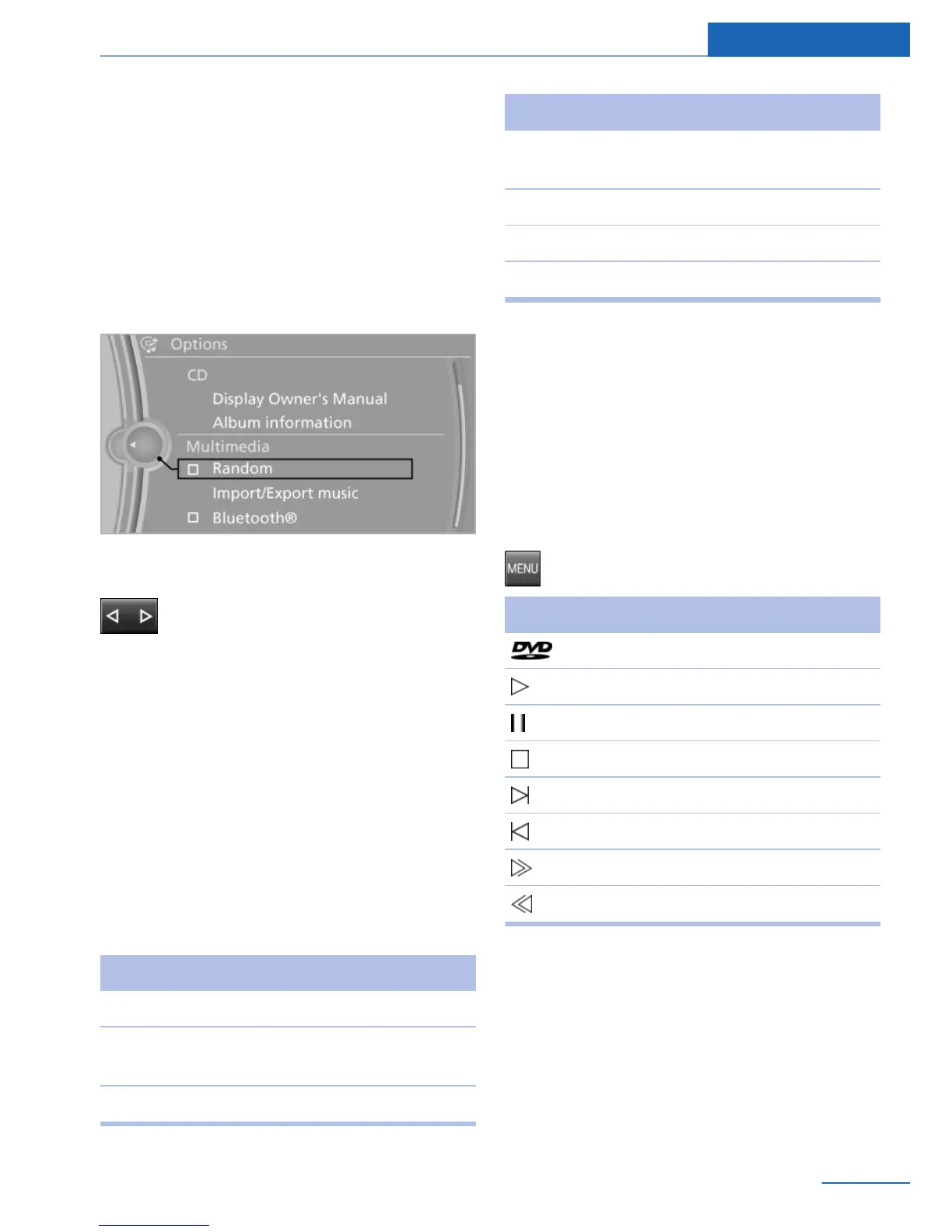
Random playback
All tracks of the CD/DVD are played back in
random order.
1. "Multimedia"
2. "CD/DVD"
3. Select the desired CD or DVD.
4. Open "Options".
5. "Random"
Fast forward/reverse
Press and hold the button.
Video
General information
The video image on the front Control Display is
switched off when a country-dependent speed
is exceeded.
Country codes
Only DVDs with the code of the home region
can be played back; also refer to the informa‐
tion on the DVD.
Code Region
1 USA, Canada.
2 Japan, Europe, Middle East, South Af‐
rica.
3 Southeast Asia.
Code Region
4 Australia, Central and South America,
New Zealand.
5 Northwest Asia, North Africa.
6 China.
0 All regions.
Playback
1. "Multimedia"
2. "CD/DVD"
3. Select a DVD with video content.
4. "Play"
Video menu
To open the video menu:
Press the button during playback.
Symbol Function
Open the DVD menu.
Start playback.
Pause
Stop
Next chapter.
Previous chapter.
Fast forward.
Reverse.
In fast forward/reverse: the speed increases
every time the controller is pressed. To stop,
start playback.
Seite 45
CD/DVD Entertainment
45
Online Edition for Part no. 01 40 2 926 935 - X/13



 To Next Page