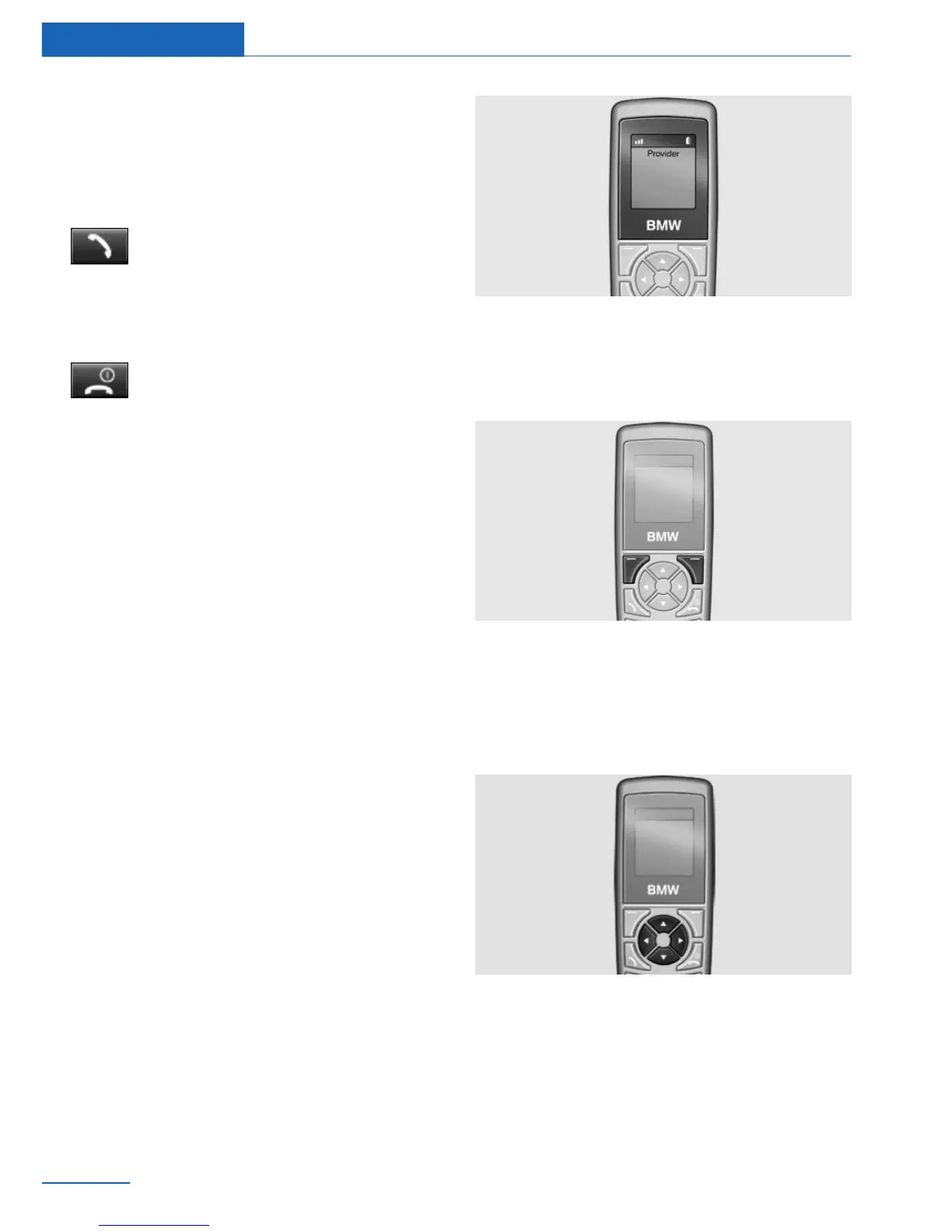
Controls
Basic principles
Connect button
Press the button. Select the displayed
or highlighted number and accept the
call.
On/off/terminate button
Press the button and hold: switches
on and off.
Press the button briefly: terminates a call.
Note on switching on/off
If the handset is switched on and off during a
trip, the Bluetooth connection must be rees‐
tablished on the Control Display.
Functional requirement for standby
indicator
▷ The SIM card is inserted in the snap-in
adapter or a mobile phone is connected via
the SIM Access Profile.
▷ The handset is switched on.
▷ The PIN of the SIM card has been entered
or the PIN query, refer to page 122, is sup‐
pressed.
▷ The PIN can also be entered on the Control
Display if the snap-in adapter is connected
to the vehicle.
▷ Wireless reception must be guaranteed.
The standby indicator and the name of the net‐
work operator are displayed.
Display buttons
The current functions of these buttons are
shown in the bottom line of the display.
Press the button: select the function.
Arrow buttons
Press the up/down arrow buttons: leaf through
the menus.
Press the left/right arrow buttons: adjust the
call volume during a call.
Seite 114
Communications Telephone in the rear
114
Online Edition for Part no. 01 40 2 926 935 - X/13



 To Next Page