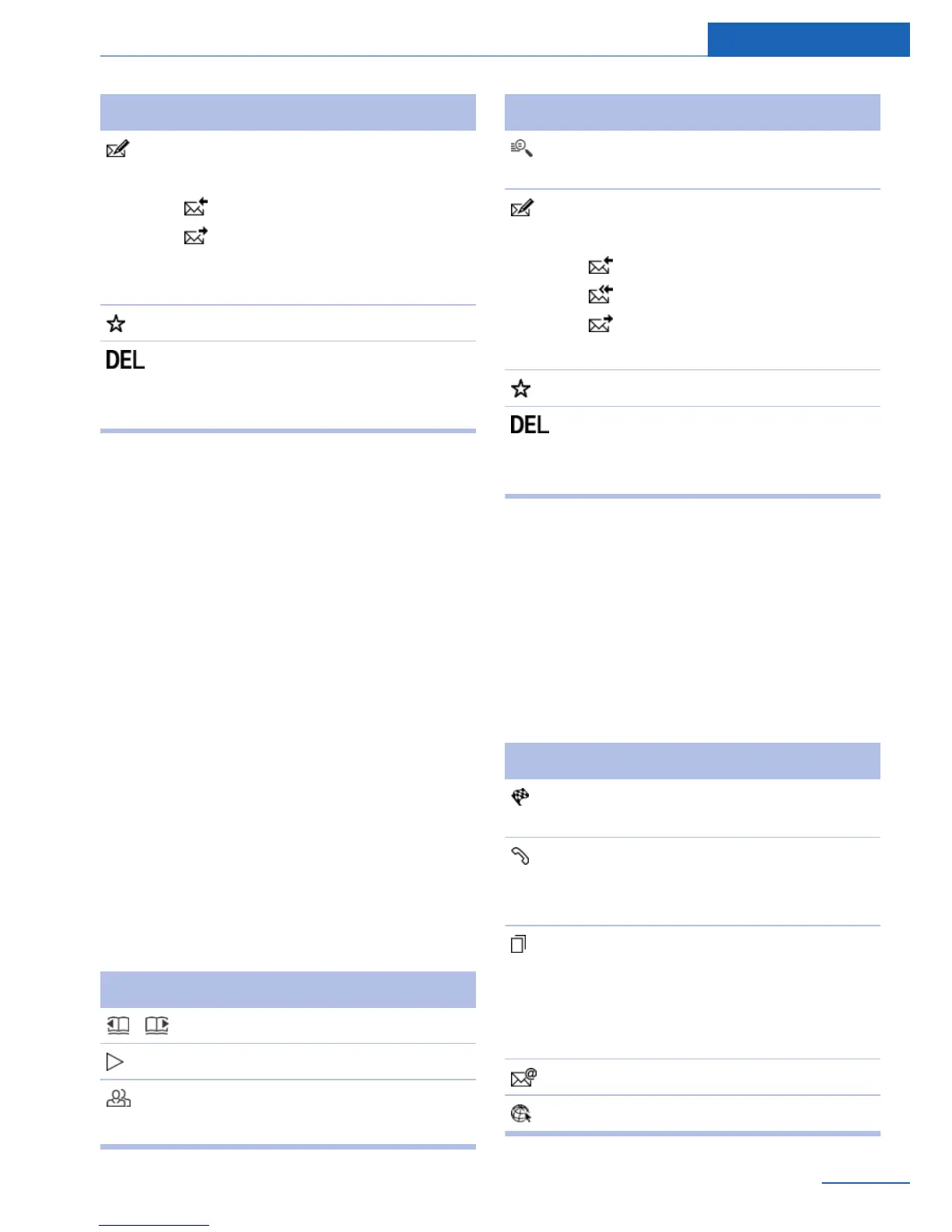
Symbol Function
"Reply"
Select from:
"Reply"
"Forward"
Send text message, refer to
page 90.
"Mark as unread"
"Delete message"
Text messages are also deleted in
the mobile phone.
E-mail
General information
E-mails transferred from the mobile phone to
the vehicle.
Deactivating the full display
When an e-mail is opened in the vehicle, the e-
mail is fully transmitted to the vehicle. This
may result in charges.
1.
"Office"
2. "Messages"
3. Open "Options".
4. "Fully download e-mails"
Only a part of the e-mail from the mobile
phone is loaded into the vehicle.
Additional functions
The following functions are available when an
e-mail is selected:
Symbol Function
Scroll through the e-mail.
"Play", refer to page 100.
"Sender/Recipient"
Contact data is displayed.
Symbol Function
"Use contact data", refer to
page 99.
"Reply"
Select from:
"Reply"
"Reply to all"
"Forward"
Send e-mail, refer to page 90.
"Mark as unread"
"Delete e-mail"
Emails are also deleted in the mo‐
bile phone.
My Info
General information
My Info messages from the ConnectedDrive
portal.
Additional functions
The following functions are available when a
message is selected:
Symbol Function
"Start guidance" or "Add as another
dest."
"Call"
If the message contains a number,
the connection is established.
"Select phone number"
If the message contains more than
one number, select the desired
number from the list. The connec‐
tion is established.
"Send e-mail (Online)"
"Open link in browser"
Seite 95
Office Communications
95
Online Edition for Part no. 01 40 2 926 935 - X/13



 To Next Page