CD/DVD
Vehicle equipment
All standard, country-specific and optional
equipment that is offered in the model series is
described in this chapter. Therefore, equip‐
ment is also described that is not available in a
vehicle, e. g., because of the selected optional
equipment or country variant. This also applies
for safety-related functions and systems.
Controls
Press the button Function
Press: switches sound out‐
put on/off.
Turn: adjusts the volume.
Changes the entertain‐
ment source.
Change station/track.
Programmable memory
buttons.
Change waveband.
Eject CD/DVD.
Sound output
Switching on/off
If the ignition is switched off:
press the button.
Muting
If the ignition is switched on or
the engine is running: press the
button.
Playback
Loading the CD/DVD player
Insert the CD/DVD with the printed side up.
Playback begins automatically.
Reading can take a few minutes with com‐
pressed audio files.
Starting playback
A CD/DVD is located in the CD/DVD player or
DVD changer.
1.
"Multimedia"
2. "CD/DVD"
3. Select the desired CD or DVD.
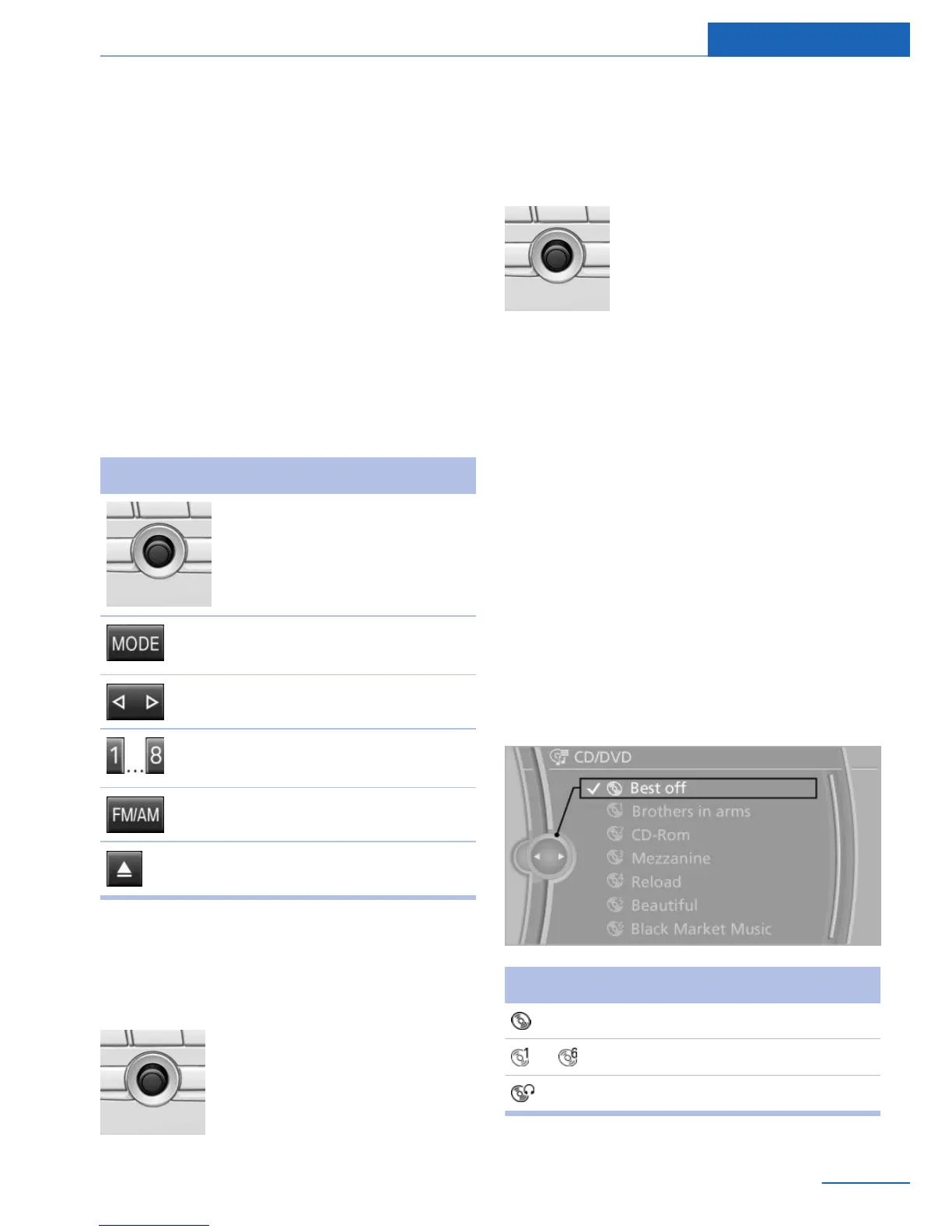
Symbol Meaning
CD/DVD player.
... DVD changer.
Rear CD/DVD player.
Seite 43
CD/DVD Entertainment
43
Online Edition for Part no. 01 40 2 926 935 - X/13



 To Next Page