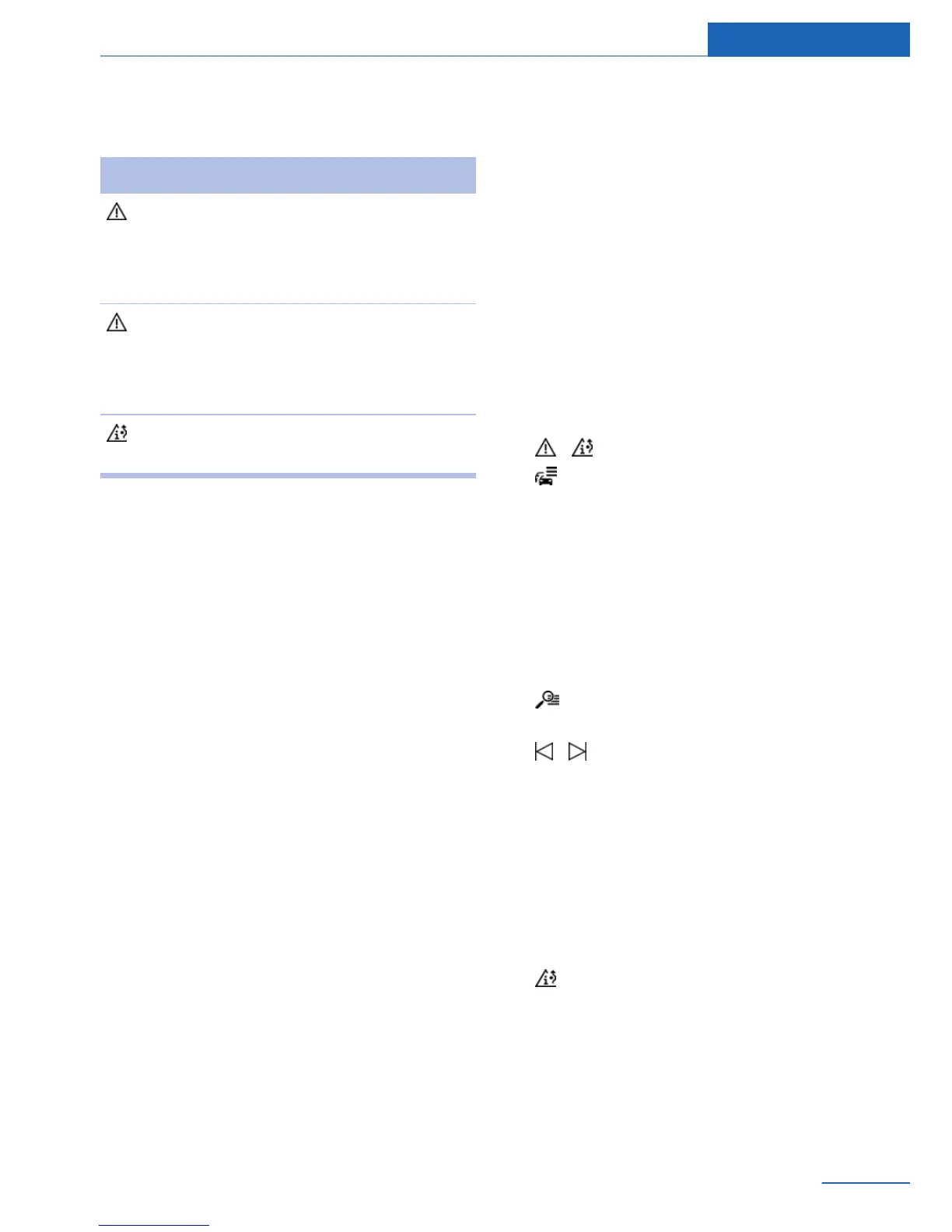
Display in the function bar of the map
view
Symbol Function
Symbol yellow:
The traffic information relates to the
calculated route and the prospec‐
tive delay is less than 20 minutes.
Symbol red:
The prospective delay is more than
20 minutes, or there is a road block
or hazard warning for the route.
There are suitable detours in keep‐
ing with the traffic bulletins.
Realtime traffic information, RTTI
In some countries, realtime traffic information,
RTTI, is transmitted by services that can be
booked additionally, and which can then be
used and displayed instead of the traffic bulle‐
tins from the radio stations.
With the realtime traffic information, the loca‐
tions of traffic obstructions are provided in
greater, more precise detail. Traffic conditions
on roads other than the highways, e.g., secon‐
dary roads and urban streets are also recorded
and displayed for a wide area. Recommended
detours can be calculated more accurately on
the basis of this information. The risk of be‐
coming caught in a further traffic obstruction
on detour routes is reduced. If applicable, sev‐
eral detour recommendations or additional in‐
formation may be offered.
When traveling in countries where realtime
traffic information is not available, the traffic
bulletins from the radio stations are still used
whenever possible.
The lower status field, refer to page 21, in the
map view shows whether TI or RTTI traffic bul‐
letins are being used.
Reception
Switching on/off
1. "Navigation"
2. Open "Options".
3. "Receive Traffic Info"
List of traffic bulletins
Displays
1. "Navigation"
2. "Map"
3. "Traffic list"
4. "Traffic list"
With active destination guidance, first the
traffic bulletins for the calculated route are
displayed with red symbols. Then, the traf‐
fic bulletins that do not affect the route are
shown with gray symbols. The traffic bulle‐
tins are sorted by their distance from the
current position of the vehicle.
5. Select a traffic bulletin.
"More information": display additional
information.
6. Scroll to the next or previous traffic
bulletin if required.
Detour recommendations
Displays
1.
"Navigation"
2. "Map"
3. "Detour": a list of detour recommenda‐
tions is displayed.
Seite 25
Traffic bulletins Navigation
25
Online Edition for Part no. 01 40 2 926 935 - X/13



 To Next Page