The selected channel is stored for the remote
control currently in use.
1. "Radio"
2. "Satellite radio"
3. "Satellite radio channel list"
4. Select the desired channel.
Select a channel directly
1. "Radio"
2. "Satellite radio"
3. "Set channel"
4. Turn the controller until the desired chan‐
nel is highlighted, and press the controller.
Changing the channel
Select symbol
or .
Or
Press the button.
Storing a channel
1.
"Radio"
2. "Satellite radio"
3. If necessary, "Satellite radio channel
list".
4. Highlight the desired channel.
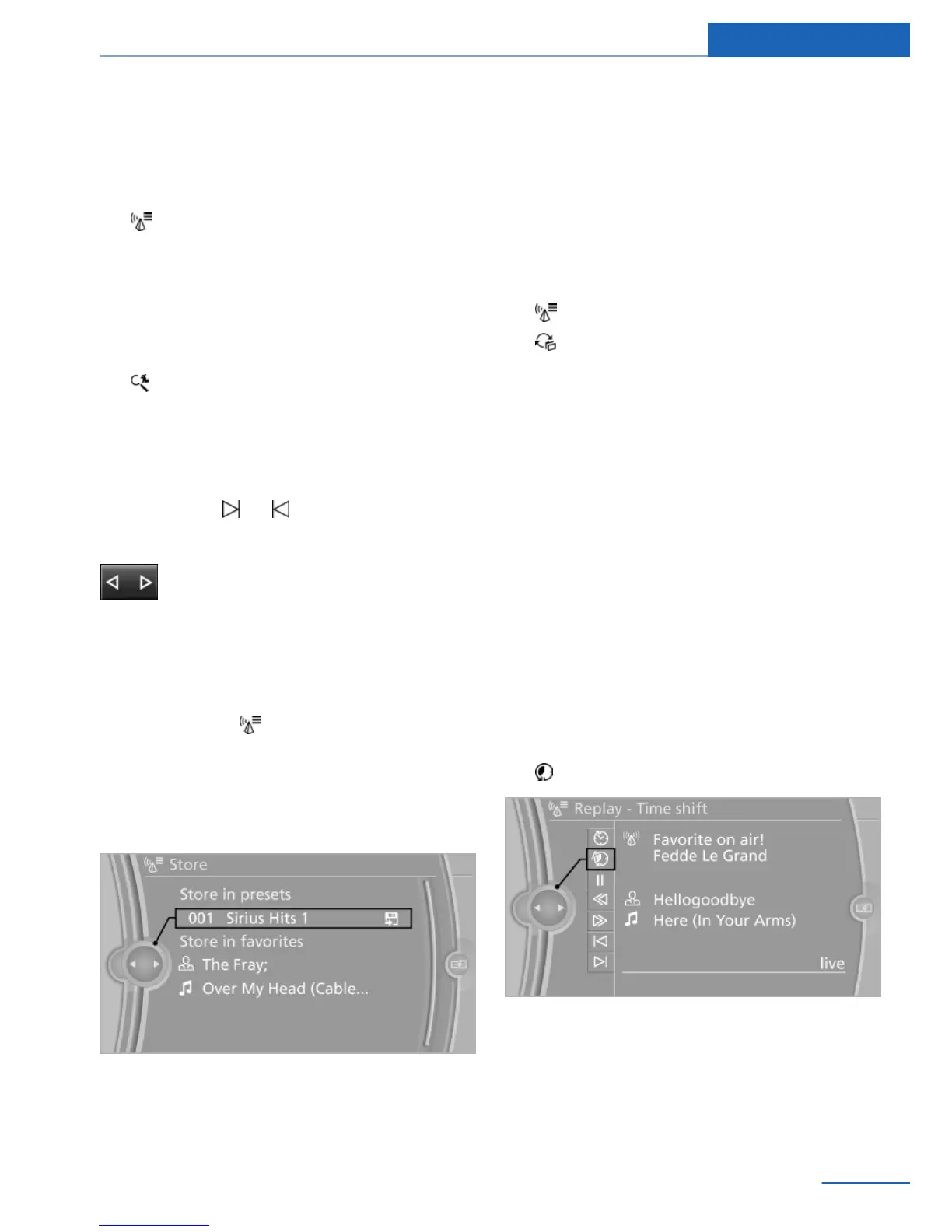
5. Press and hold the controller until the table
for selecting the storage location appears.
6. Select the channel.
7. Select the desired memory location.
The channels are stored for the remote control
currently in use.
The channels can also be stored on the pro‐
grammable memory buttons.
Selecting a category
1. "Radio"
2. "Satellite radio"
3. "Satellite radio channel list"
4. "Category" or select a displayed cate‐
gory.
5. Select the desired category.
Timeshift
The channel you are currently listening to can
be stored in a buffer for up to an hour.
Prerequisite: the signal must be available.
The stored audio track can be played with a
delay following the live broadcast. When the
memory is full, the older tracks are overwritten.
The memory is cleared when a new channel is
selected or when the vehicle is switched off.
Opening the timeshift function
1.
"Radio"
2. "Satellite radio"
3. "Time shift"
▷ The red arrow shows the current playback
position in the memory.
▷ The time difference to the live broadcast is
displayed above and to the right of the bar.
For live transmissions: "live".
Seite 39
Radio Entertainment
39
Online Edition for Part no. 01 40 2 926 935 - X/13



 To Next Page