Sorting a music directory
The list can be sorted alphabetically by name
or by the date saved.
1. "Sorting"
2. "By name" or "By date"
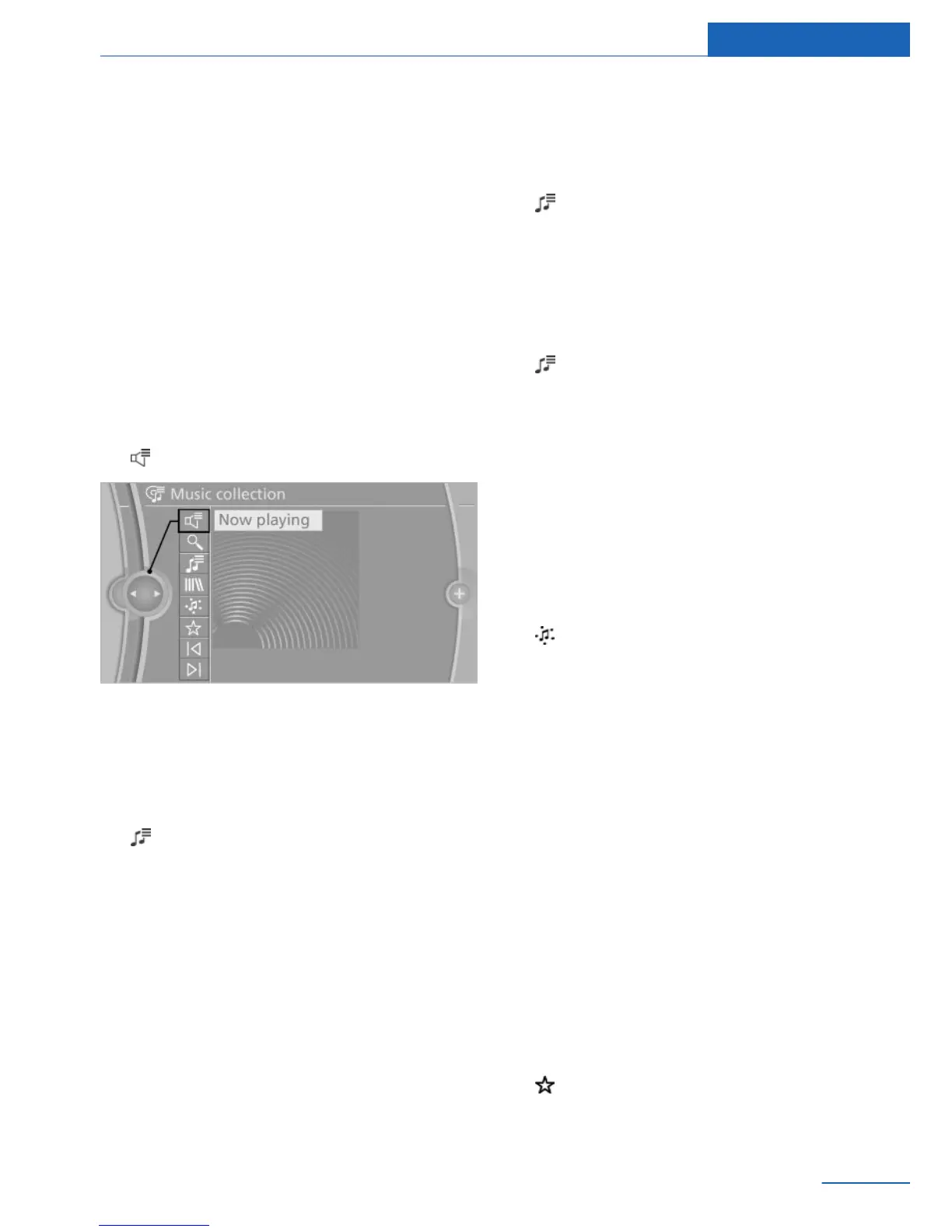
Current playback
List of tracks that is currently being played. For
example, the list of tracks that was found using
music search, a playlist or the list of similar
tracks found.
1. "Multimedia"
2. "Music collection"
3. "Now playing"
4. Select the desired track, if necessary.
Playback lists
1.
"Multimedia"
2. "Music collection"
3. "Playlists"
The following lists are displayed:
▷ "My favorites"
All tracks that have been marked as favor‐
ites.
▷ "Top 50"
The 50 most frequently played tracks.
▷ "Similar music"
All playlists that have were automatically
generated by the search for similar music.
▷ "Playlists"
Playlists that have been imported or stored
as playlists in the vehicle.
Deleting a playlist
1. "Playlists"
2. Highlight a playlist that is to be deleted.
3. Open "Options".
4. "Delete playlist"
Deleting all playlists
1. "Playlists"
2. Open "Options".
3. "Delete all playlists"
Similar music
You can carry out a search for music stored in
the vehicle that is similar to the track currently
being played.
1.
"Multimedia"
2. "Music collection"
3. "Similar titles (HDD)"
A list with the found tracks is displayed.
4. Select the desired track.
The list is saved as a playlist.
Up to 100 tracks can be stored. The number or
playlists is limited, and storing a new playlist
may cause an old one to be deleted.
Favorites
If a track is currently being played, it can be
marked and stored as a favorite.
Saving a track as a favorite
A track can only be stored as a favorite if it is
currently being played.
1.
"Multimedia"
2. "Music collection"
3. "Add to favorites"
Seite 63
Music collection Entertainment
63
Online Edition for Part no. 01 40 2 926 935 - X/13



 To Next Page