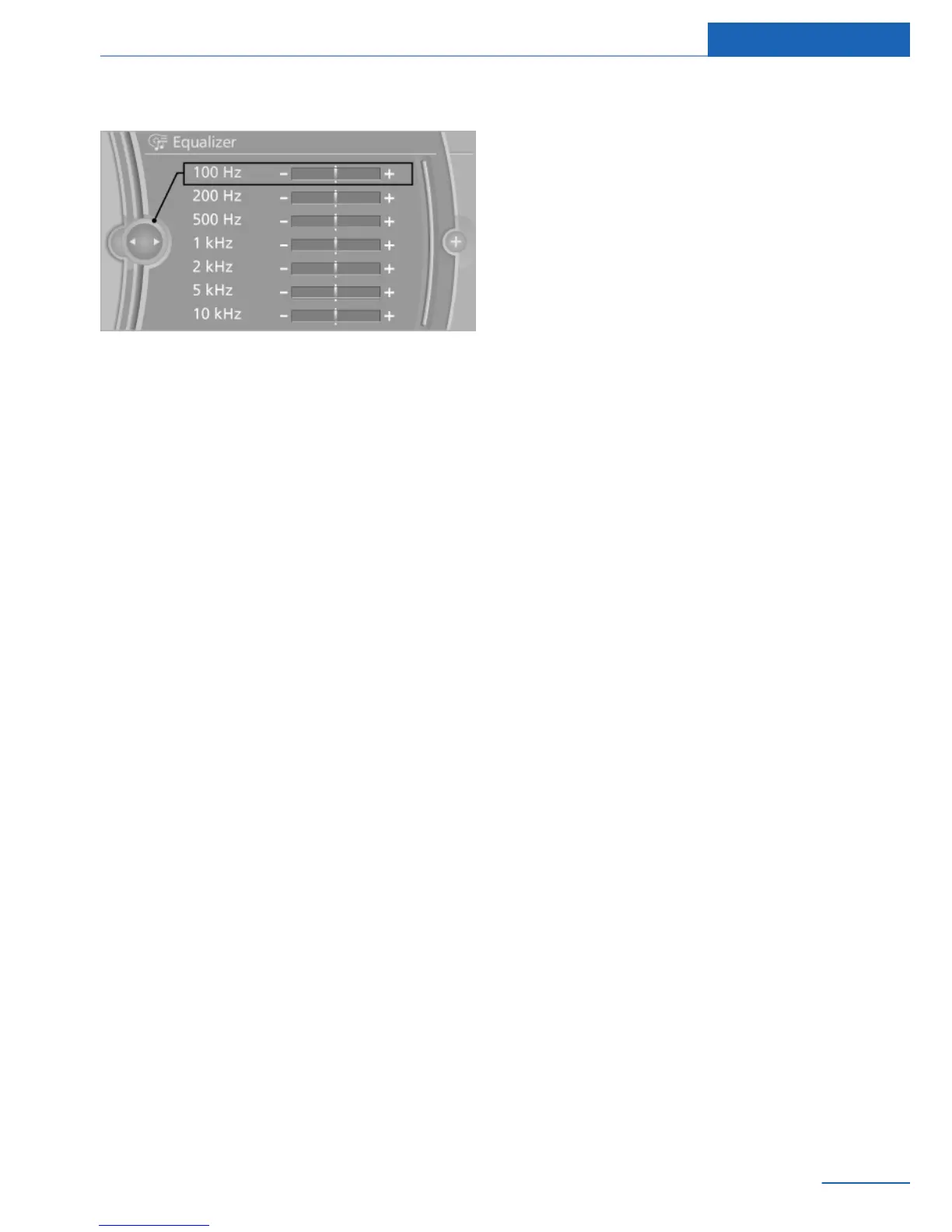
4. Select the desired setting.
5. To adjust: turn the controller.
6. To store: press the controller.
Multi-channel playback,
surround
General information
Choose between stereo and multi-channel
playback, surround.
Adjusting
1.
"Multimedia","Radio" or"Settings"
2. "Tone"
3. "Surround" or "L7 Surround"
When surround is activated, multi-channel
playback is simulated when a stereo audio
track is played.
LOGIC7 and the LOGIC7 logo are registered
trademarks of Lexicon, Inc., a Harman Interna‐
tional Group company.
Bang & Olufsen High End
Surround SoundSystem
The settings for the speaker lighting are being
stored for the currently used remote control.
Tone control
1.
"Multimedia", "Radio" or "Settings"
2. "Tone"
3. "Bang & Olufsen"
4. Select the desired tone settings.
▷ "Studio": studio tone settings.
▷ "Expanded": open space tone settings.
Center speaker
An additional speaker is present on the dash‐
board. When Entertainment is switched on, it
switches off automatically and is illuminated
according to the lighting setting.
If Entertainment is switched off or muting is
activated, the speaker breaks back in.
Volume
General information
▷ "Speed volume": speed-dependent vol‐
ume control.
▷ With the Bang & Olufsen High End Sur‐
round Sound System: through automatic
adjustment of the volume depending on
driving noises, e. g., wind noises, that can
be heard in the interior, no further adjust‐
ment using the Speed Volume is neces‐
sary.
▷ "PDC": volume of the PDC signal com‐
pared to the entertainment sound output.
▷ "Gong": volume of the signal, e. g., the
safety belt reminder, compared to the en‐
tertainment sound output.
▷ "Microphone": volume of the microphone
during a phone call.
▷ "Speakers": volume of the loudspeakers
during a phone call.
The following volumes are only stored for the
respective paired telephone: "Microphone",
"Speakers".
Adjusting
1.
"Multimedia","Radio" or"Settings"
2. "Tone"
Seite 33
Tone Entertainment
33
Online Edition for Part no. 01 40 2 926 935 - X/13



 To Next Page