Playable formats
▷ DVD: DVD-ROM, DVD-R, DVD+R, DVD-
RW, DVD+RW, DVD-R DL, DVD+R DL,
DVD video.
▷ CD-ROM, CD-R, CD-RW, CD-DA, VCD,
SVCD.
▷ Compressed audio files: MP3, WMA, AAC.
CD/DVD removal
1.
Press the button.
The CD/DVD is partially ejected.
2. Remove the CD/DVD.
Audio
Selecting the track using the button
Press the button repeatedly until the
desired track is played.
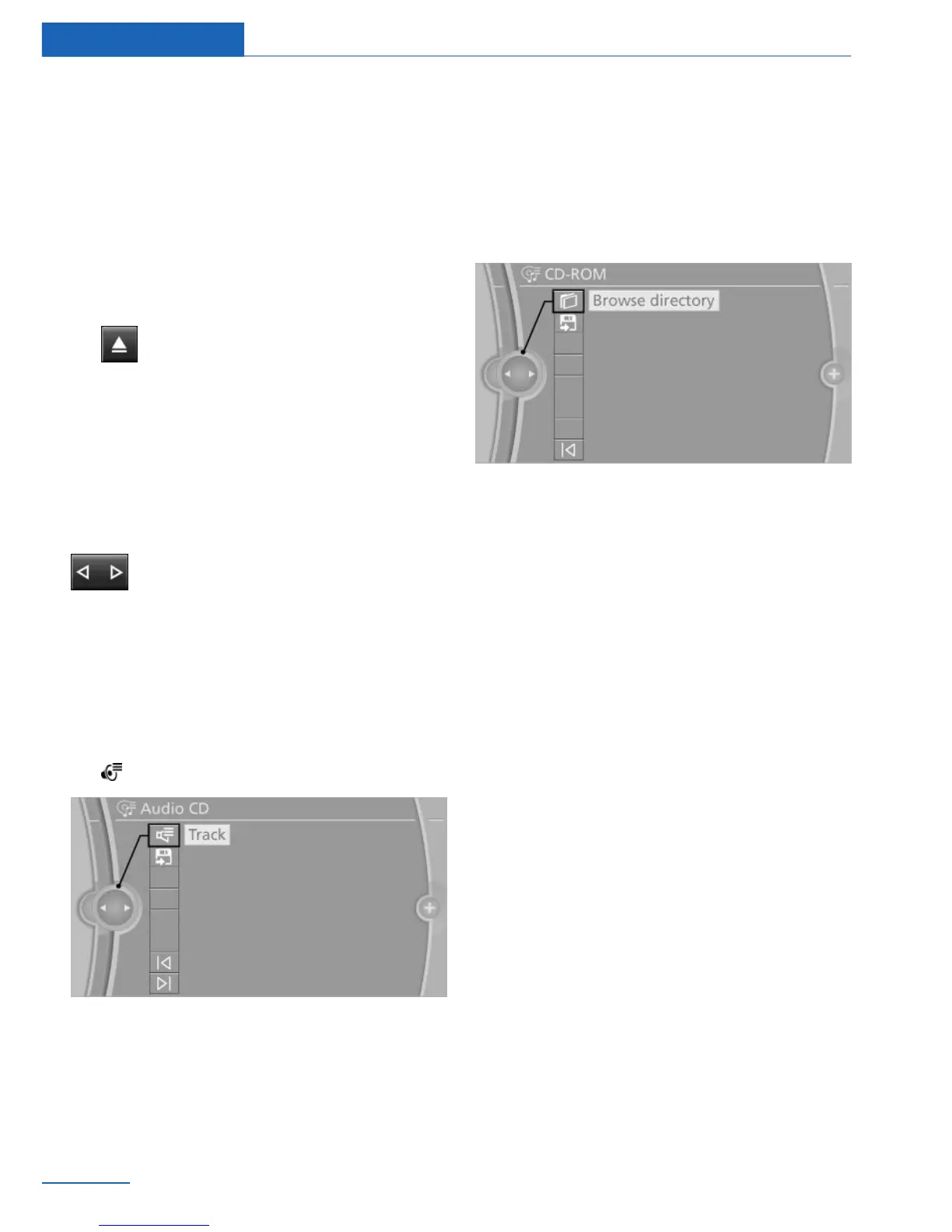
Select track via iDrive
Audio CDs
1.
"Multimedia"
2. "CD/DVD"
3. "Now playing"
4. Select the desired track to begin playback.
CDs/DVDs with compressed audio
files
Depending on the data, some letters and num‐
bers of the CD/DVD may not be displayed cor‐
rectly.
1. "Browse directory"
2. Select the directory if necessary.
To go up a level in the directory: move the
controller to the left.
3. Select the desired track to begin playback.
Displaying information on the track
If information about a track has been stored, it
is displayed automatically:
▷ Artist.
▷ Album name.
▷ Number of tracks on the CD/DVD.
▷ File name of track.
▷ Cover picture of the CD/DVD.
Updating album information
The album information for a CD is displayed
automatically. If the album information is not
correctly displayed, perhaps because there are
several similar albums, the album information
can be updated.
1.
"Multimedia"
2. "CD/DVD"
3. Open "Options".
4. "Album information"
5. Select the desired entry.
Seite 44
Entertainment CD/DVD
44
Online Edition for Part no. 01 40 2 926 935 - X/13



 To Next Page