Calling stored favorites
1. "Multimedia"
2. "Music collection"
3. "Playlists"
4. "My favorites"
5. Select the desired track.
The favorites can be stored in the vehicle as
playlist, refer to page 63.
Deleting single tracks from favorites
1. Call the track you want to delete from the
list of favorites.
2. "Delete from favorites"
Deleting tracks from favorites
Individual or all tracks can be deleted from the
favorites.
1.
"Playlists"
2. "My favorites"
3. Open "Options".
4. "Delete title from favorites" or "Delete all
titles from favorites"
Storing favorites as playlists
The list of favorites can be stored in the vehicle
as a playlist.
1.
"My favorites"
2. Open "Options".
3. "Save as playlist"
Audio books and podcasts
Audio books and podcasts can be called sepa‐
rately.
1.
"Additional Media"
2. Open the desired entry:
▷ "Audio books"
▷ "Podcasts"
3. Call the desired file.
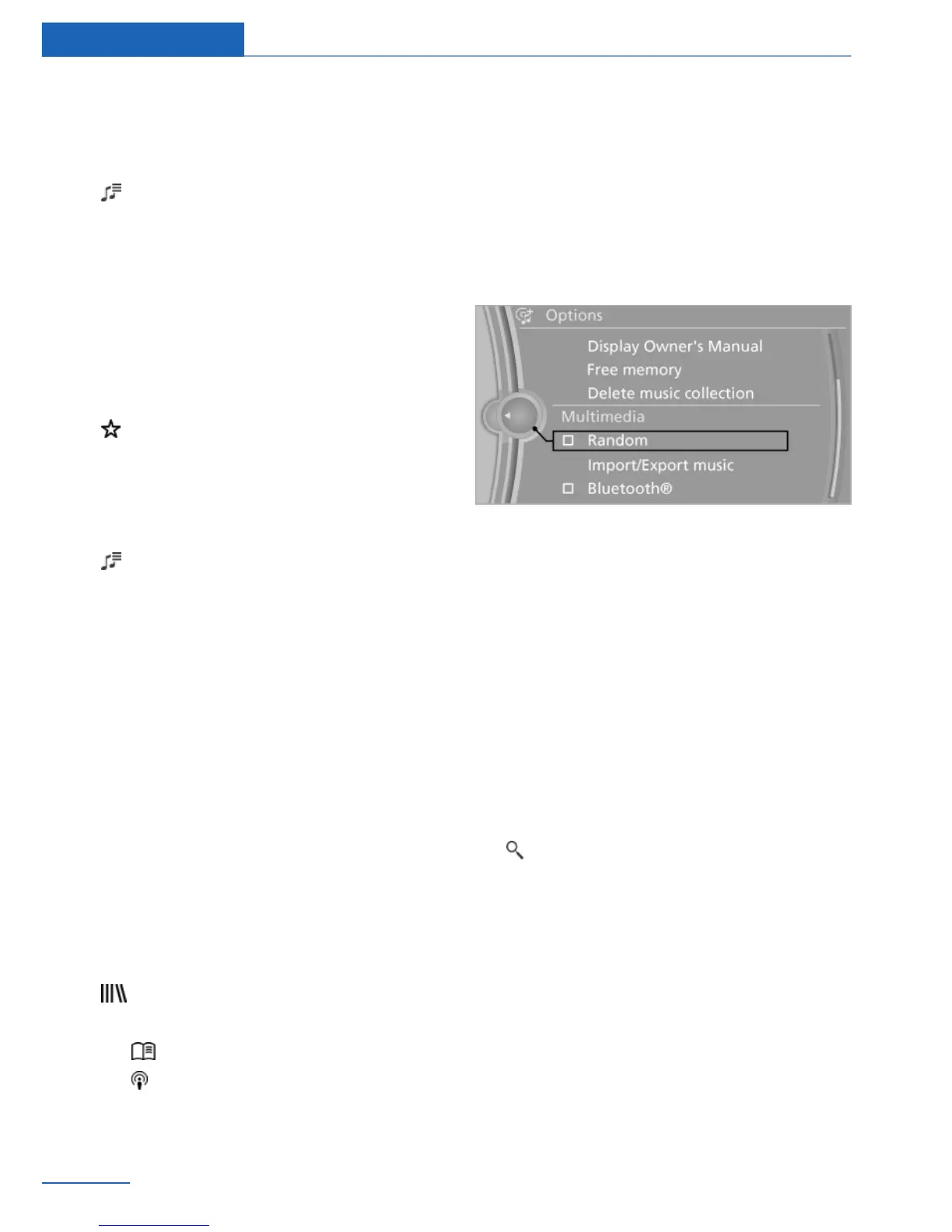
Random playback
All tracks of the selection are played back in
random order.
1. "Multimedia"
2. "Music collection"
3. Open "Options".
4. "Random"
Managing music
Music directory
Renaming folders or tracks
The name of the album, if available, is automat‐
ically entered when the album is stored. If the
name is not available, it can be changed later if
desired.
1.
"Multimedia"
2. "Music collection"
3. "Music search"
4. "Browse directory"
5. Highlight the desired folder or track.
6. Open "Options".
Seite 64
Entertainment Music collection
64
Online Edition for Part no. 01 40 2 926 935 - X/13



 To Next Page