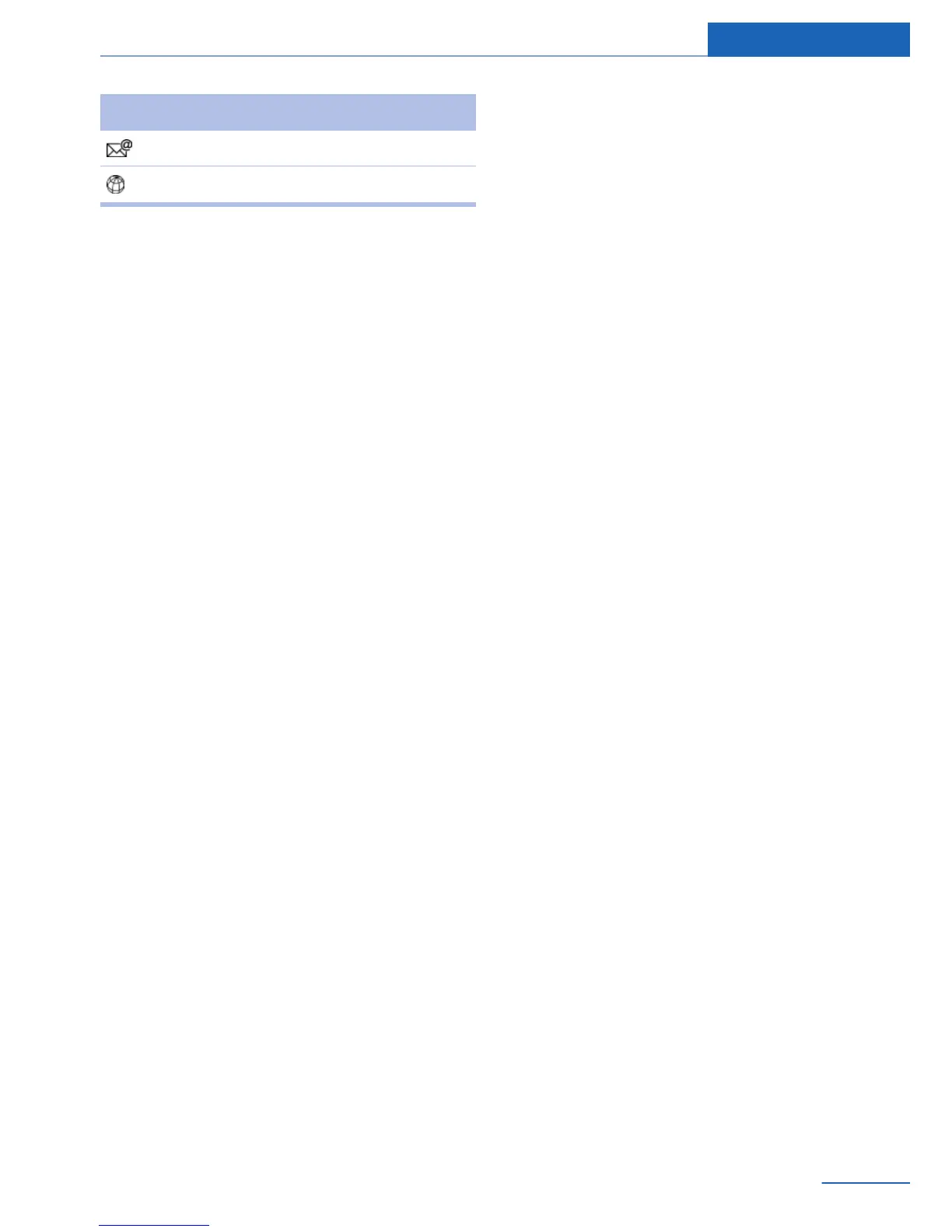
Symbol Meaning
E-mail address.
Internet address.
Specifying the home address
A home address can be stored. It appears at
the top of the contact list.
1. "Office"
2. "Contacts"
3. "Home"
4. Create a contact.
5. "Store contact in vehicle"
Selecting the sorting order of the
names
Names can be displayed in a different order.
1.
"Office"
2. "Contacts"
3. Open "Options".
4. "Display last name first" or "Display first
name first".
Depending on how the contacts were stored
on the mobile phone, the sorting order of the
names may differ from the selected sorting or‐
der.
Show contact pictures
Pictures stored with the contacts are stored in
the vehicle when the mobile phone is con‐
nected to the vehicle.
1.
"Settings"
2. "Connections"
3. "Bluetooth®"
4. Open "Options".
5. "Configure Bluetooth®"
6. "Show images"
Display of all contact pictures is activated or
deactivated.
Deleting contacts
Only contacts that are stored in the vehicle are
deleted. The contacts on the mobile phone or
at BMW Online cannot be deleted.
1. "Office"
2. "Contacts"
3. Highlight the contact.
4. Open "Options".
5. "Delete contact" or "Delete all contacts".
6. If necessary, "Yes"
Messages
General information
Messages are only displayed in full length
when the vehicle is stationary.
Displaying messages
1.
"Office"
2. "Messages"
The most recent messages are displayed.
You can choose whether the Messages are to
be transferred from a mobile phone. The Mes‐
sages can also be transferred from both con‐
nected mobile phones.
If multiple e-mail accounts are assigned to one
mobile phone, the desired e-mail account
must be selected.
1.
Open "Options".
Seite 93
Office Communications
93
Online Edition for Part no. 01 40 2 926 935 - X/13



 To Next Page