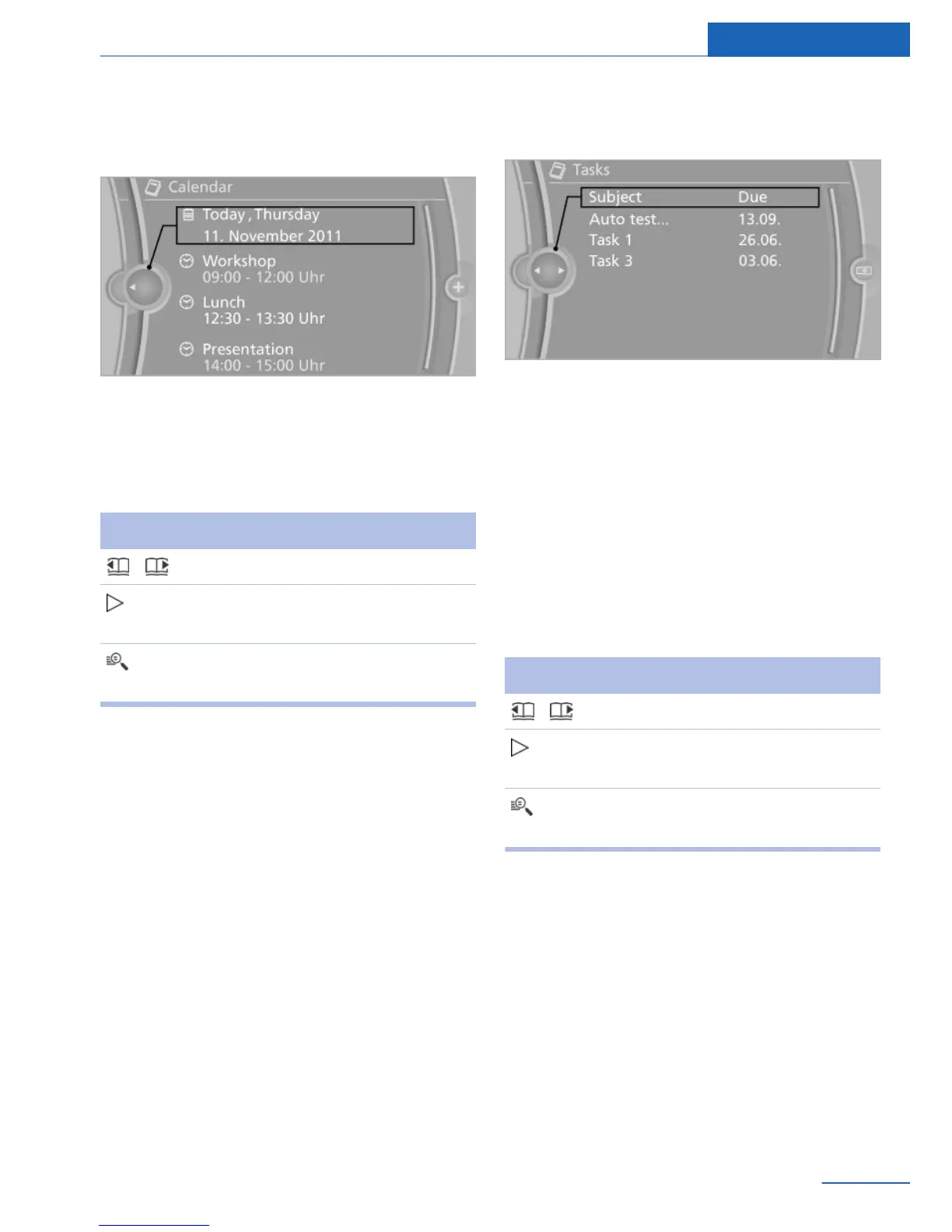
Appointment
Displays
Select the desired appointment.
Additional functions
The following functions are available when an
appointment entry is selected:
Symbol Function
Scrolling through the appointment.
"Text-to-speech", refer to
page 100.
"Use contact data", refer to
page 99.
Tasks
Displaying the task list
1.
"Office"
2. "Tasks"
You can choose whether the Tasks are to be
transferred from a mobile phone. The Tasks
can also be transferred from both connected
mobile phones.
1.
Open "Options".
2. Select the mobile phone from which the
tasks are to be transferred.
Sorting the task list
1. Select the header in the task list.
2. Select the sorting criterion:
▷ "Priority (!)"
▷ "Subject"
▷ "Due date"
Displaying the task
Select the desired task.
Additional functions
The following functions are available when a
task is selected:
Symbol Function
Scroll through the task.
"Text-to-speech", refer to
page 100.
"Use contact data", refer to
page 99.
Notes
Displaying notes
1.
"Office"
2. "Notes"
All text notes from the mobile phone and
voice notes recorded in the vehicle are dis‐
played.
You can choose whether the Notes are to be
transferred from a mobile phone. The Notes
Seite 97
Office Communications
97
Online Edition for Part no. 01 40 2 926 935 - X/13



 To Next Page