Via the button on the steering wheel
Press the button.
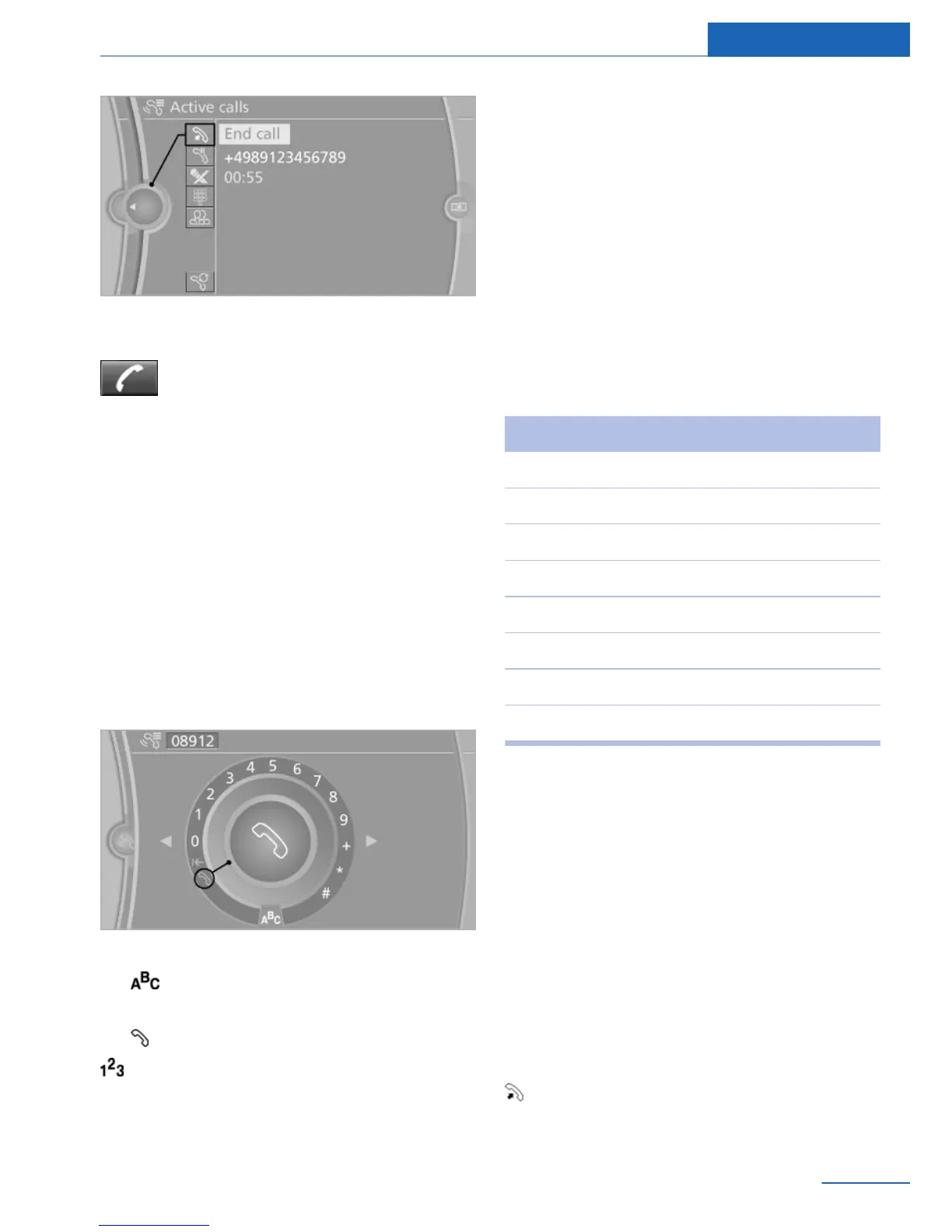
Via the instrument cluster
"End call"
Dialing a number
When entering phone numbers, you can
switch between entering letters and numbers.
Service numbers can be entered more easily,
e. g., 1-888-BMW-CARD.
1.
"Telephone"
2. "Dial number"
3. Select the digits individually.
4. Convert to letters as required.
Select the symbol.
Select the letters individually.
5. Select the symbol.
Select symbol to convert to numbers. The
connection is established via the mobile phone
to which this function has been assigned.
If a connection is to be set up via the auxiliary
phone:
1. Select the digits individually.
2. Open "Options".
3. "Call via" mobile phone 2.
The phone number can also be entered by
voice. Only numbers can be spoken. The con‐
nection is established via the mobile phone to
which the telephone function has been as‐
signed.
Letter/number assignment
Letter Number
ABC 2
DEF 3
GHI 4
JKL 5
MNO 6
PQRS 7
TUV 8
WXYZ 9
Calls with multiple parties
General information
You can switch between calls or connect two
calls to a single conference call. These func‐
tions must be supported by the mobile phone
and service provider.
Accepting a call while speaking to
another party
If a second call comes in during an ongoing
call, a call waiting signal sounds where appro‐
priate.
"Accept"
The call is accepted and the existing call is put
on hold.
Seite 83
Telephone Communications
83
Online Edition for Part no. 01 40 2 926 935 - X/13



 To Next Page