Music collection
Vehicle equipment
All standard, country-specific and optional
equipment that is offered in the model series is
described in this chapter. Therefore, equip‐
ment is also described that is not available in a
vehicle, e. g., because of the selected optional
equipment or country variant. This also applies
for safety-related functions and systems.
Storing music
The concept
Music tracks from CDs/DVDs and USB devices
can be stored in the music collection on a hard
disc in the vehicle and played from there.
General information
▷ Audio CD: tracks are converted into a com‐
pressed audio format. If available, informa‐
tion on the album, such as the artist, is
stored as well.
▷ CD/DVD or USB device with compressed
audio files: the entire content of the
CD/DVD or the USB device is stored in the
vehicle as an album. All audio files are
stored in the formats supported, refer to
page 44, by the vehicle. Tracks and direc‐
tories can be individually deleted later. De‐
leting a track and directory, refer to
page 65.
Hints
Tracks with DRM copy protection can be
stored but cannot be played back.
Backing up the music collection
Regularly back up your music collection,
otherwise it might be lost if there is a fault on
the hard disk.◀
Music recognition technology and re‐
lated data are provided by Grace‐
note®. Gracenote is the industry standard in
music recognition technology and related con‐
tent delivery.
For more information, please visit www.grace‐
note.com.
CD and music-related data from Gracenote,
Inc., copyright © 2000 to present Gracenote.
Gracenote software, copyright 2000 to present
Gracenote. This product and service may prac‐
tice one or more of the following U.S. Patents:
#5,987,525; #6,061,680; #6,154,773,
#6,161,132, #6,230,192, #6,230,207,
#6,240,459, #6,330,593, and other patents is‐
sued or pending. Some services supplied un‐
der license from Open Globe, Inc. for U.S. Pat‐
ent: #6,304,523.
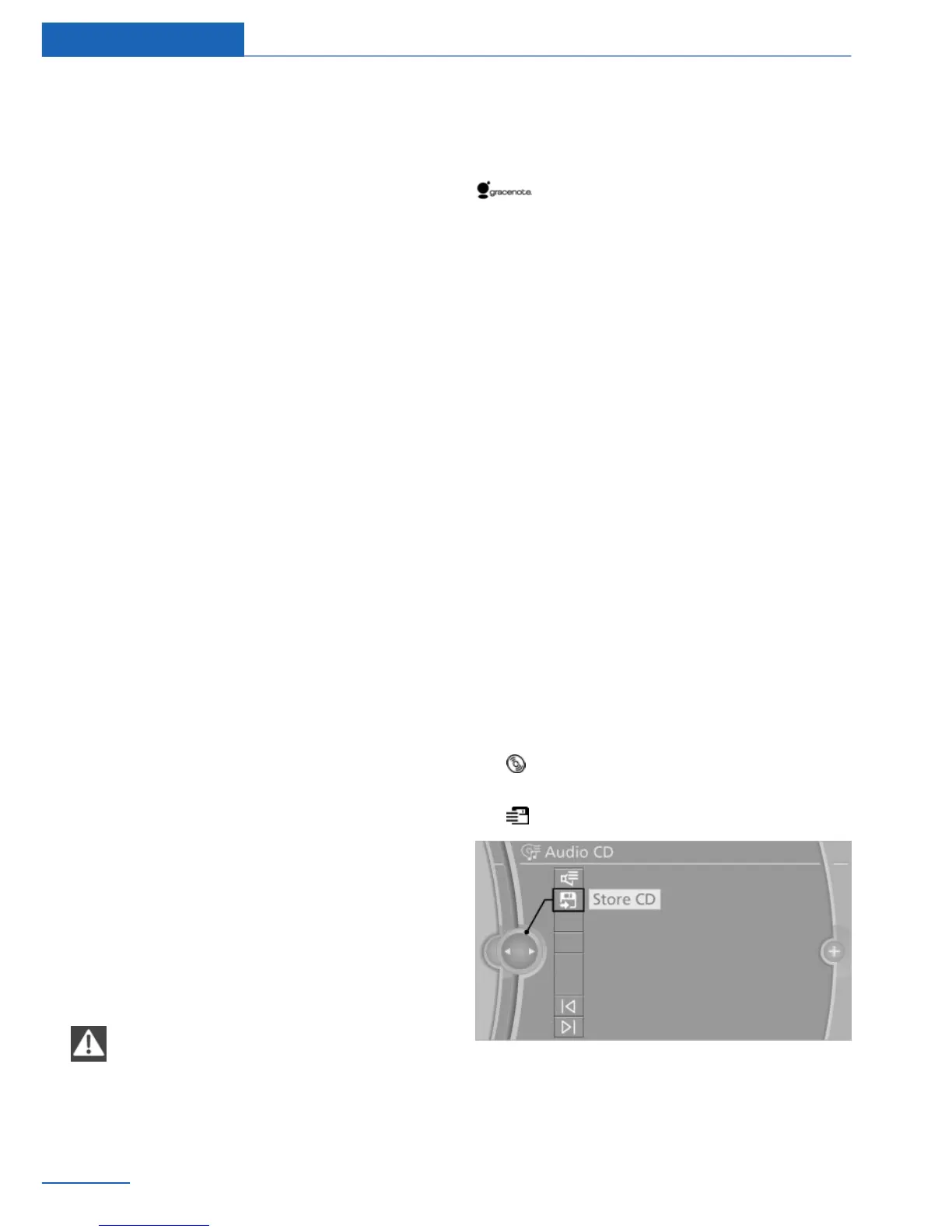
Storing from a CD/DVD
1.
Insert a CD or DVD into the CD/DVD
player.
2. "Multimedia"
3. "CD/DVD"
4. Select the symbol for the CD/DVD
player.
5. "Store CD"
The music collection is displayed and the first
track of the CD/DVD is played back. During the
storage process, the tracks are played in se‐
quence.
Seite 60
Entertainment Music collection
60
Online Edition for Part no. 01 40 2 926 935 - X/13



 To Next Page