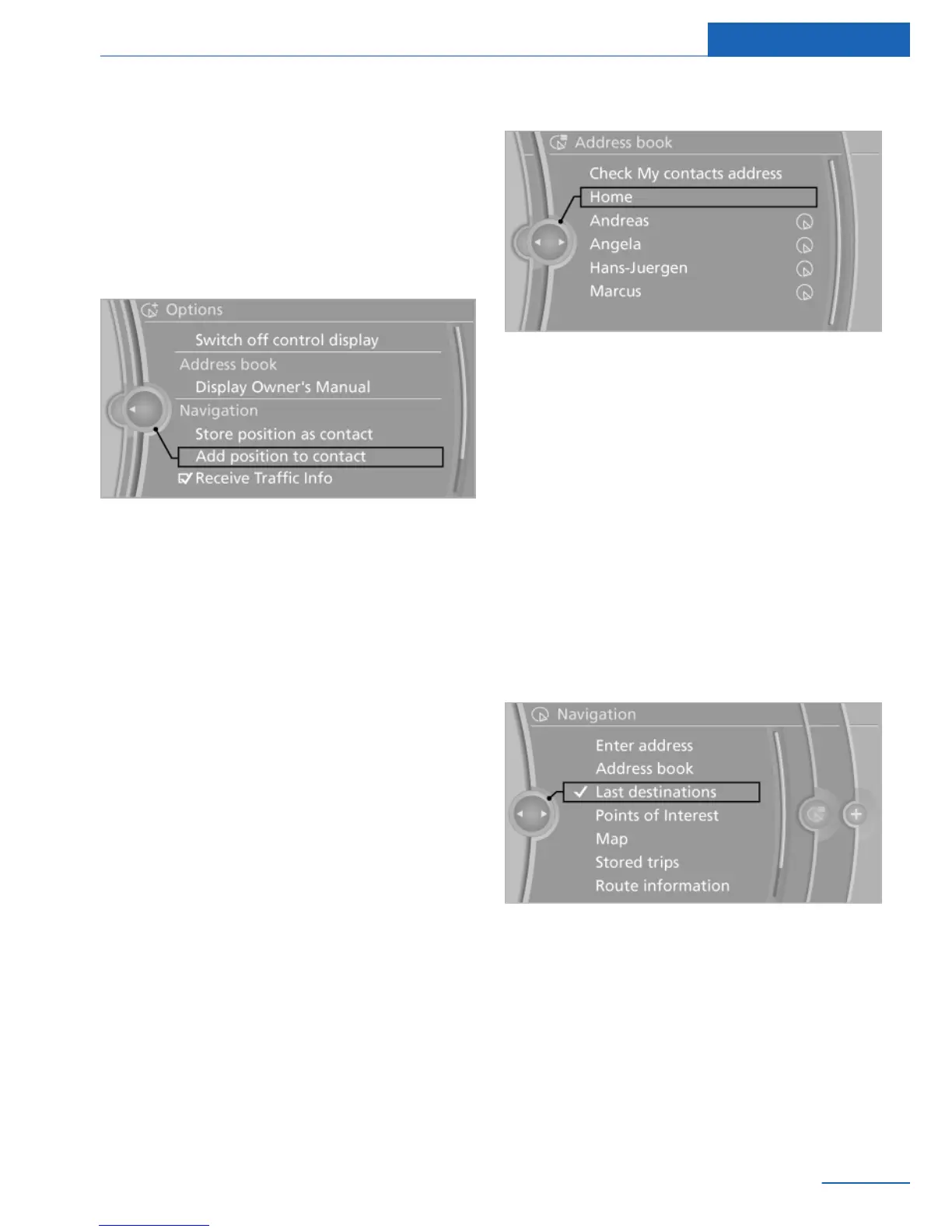
Storing the position
The current position can be stored in the ad‐
dress book.
1. "Navigation"
2. Open "Options".
3. "Store position as contact" or "Add
position to contact"
4. Depending on the selection, choose an ex‐
isting contact from the list. Select the type
of address and enter the first and last
names.
5. "Store in vehicle"
Editing or deleting an address
1.
"Navigation"
2. "Address book"
3. Highlight the entry.
4. Open "Options".
5. "Edit in Contacts" or "Delete entry"
Using the home address as the
destination
The home address must be stored.
1.
"Navigation"
2. "Address book"
3. "Home"
4. "Start guidance"
Last destinations
General information
The destinations previously entered are stored
automatically.
The destinations can be called up and used as
a destination for destination guidance.
Calling up the last destination
1.
"Navigation"
2. "Last destinations"
Starting destination guidance
1.
"Navigation"
2. "Last destinations"
3. Select the destination.
4. "Start guidance"
Seite 11
Destination input Navigation
11
Online Edition for Part no. 01 40 2 926 935 - X/13



 To Next Page