3. "Volume limit"
Headphones, vehicle
loudspeakers
Connecting the headphones
Normal headphones
Connect via the jack 1/8"/3.5 mm, refer to
page 68, on the rear CD/DVD player.
Wireless headphones
Compatible wireless headphones are available
from your service center.
Connecting headphones
Up to 3 sets of wireless headphones can be
connected.
1.
Switch on the headphones.
2. "Settings"
3. "Connections"
4. "Headphones"
5. Press and hold the activation switch on the
headphones, the LED on the headphones
will flash rapidly.
6. "Add new device"
7. Select the side with which the headphones
are to be connected.
The headphones will appear in the list of con‐
nected devices. Information about the con‐
nected headphones will be displayed.
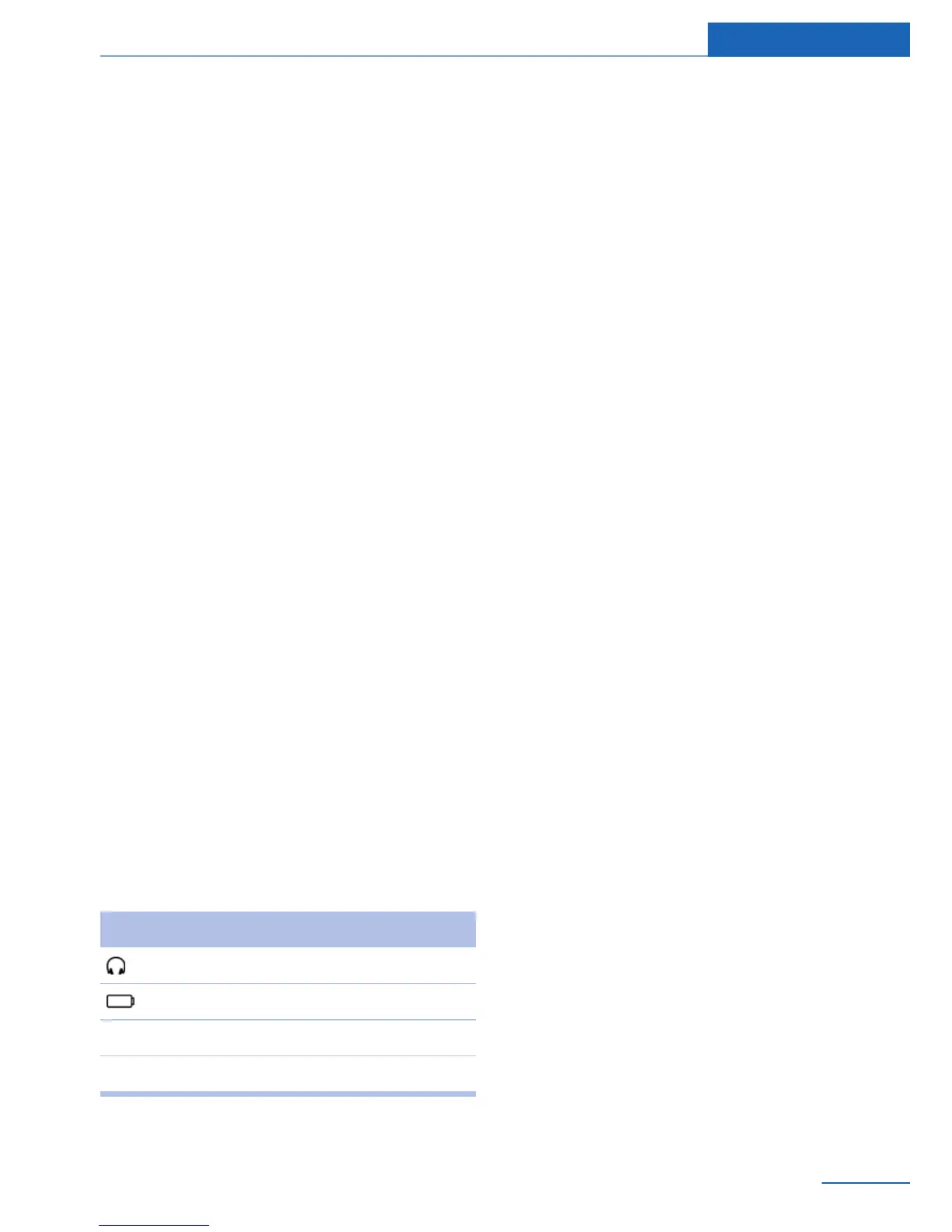
Symbol Meaning
Headphones.
Battery charge status.
L Connection with the left side.
R: Connection with the right side.
Renaming headphones
The name with which the headphones are dis‐
played can be changed.
1. "Settings"
2. "Connections"
3. "Headphones"
4. Highlight the headphones that are to be re‐
named.
5. Open "Options".
6. "Rename"
7. Enter the desired name.
Deleting the headphones connection
The connection with the vehicle can be de‐
leted.
1.
"Settings"
2. "Headphones"
3. Highlight the headphones that are to be
deleted.
4. Open "Options".
5. "Remove device"
Selecting a page
A set of headphones can be connected to the
left or right side of the rear entertainment sys‐
tem. The side can be changed at any time. The
headphones must be switched on to do this.
1.
"Settings"
2. "Headphones"
3. Highlight the headphones for which you
want to change sides.
4. Open "Options".
5. "Switch side"
Sound output on the headphones or
vehicle loudspeakers
Operation is only possible in the rear.
1.
Open "Options".
2. "Headphones" or "Speakers"
Seite 73
Rear entertainment Entertainment
73
Online Edition for Part no. 01 40 2 926 935 - X/13



 To Next Page