DVD menu
Many DVDs have their own menus. The dis‐
play depends on the contents of the DVD.
1.
If necessary, press this button to call
up the Video menu.
2. "DVD menu"
3. To select menu items: move the controller
and press it.
Settings for DVD
For some DVDs, settings can only be made via
the DVD menu; refer also to the information on
the DVD.
Selecting the language
The languages that are available depend on
the DVD.
1.
Turn the controller during playback.
2. Open "Options".
3. "Language"
4. Select the desired language.
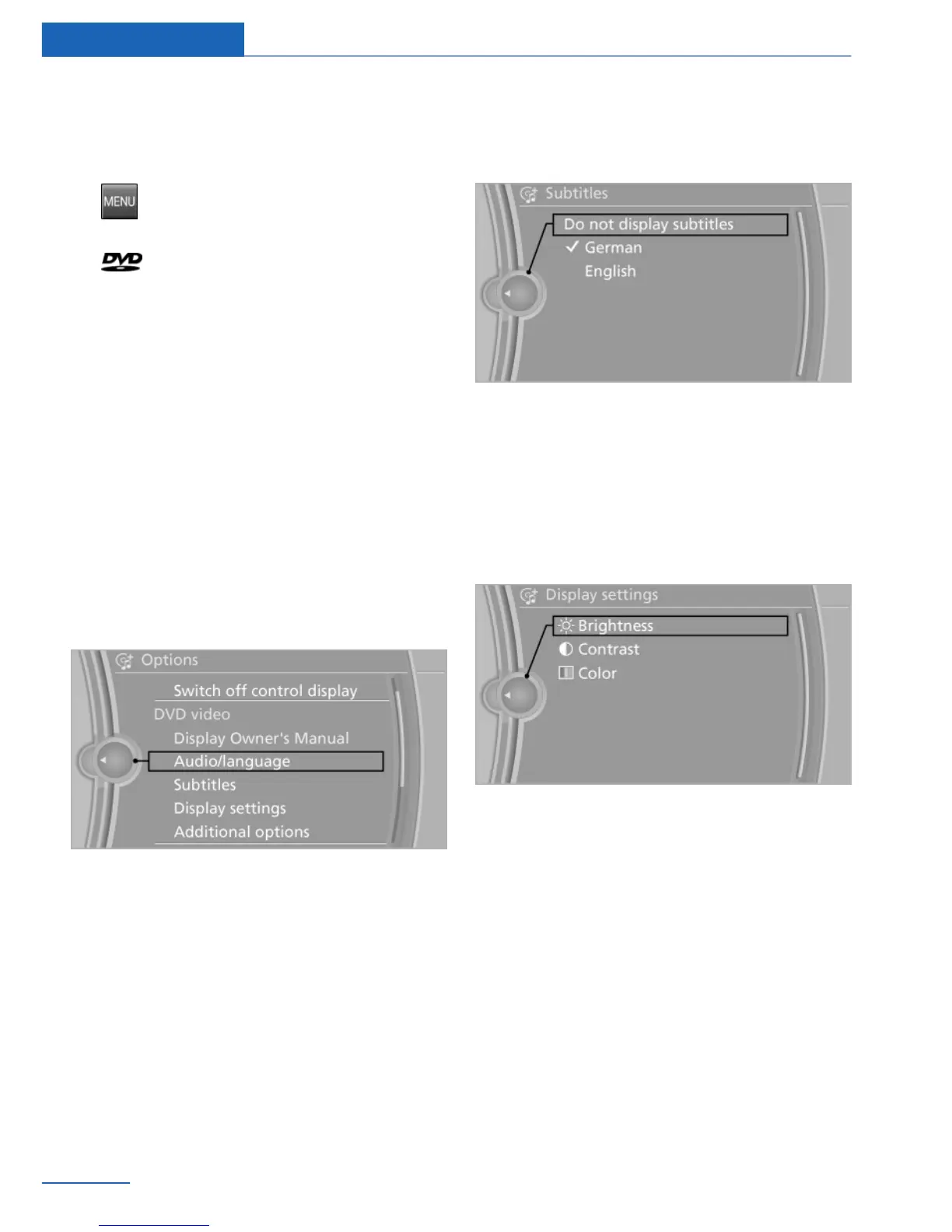
Selecting the subtitles
The subtitles that are available depend on the
DVD.
1.
Turn the controller during playback.
2. Open "Options".
3. "Invalid file"
4. Select the desired language or "Do not
display subtitles".
Setting the brightness, contrast and
color
1.
Turn the controller during playback.
2. Open "Options".
3. "Display settings"
4. "Brightness", "Contrast" or "Color"
5. Turn the controller until the desired setting
is reached, and press the controller.
Selecting the zoom
Display the video image on the entire screen.
1.
Turn the controller during playback.
2. Open "Options".
Seite 46
Entertainment CD/DVD
46
Online Edition for Part no. 01 40 2 926 935 - X/13



 To Next Page