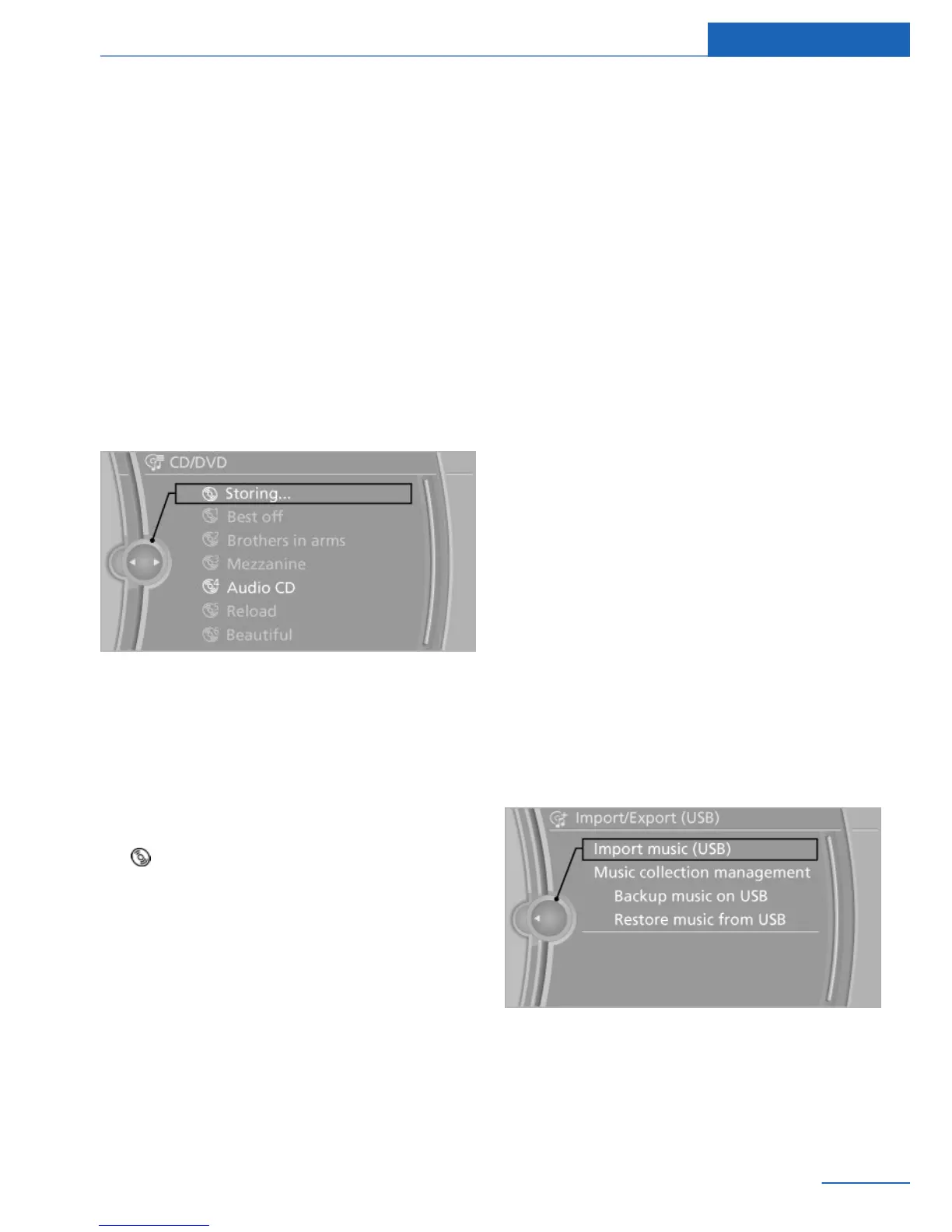
Observe the following during the storage proc‐
ess:
Do not switch to the CD/DVD player and do not
remove the CD/DVD from the CD/DVD player
as this will interrupt the storage process. You
can switch to the other audio sources without
interrupting the storage process. Tracks from
the current CD/DVD that have already been
stored can be called up.
Interrupting storage
1. "Multimedia"
2. "CD/DVD"
3. "Storing…"
4. "Cancel storing"
The storage process is interrupted and can be
continued at any time.
Continuing the storage process
1.
"Multimedia"
2. "CD/DVD"
3. Select the symbol for the CD/DVD
player.
4. "Continue storing"
Storage of the CD/DVD continues at the begin‐
ning of the track at which storage was inter‐
rupted.
Album information
During storage, information such as the name
of the artist is stored with the track, if this infor‐
mation is available in the vehicle database or
on the CD.
To update the database, contact your service
center.
Storing from a USB device
To store music, a suitable device must be con‐
nected to the USB interface in the glove com‐
partment or the center armrest, see Operator's
Manual for the vehicle.
▷ Suitable devices: USB mass storage devi‐
ces, such as USB flash drives or MP3 play‐
ers with a USB interface.
▷ Unsuitable devices: USB hard drives, USB
hubs, USB memory card readers with mul‐
tiple inserts, HFS-formatted USB devices,
Apple iPod/iPhone, MTP devices. Music
from the Apple iPod/iPhone can be played
via the AUX-IN port or the USB port in the
center armrest.
▷ File systems: popular file systems for USB
devices are supported. FAT 32 is the rec‐
ommended format.
1. Connect the USB device to the USB inter‐
face.
2. "Multimedia"
3. "Music collection"
4. Open "Options".
5. "Import/Export music"
6. "Import music (USB)"
Seite 61
Music collection Entertainment
61
Online Edition for Part no. 01 40 2 926 935 - X/13



 To Next Page