Playing music
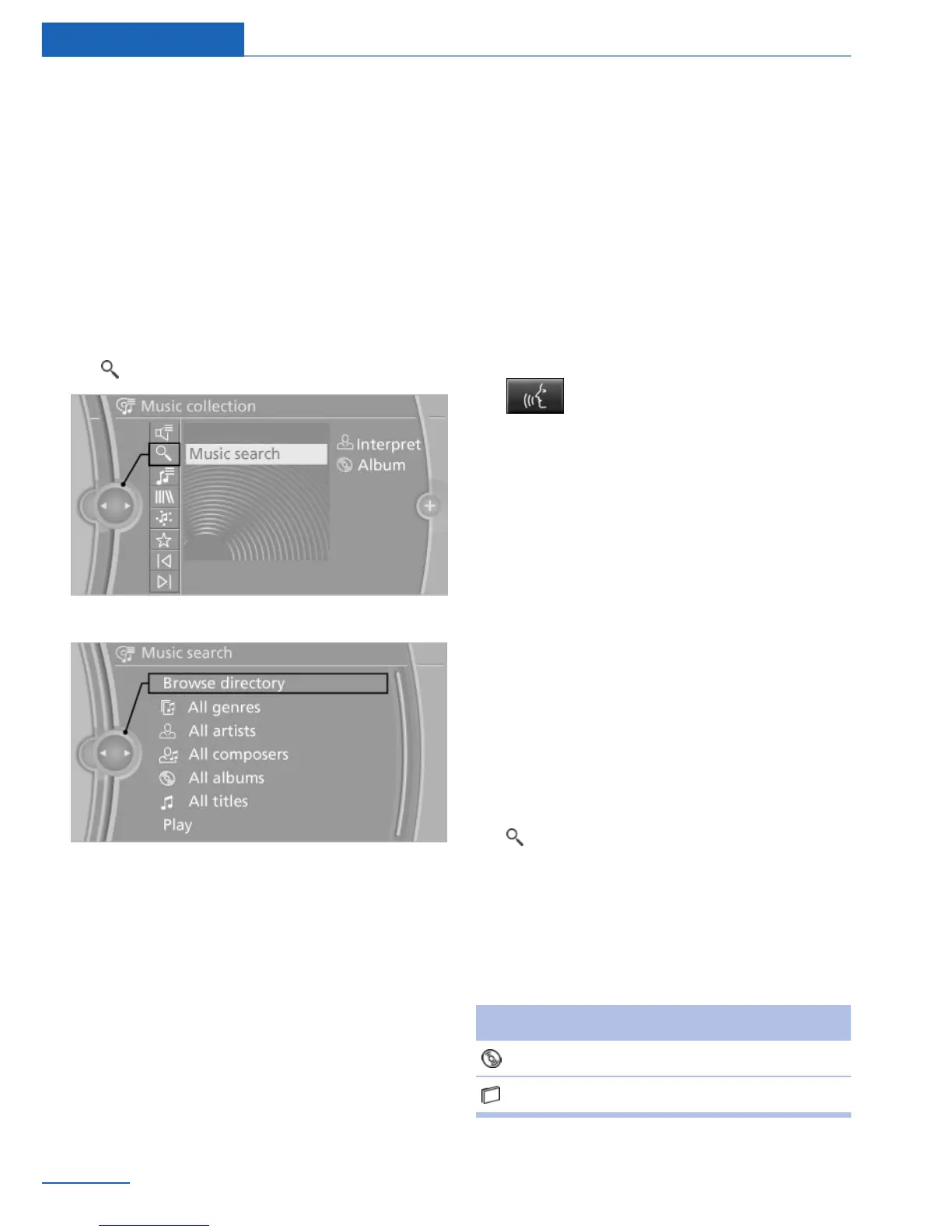
Music search
All tracks for which additional information has
been stored can be accessed by the music
search. Tracks that have been saved without
additional information can be called up via the
music directory.
1. "Multimedia"
2. "Music collection"
3. "Music search"
4. Select the desired category.
5. Select the desired entry:
▷ Select "A-Z search" and input the de‐
sired entry.
All entries in which the character string
entered is contained are listed, even if
the string does not occur at the begin‐
ning of the entry.
▷ Select the desired entry from the list.
6. Select other categories if you wish.
The tracks found are listed in alphabetical
order.
7. "Play"
Restarting the music search
"Reset search"
Music search using spoken
instructions
Instructions for the voice activation system,
see vehicle Owner's Manual.
1.
Press the button on the steering
wheel.
2. ›Search media‹
3. Open the desired category, e.g., ›Which
artists are available‹.
Say the desired entry in the list.
4. Select other categories if you wish.
To select a track directly: ›Track ...‹.
Say the voice command and the name of the
desired track in a single command.
Music directory
All stored albums are listed in the music direc‐
tory.
1.
"Multimedia"
2. "Music collection"
3. "Music search"
4. "Browse directory"
All stored directories are displayed in a list.
5. Select the desired directory.
To go up a level in the directory: move the
controller to the left.
Symbol Format
Audio CDs.
Compressed audio files.
Seite 62
Entertainment Music collection
62
Online Edition for Part no. 01 40 2 926 935 - X/13



 To Next Page