5. Enter the current PIN and confirm with
"Ok".
6. Enter the new PIN twice, and confirm each
entry with "Ok".
Resetting SIM card block
If the PIN is entered incorrectly three times, the
SIM card is blocked.
"Please enter PUK:" appears on the display.
The PIN Unblocking Key PUK or the Super PIN
is required. They can only be entered on the
handset.
After entering the PUK, assign a new PIN, refer
to page 122.
Barring calls
Note
These functions are protected with a password
against unauthorized use.
Opening the menu
1.
"Security"
2. "Ok"
3. "Call barring"
4. "Ok"
Barring outgoing calls
Outgoing calls can be prevented:
▷ All calls except emergency calls.
▷ All international calls.
▷ All international calls except home country.
1. "Outgoing calls"
2. "Ok"
3. "All calls", "International calls" or "Int. exc.
homectry"
4. "Ok"
5. "Activate", "Deactivate" or "Status"
6. Enter the password.
7. "Ok"
Incoming calls
Incoming calls can be prevented:
▷ All calls.
▷ All international calls.
1. "Incoming calls"
2. "Ok"
3. "All calls", "Int'l calls"
4. "Ok"
5. "Activate", "Deactivate" or "Status"
6. Enter the password.
7. "Ok"
Canceling all call barrings
1.
"Deactivate all"
2. Enter the password and confirm with "Ok".
Resetting the settings
All settings of the snap-in adapter are reset to
the factory settings, refer to page 121. The
WLAN configuration must be performed again
and the Bluetooth connections must be rees‐
tablished.
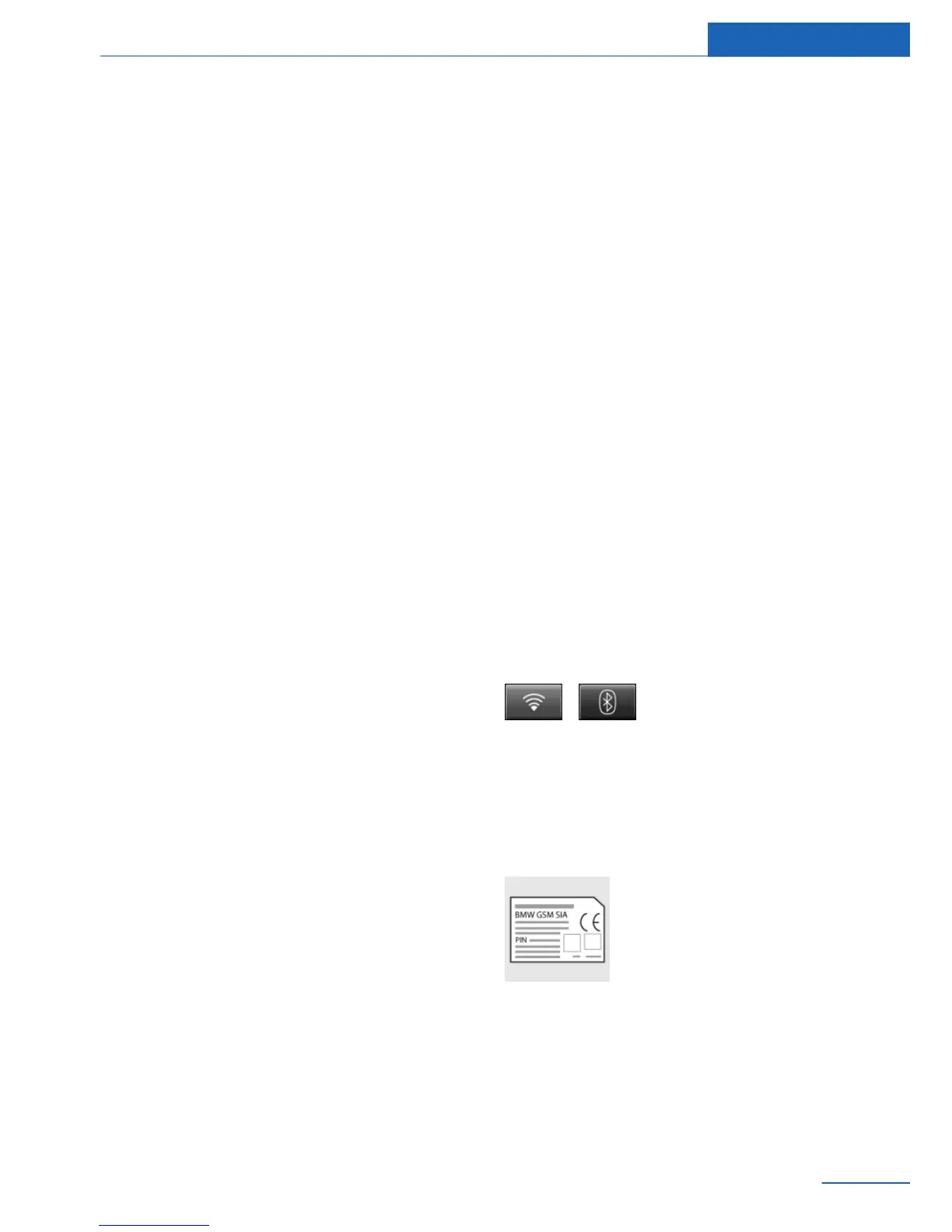
Press the buttons simultane‐
ously.
Bluetooth passkey
General information
The Bluetooth passkey is
printed on the back of the snap-
in adapter.
To read the passkey, remove
the snap-in adapter, refer to
page 111.
The number in the PIN line is the Bluetooth
passkey. It can be changed to a PIN of your
choice.
Seite 123
Telephone in the rear Communications
123
Online Edition for Part no. 01 40 2 926 935 - X/13



 To Next Page