Setup
Setup Printer Configuration
34
BMP71 User’s Manual
4. Release the cutter lever so the blade is no longer exposed. Then, entering from the label
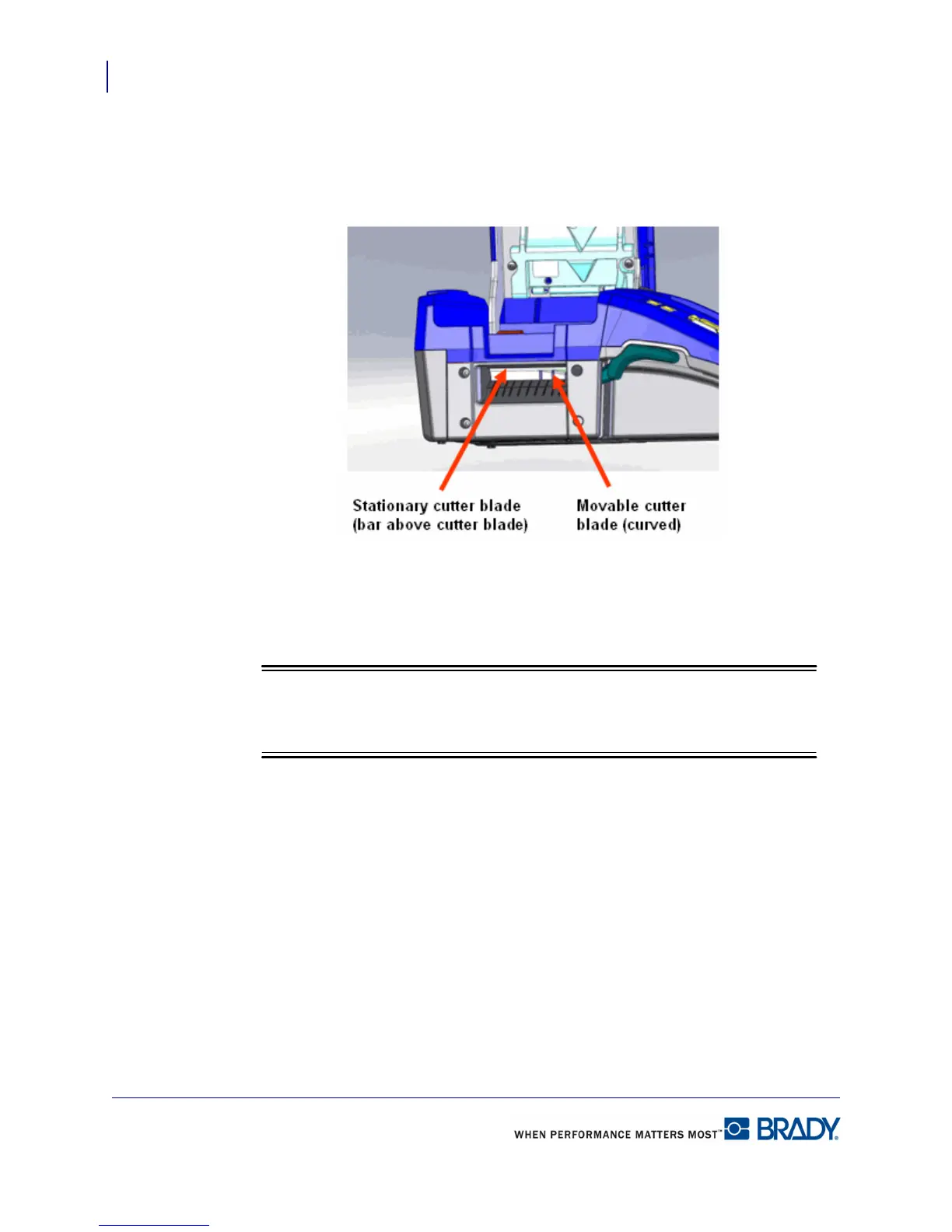
output tray again, insert the swab and gently wipe the stationary blade. (See diagram
below.)
Figure 13 • Cutter blades
To clean the sensors:
1. Pull up on the cover latch and open the print compartment cover.
Be sure the labels have been removed before cleaning the sensors.



 To Next Page