35
Setup
Setup Printer Configuration
BMP71 User’s Manual
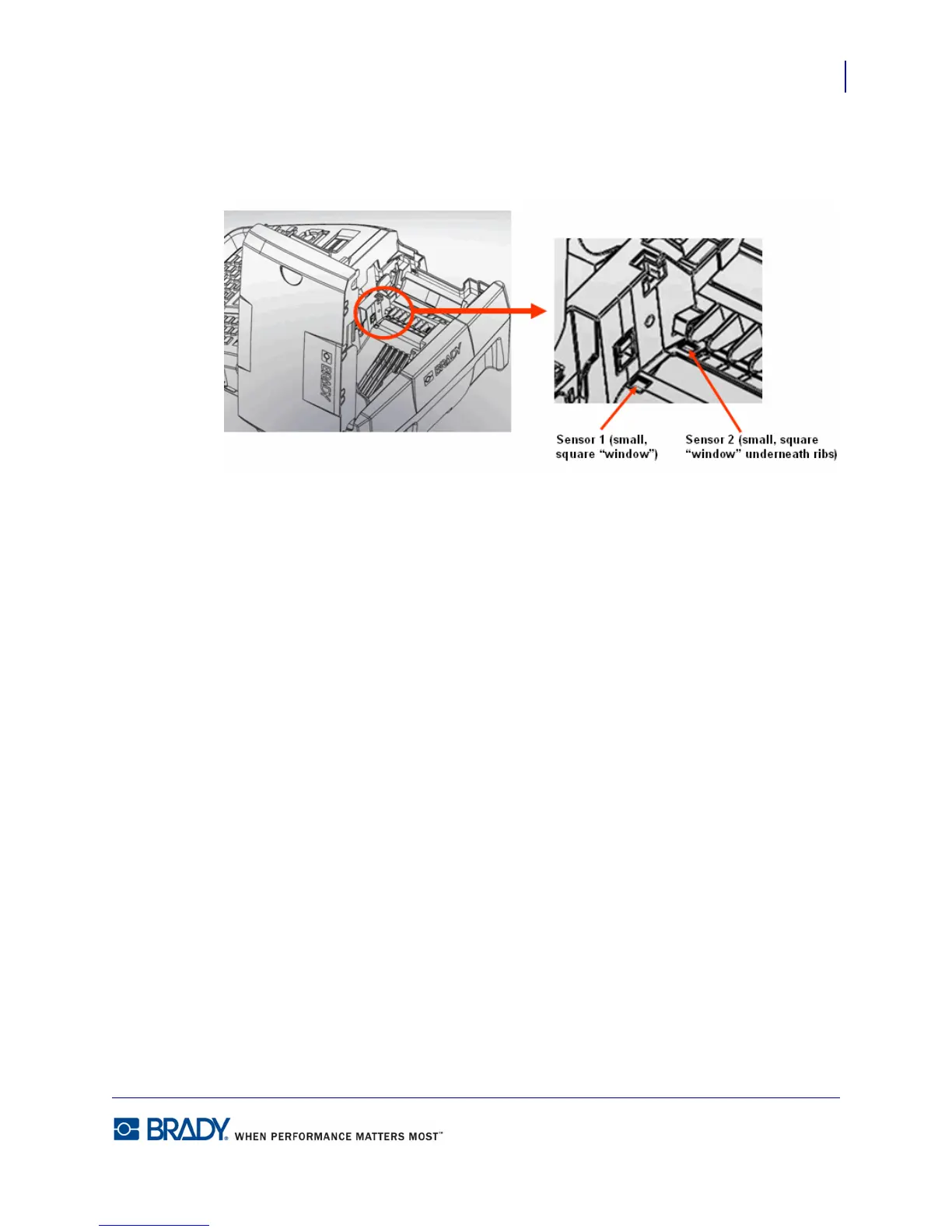
2. Using the premoistened cotton swab, gently wipe the sensors, located just before and
below the ribs. (See diagram below.)
Figure 14 • Sensor locations
Allow cleaned parts to dry before replacing ribbon and labels in the printer.



 To Next Page