Brooks Automation 6. Service Procedures
Part Number: 603988 Rev. A
Calibrating the Robot: Setting
the Encoder Zero Positions
Step Action
9.
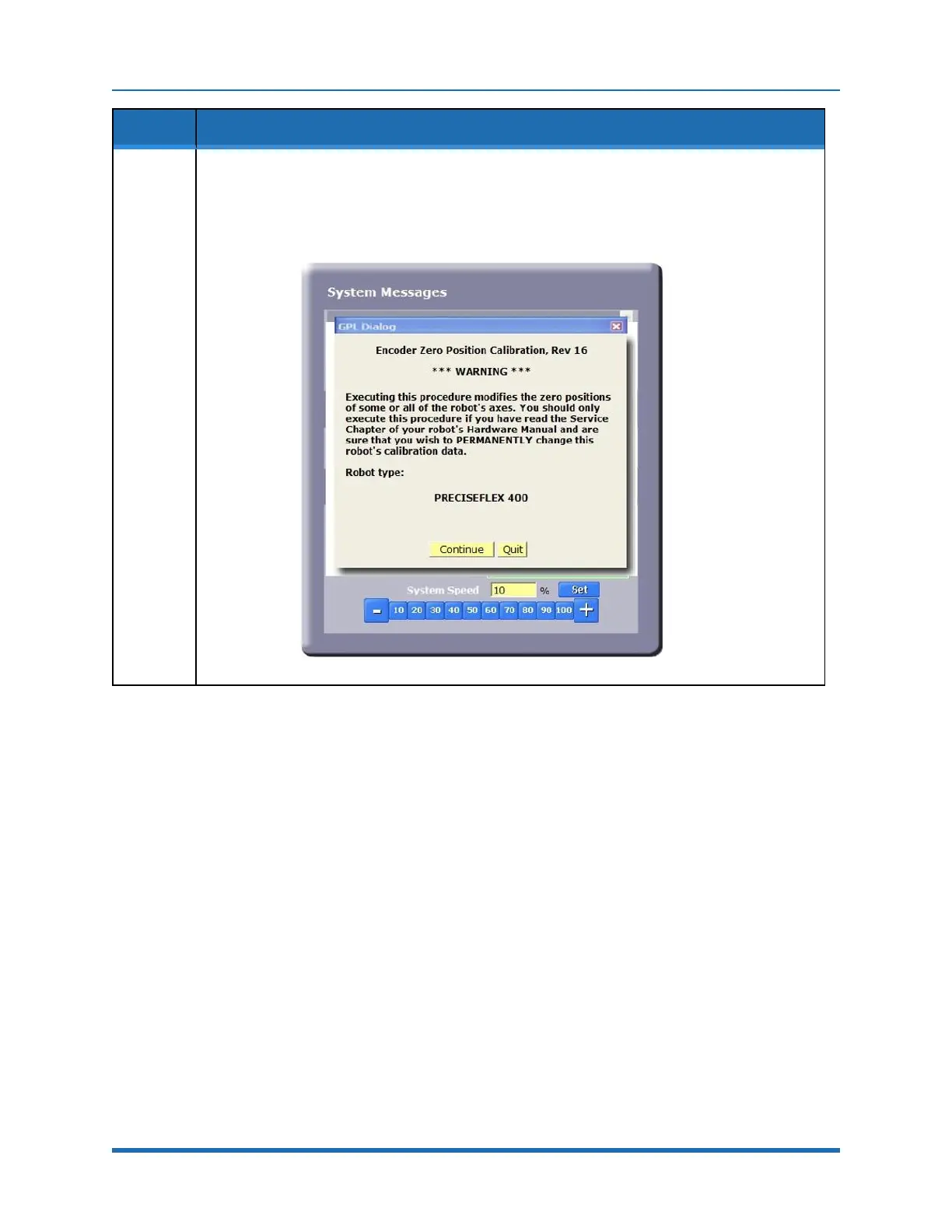
With the CALPP application loaded, select Start Application, and then press Perform Operation.
The application should start and prompt for a confirmation of the correct robot position for
calibration.
Copyright © 2023 Brooks Automation, Inc.
89



 To Next Page