6. While the program before switching is being displayed, start gluing, and then when you reach the point where you would
like to switch the program, stop gluing, and then press the Op hand switch or the knee switch to switch to the
next-numbered program.
(Example: P10 →Op hand switch→ P11 →Op hand switch→ P12 →Op hand switch→ P13 →Op hand
switch→ P14 …)
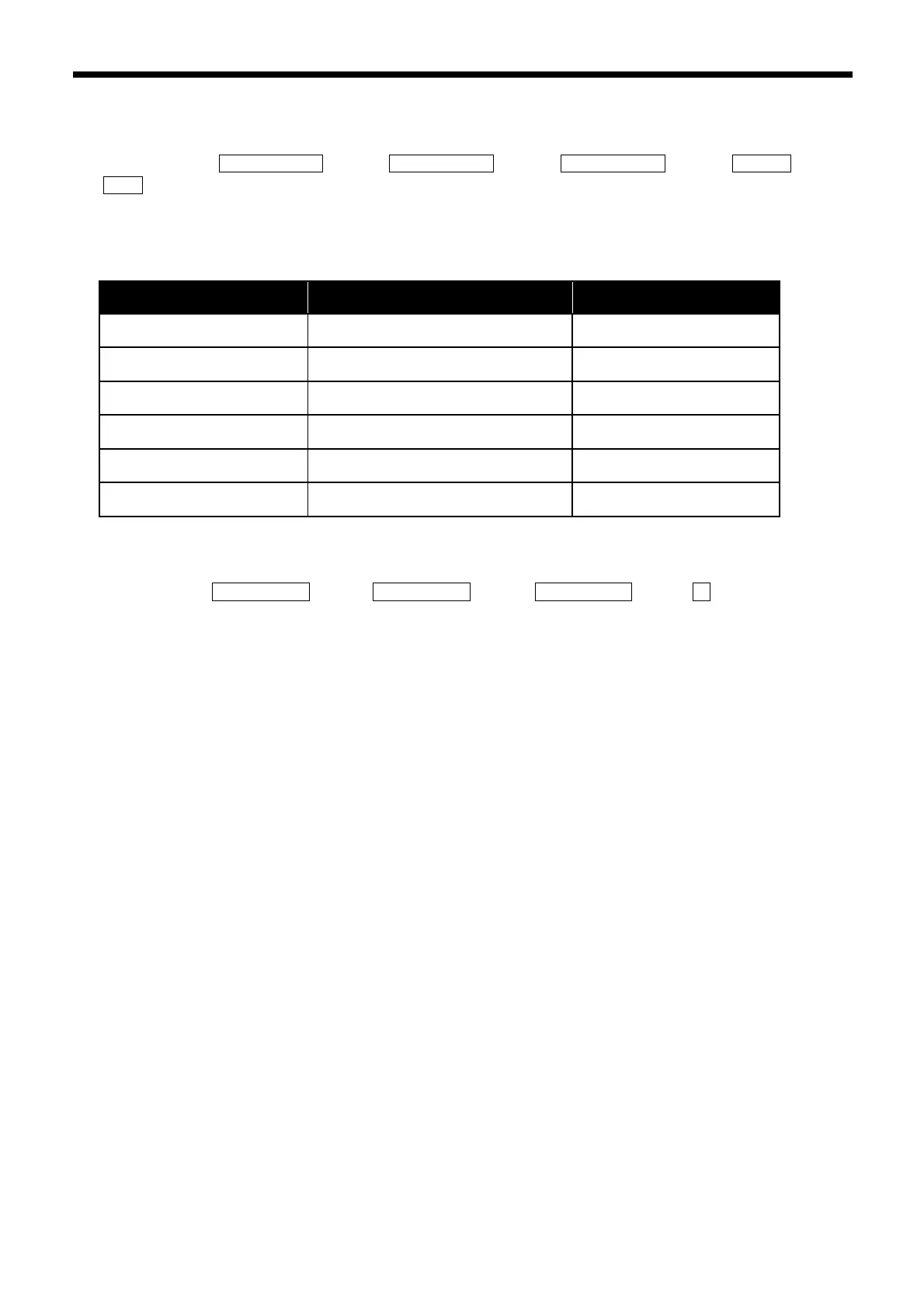
You can easily return to a selected program number using the settings for the following memory switches.
Refer to “3.5” for details on the memory switch setting method.
Program number selected when F1 is
pressed at the home screen
Program number selected when F2 is
pressed at the home screen
Program number selected when F3 is
pressed at the home screen
Program number selected when F4 is
pressed at the home screen
Program number selected when F5 is
pressed at the home screen
Program number selected when F6 is
pressed at the home screen
(Example: Set memory switch No. 221 to “10”)
Press any one of the keys from the F1 key to the F6 key to return to the selected program.
(Example: P10 →Op hand switch→ P11 → Op hand switch → P12 →Op hand switch→ P13 →F1→ P10)



 To Next Page