Home > Scan > Scan from Your Computer (Windows
®
) > Scan Using ControlCenter4 Home Mode
(Windows
®
) > Scan Using ControlCenter4 Home Mode (Windows
®
) > Change Scan Size Using
ControlCenter4 Home Mode (Windows
®
)
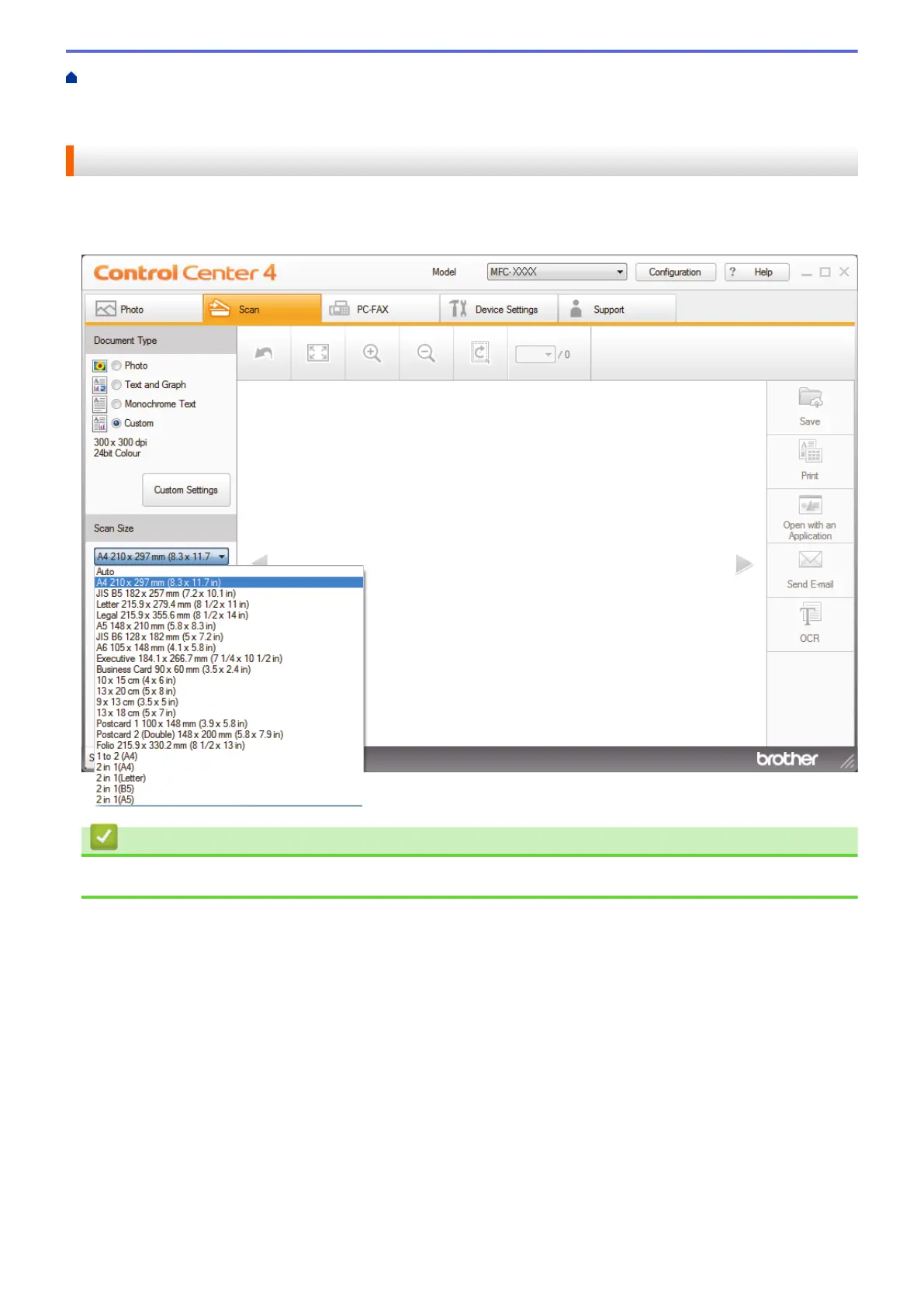
Change Scan Size Using ControlCenter4 Home Mode (Windows
®
)
For faster scan speeds, select the exact size of your document from the Scan Size drop-down menu. Auto
means that the machine will automatically detect the document size.
Related Information
• Scan Using ControlCenter4 Home Mode (Windows
®
)
132


 To Next Page
 Loading...