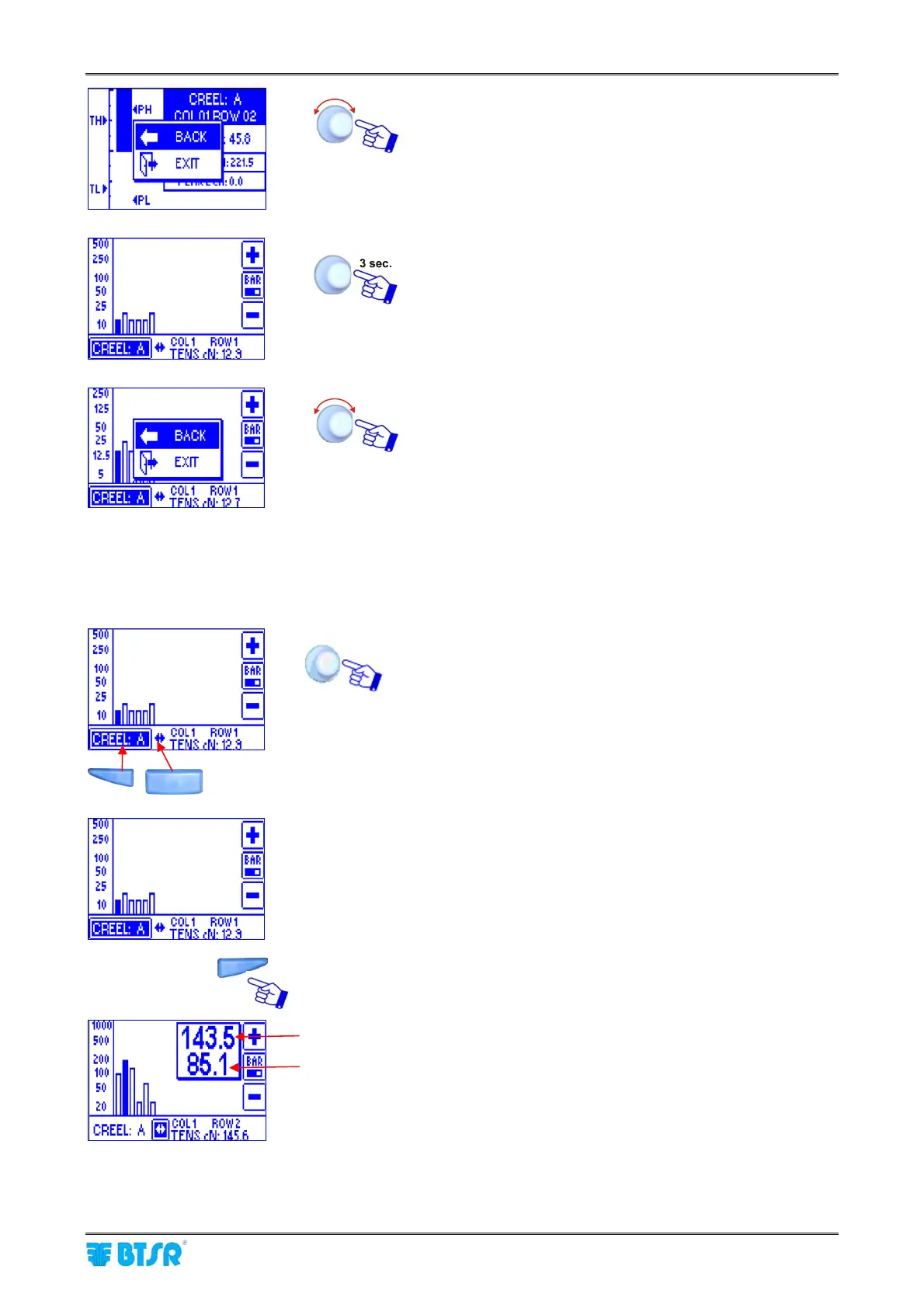
Sensors Histogram
SMART MATRIX - 2-46 -
BACK to go back to previous screen
EXIT to go back to the graphic display screen.
To continue
BACK to go back to previous screen
EXIT to exit the function and go back to CONTROL
status.
To switch between “Creel selection” and “Column selection”, you may either use the “shortcut” buttons
or press in sequence the rotary selector.
Creel Column
To display in a precise way the operation sensor tension
Tension of selected sensor [Col 1 Row 2]
Tension of next sensor [Col 1 Row 3]










 To Next Page