SMART MATRIX Error Message
SMART MATRIX - 2-53 -
SMART MATRIX Error Message
During the normal operation, the SMART MATRIX display will show CONTROL XXXX (where XXXX is the
number of active sensors).
In case of errors or detection failures, the CONTROL XXXX indication will be replaced by a message which
summarizes the type of error or failure occurred.
The error and failure messages can be classified as follows:
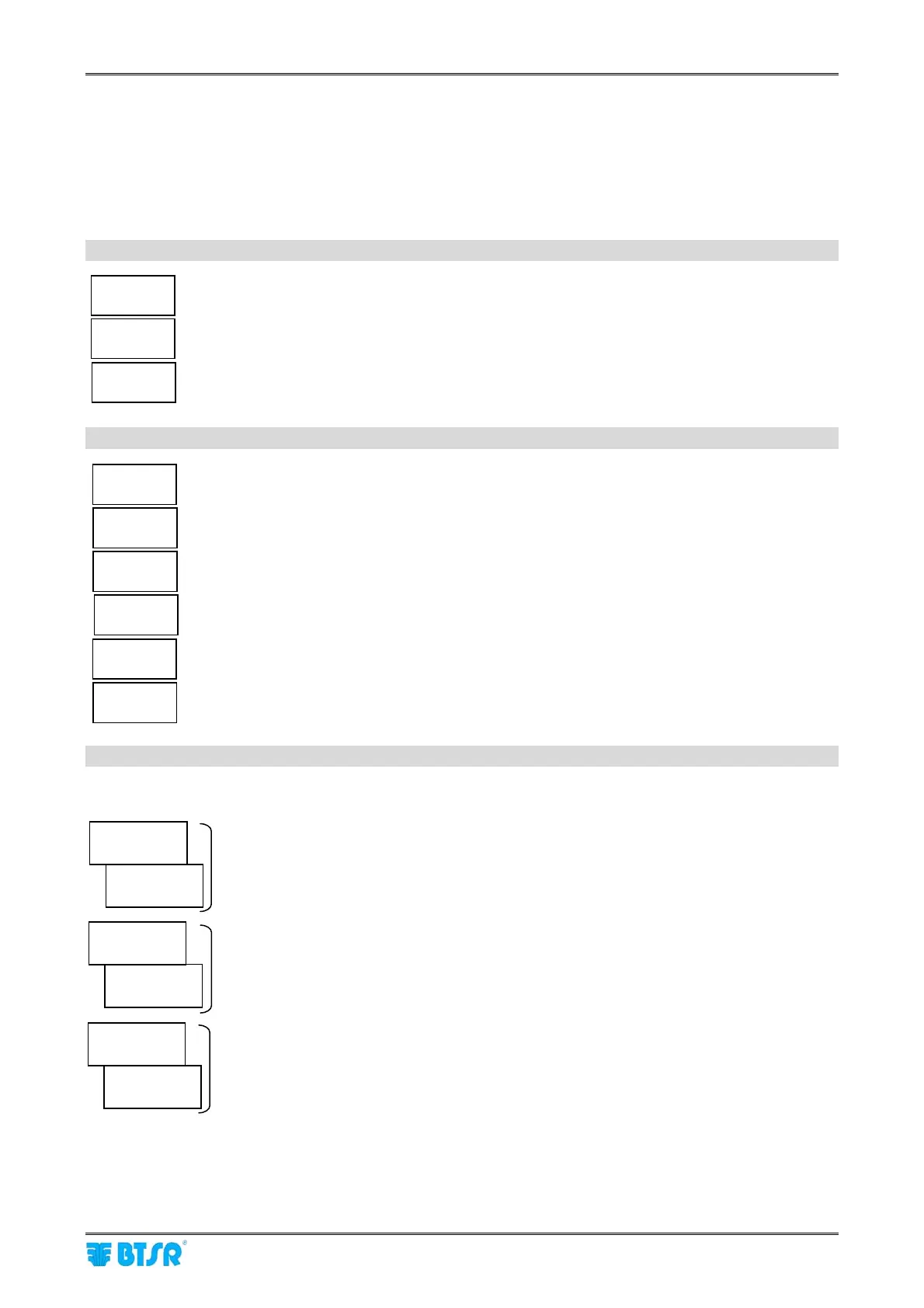
Errors detected by the SMART MATRIX power-on self-diagnostic
EEPROM
ERROR
Error on terminal’s EEPROM data
RAM CRC
ERROR
Error on terminal’s RAM data
TWI BUS
ERROR
Error on internal communication bus
Errors detected on SM-DIN Boards
ERR COM
SMDIN #
Communication error between SMART MATRIX and SM-DIN Board number #.
ERR RAM
SMDIN #
RAM data loss on SM-DIN Board number #.
ERR EEP
SMDIN #
EEPROM data loss on SM-DIN Board number #.
ERR I/O
SMDIN #
Error detected on an I/O port of SM-DIN Board number #.
ERR EN
SMDIN #
Sensor Enable/Disable command error on SM-DIN Board number #.
ERR LRN
SMDIN #
Error during the Learn phase on SM-DIN Board number #.
Failures detected by sensors during normal operation
IS3F mode with “Bars” priority
BROKE
CREEL #A
BAR #B
SEN #C
Broke error, Creel #A Bar #B Sensor #C
UNCUT
CREEL #A
BAR #B
SEN #C
Uncut error, Creel #A Bar #B Sensor #C
ERR IS3F
CREEL #A
BAR #B
SEN #C
Communication error with IS3F, Creel #A Bar #B Sensor #C
The BAR and SEN indication are replaced by ROW and COL, if the IDENTIFY function was
programmed with Row or Column “Priority”. If the PROGRESSIVE mode has been set on the
OPTIONS menu, then instead of XXX#B + SEN#C the progressive number of the sensor will
appear.










 To Next Page