Using your LinkStation
LinkStation User Manual 101
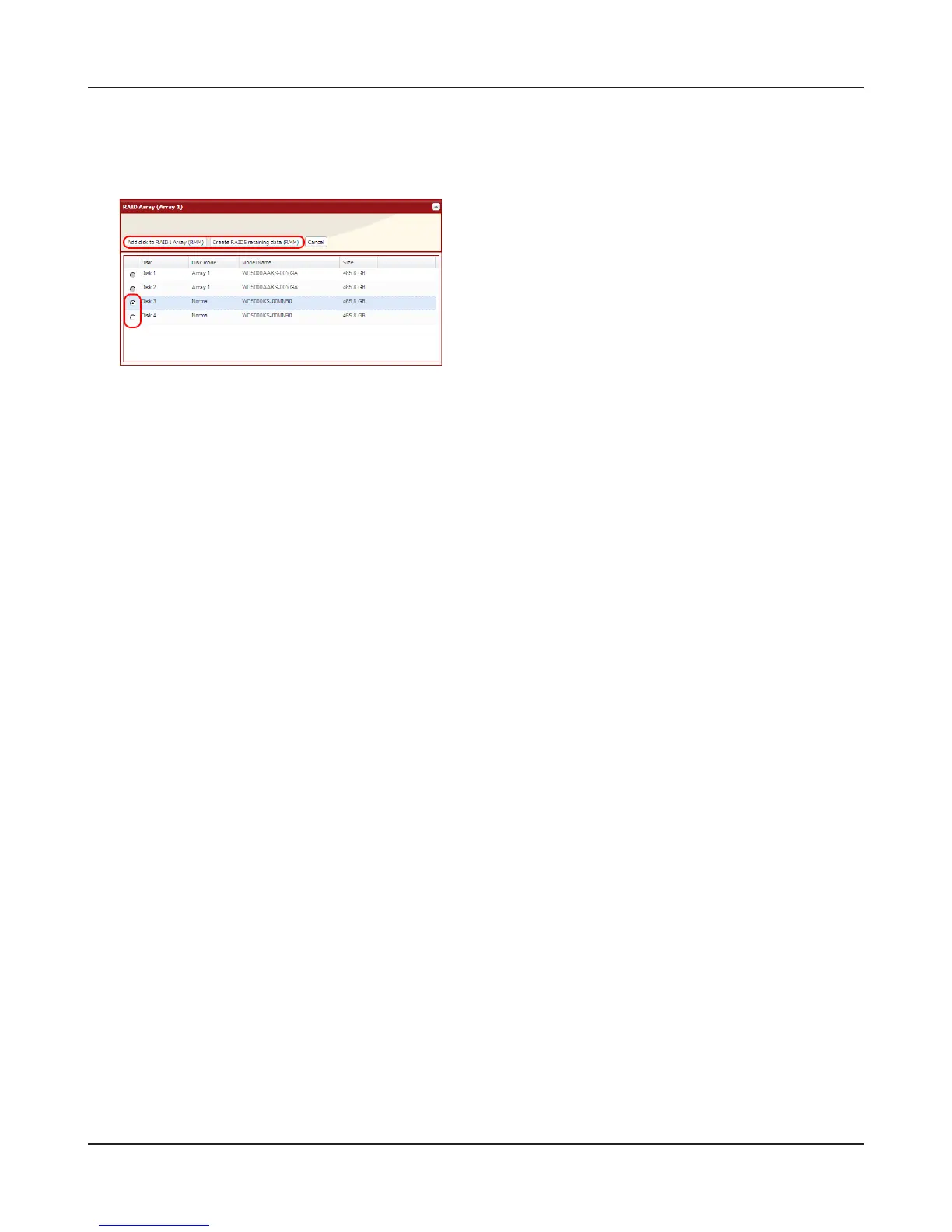
Adding a drive to an existing RAID array or adding a drive and changing the RAID mode:
4
The [Conrm Operation] screen will open. Within 60 seconds, enter the displayed number in
the [Conrmation Number] eld. Click [Apply].
While the array is being built, the le transfer speed will be slower than usual. It will take about
6 hours for a 1 TB RAID array. The Info/Error LED or the Power LED will blink amber while the
array is being built. Do not turn o the LinkStation until the RAID array is built.
5
Follow the instructions displayed on the screen.
When the build nishes, the LED will stop blinking. This completes the procedure for changing the
RAID mode with RMM or EDP.
1 Select the drive to be added to the RAID array.
2 After adding the drive, click your desired RAID
mode for the RAID array.











 To Next Page