Using your LinkStation
LinkStation User Manual 131
If other DLNA media devices do not recognize the LinkStation:
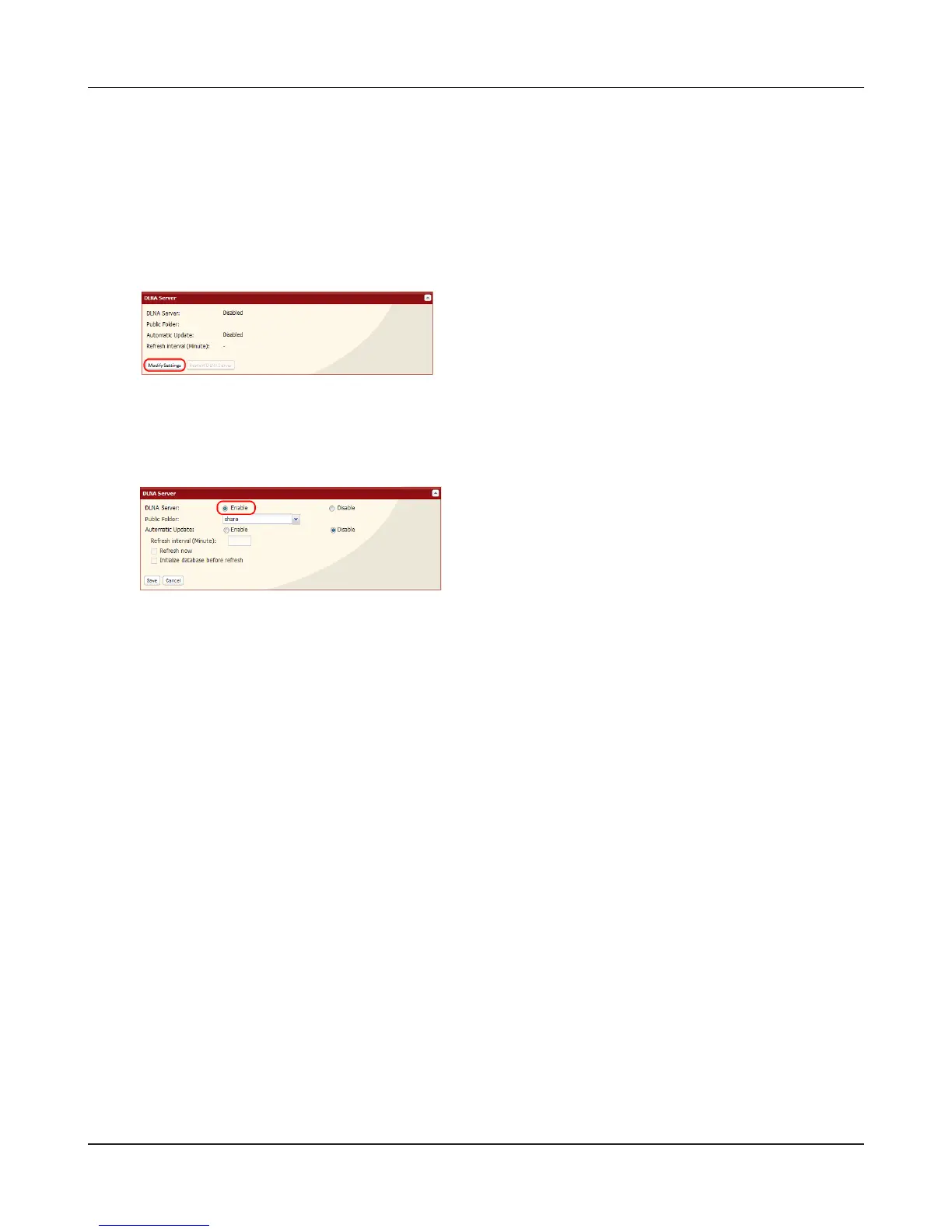
If the Media Server on the LinkStation is disabled, other DLNA devices won’t be able to see it. You
may enable the Media Server on the LinkStation as follows.
2
3
Click [Save].
Click [Enable].
1
In the Web Admin interface, navigate to [Extensions]
- [MediaServer] - [DLNA Server] and click [Modify
Settings].












 To Next Page