Using your LinkStation
LinkStation User Manual 132
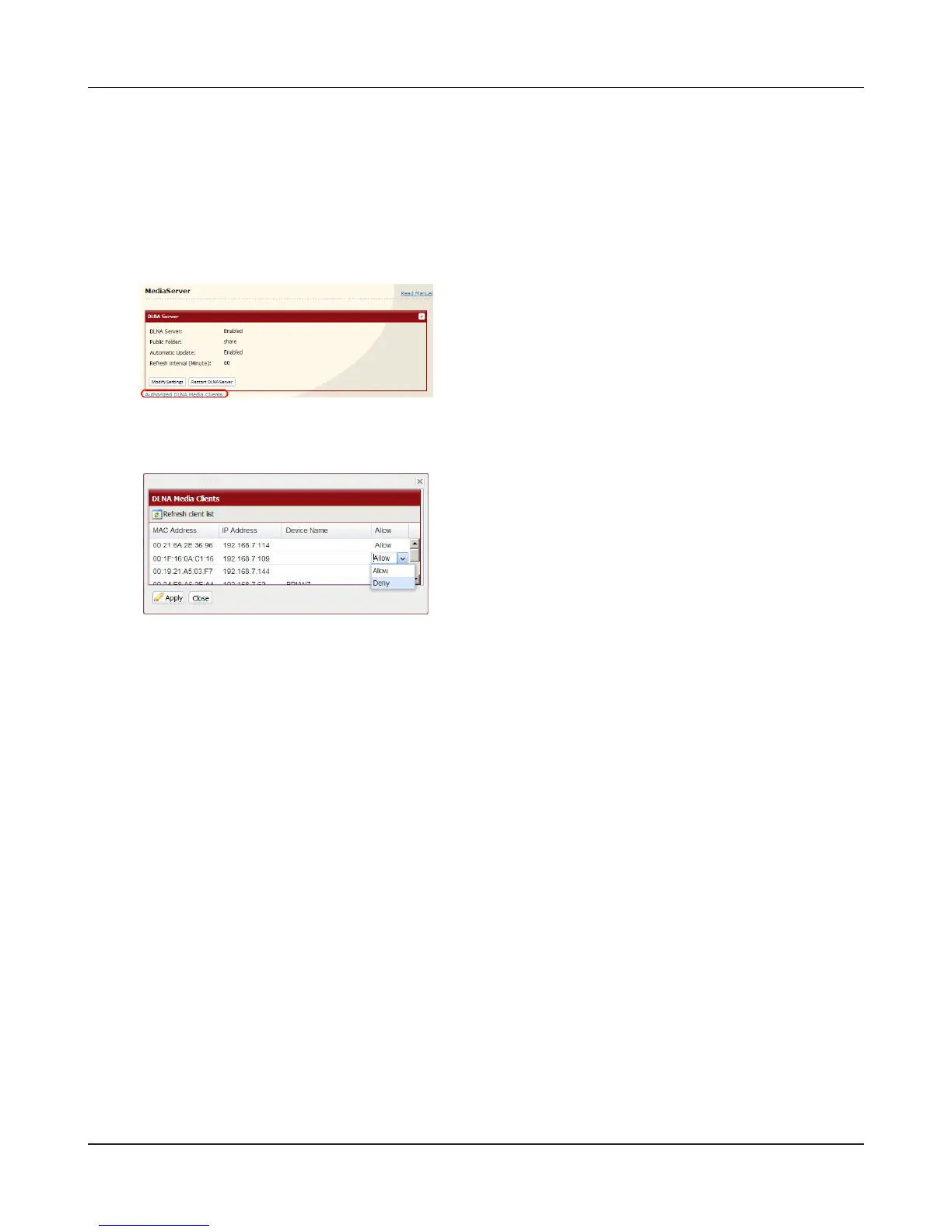
To disable playback from a specic DLNA media player
By default, the LinkStation will allow playback from any compatible media player on the same
network. To prohibit playback for a specic DLNA media player, follow the directions below.
2
Select [Deny] for DLNA media player(s) that you want
to block from accessing media on the LinkStation.
Media players that are allowed to access media on
the LinkStation should be set to [Allow].
3
Click [Save].
1
1 In the Web Admin interface, navigate to
[Extensions] - [MediaServer].
2 Click [Authorized DLNA Media Clients].











 To Next Page