Using your LinkStation
LinkStation User Manual 41
Restricting access for Users and Groups on the LinkStation
You can set access restrictions for shared folders by username or group names for users that are
registered on the LinkStation.
1
2
Register users and groups on the LinkStation.
1 Add users as described on page 60.
2 Add groups as described on page 62.
3
Congure access restrictions for groups and/or users.
1
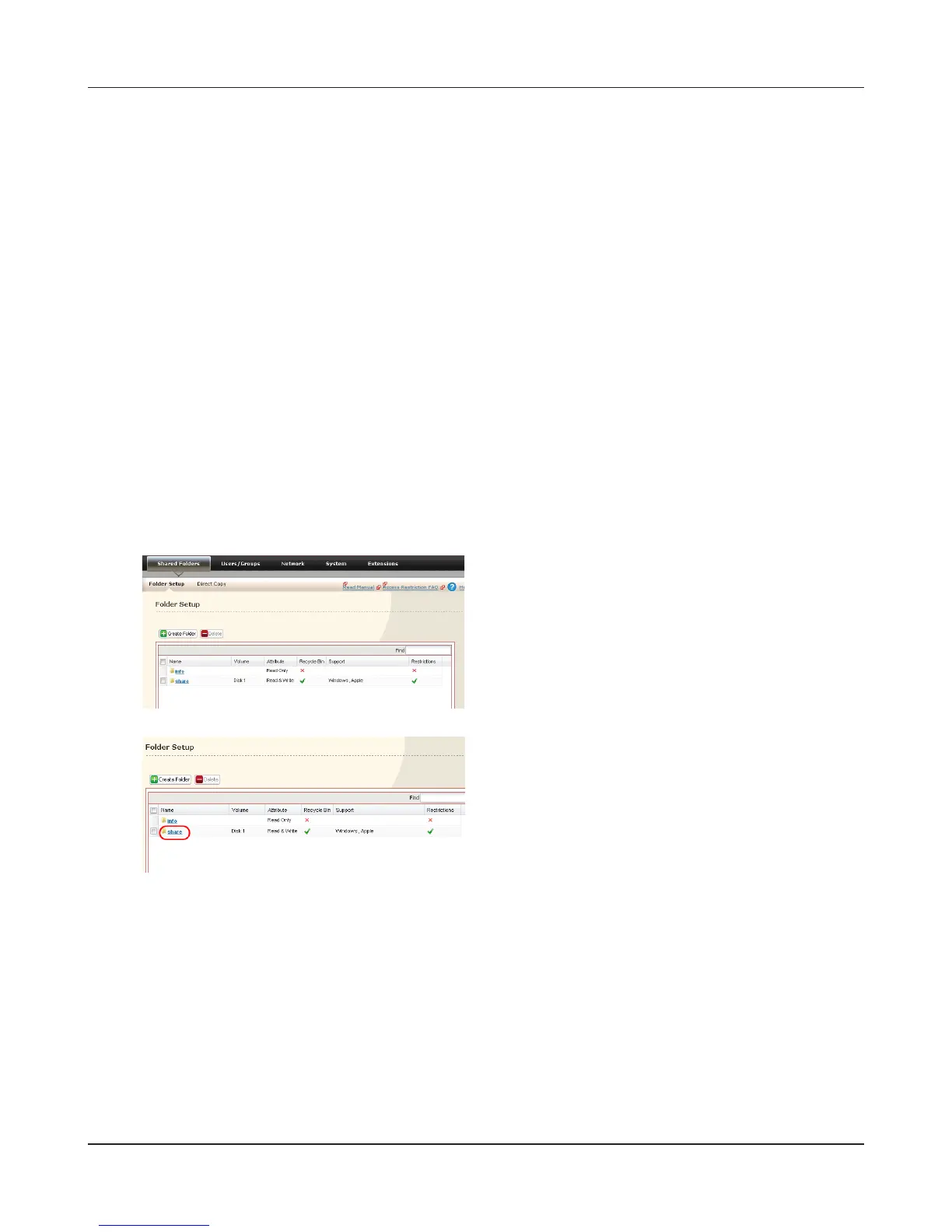
In the Web Admin interface, navigate to [Shared
Folders] - [Folder Setup].
2
Click a shared folder you want to set access
restrictions for.
Create new user accounts and passwords in Windows, or record existing Windows usernames
and passwords. Each account on the LinkStation will have the same username and password
as the user’s Windows account.











 To Next Page