114 - 8630
OPERATING THE PROCESS CONTROLLER
If the supplementary function
P.CONTRL / P.CO SETP / SETP INT
(setting of
the setpoint via keys) was specified on configuration, then with the display
SP
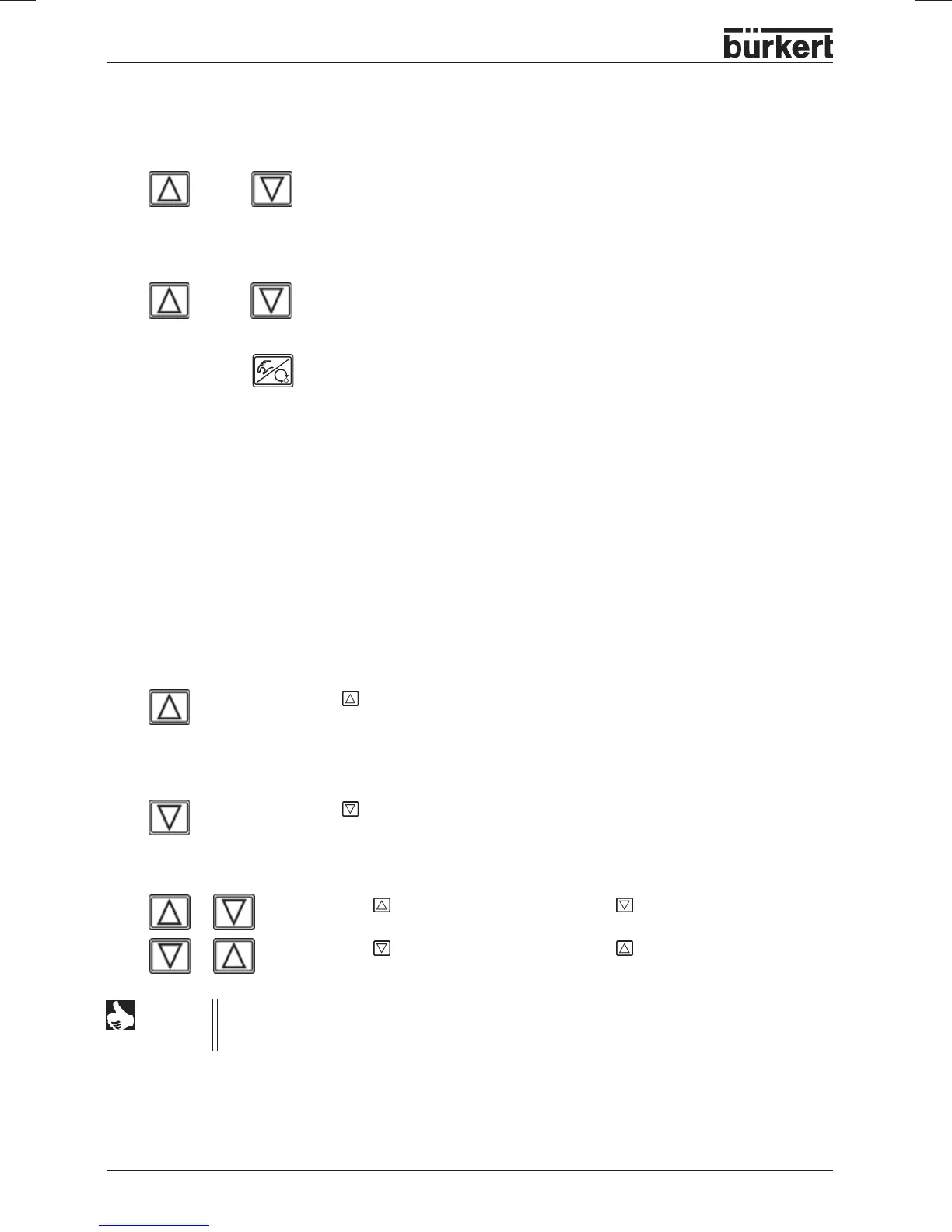
set (setpoint) and on pressing one of the arrow keys for longer than 3
seconds, the mode for changing the process setpoint can be activated. After
release of the key, the first digit of the process setpoint flashes.
The first digit of the process setpoint can be set.
After confirmation with the MANUAL/AUTOMATIC key, the set value is stored.
Manually changing the process setpoint
or
> 3 sec
or
In the same manner, the other digits are set. After confirmation of the last digit, the display returns to the
previous mode.
Operating mode MANUAL
(yellow LED off)
In the manual mode, the valve can be opened and closed by hand.
Meaning of the keys in the MANUAL mode:
Press the key in the MANUAL mode:
Pressurization of the actuator
SFA: valve opens
SFB: valve closes
SFI: port 2.1 pressurized
Press the
key in the MANUAL mode:
Venting of the actuator
SFA: valve closes
SFB: valve opens
SFI: port 2.2 pressurized
Hold down the
key and simultaneously press the :
Fast pressurization
Hold down the key and simultaneously press the :
Fast venting
NOTE
SFA: actuator closing by spring force
SFA: actuator opening by spring force
SFI: actuator with double action
+
+



 To Next Page