8630 - 59
OPERATION AND CONTROLLER FUNCTIONS
Configuring the supplementary functions
Configuration menu
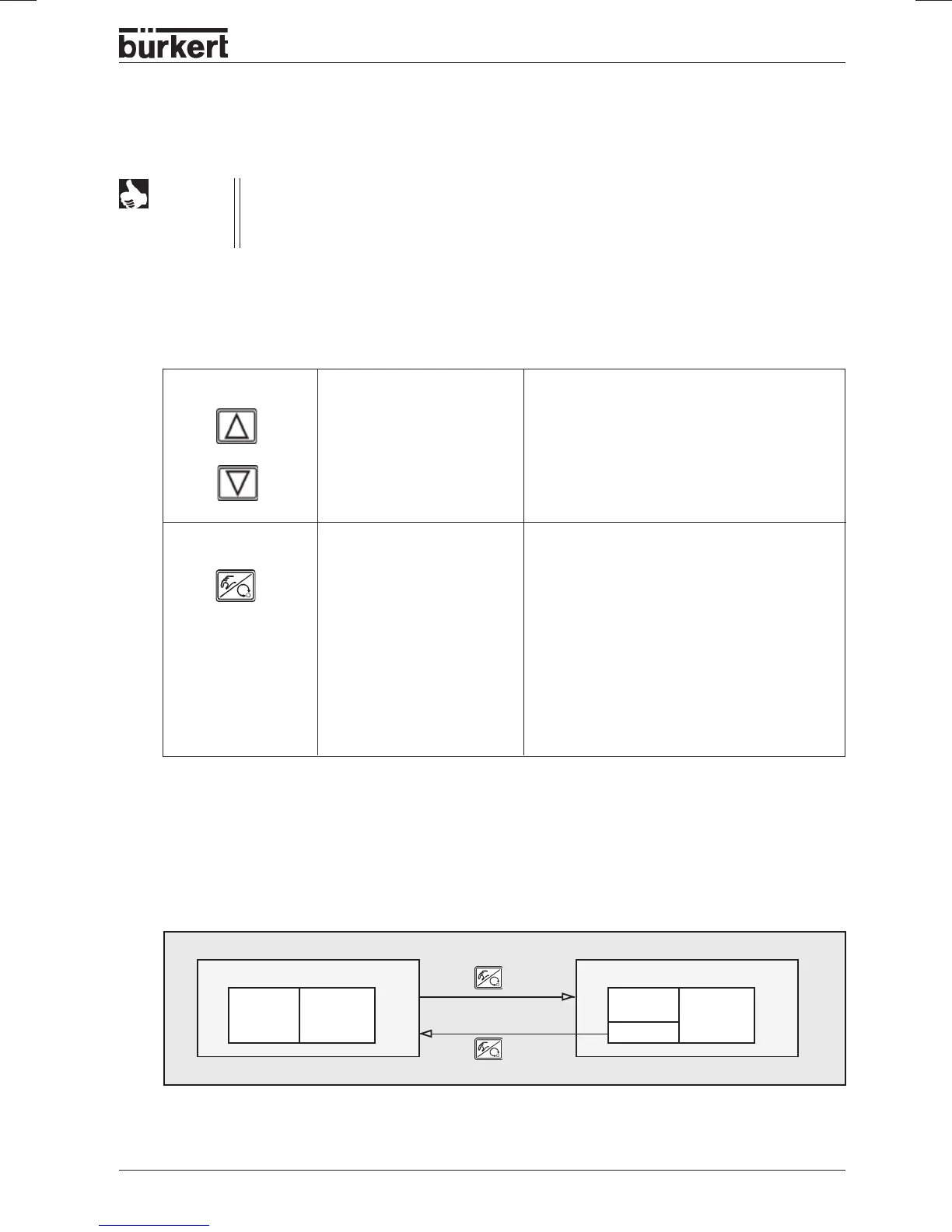
Switching between the process operating level and the configuration level
Keys in the configuration level
NOTE
The operating concept for the TOP Control Continuous is based on a strict separation
between the basic and supplementary functions. In the delivered state, only the basic
functions are activated. These suffice for normal operation. For more demanding control
applications, you can select and specify supplementary functions in the configuration level.
Press key in Menu in a selected and confirmed menu item
Scroll up Increment (increase) numeric value
(select)
Scroll down Decrement (decrease) numeric value
(select)
Press key in Menu in menu
ADDFUNCT
confirm selected menu item Confirm selected menu item of supplementary
menu to add it to the main menu. The menu
item is marked with an asterisk (*) in the
supplementary menu.
Confirm set values The menu item appears int he main menu and
can be selected and edited there. Confirm the
menu item selected and marked with asterisk
in the supplementary menu for deletion from
the main menu.
Process operating level
Configuration level
Basic
functions
Supple-
mentary
menu
MANUAL AUTO-
MATIC
5 sec
END



 To Next Page