90 - 8630
OPERATING THE PROCESS CONTROLLER
➔ In all cases, carry out the self-parametrization for positioners (
X.TUNE
).
➔ Via the configuration menu, add the supplementary function
P.CONTRL
to the main menu.
With the function
P.CONTRL
, the function
P.Q'LIN
is also inserted into the main menu.
➔ Call up the basic settings for the process controller under
P.CONTRL.
Linearization of the process characteristic:
If you are dealing with a flow control system, the process characteristic can be linearized
automatically:
➔ Initiate the function
P.Q’LIN.
Self-optimization of the process controller
➔ Activate the function
P.CO TUNE
and initiate self-optimization of the PID parameters of
the process controller.
Activate valve characteristic curve
➔ Initiate the function P.CO KV to activate the valve characteristic.
Read in leakage characteristic
➔ Initiate automatic determination of the leakage characteristic using the functions
P.CO LEAK ➔ P.CO MEAS.
Factory settings on the process controller
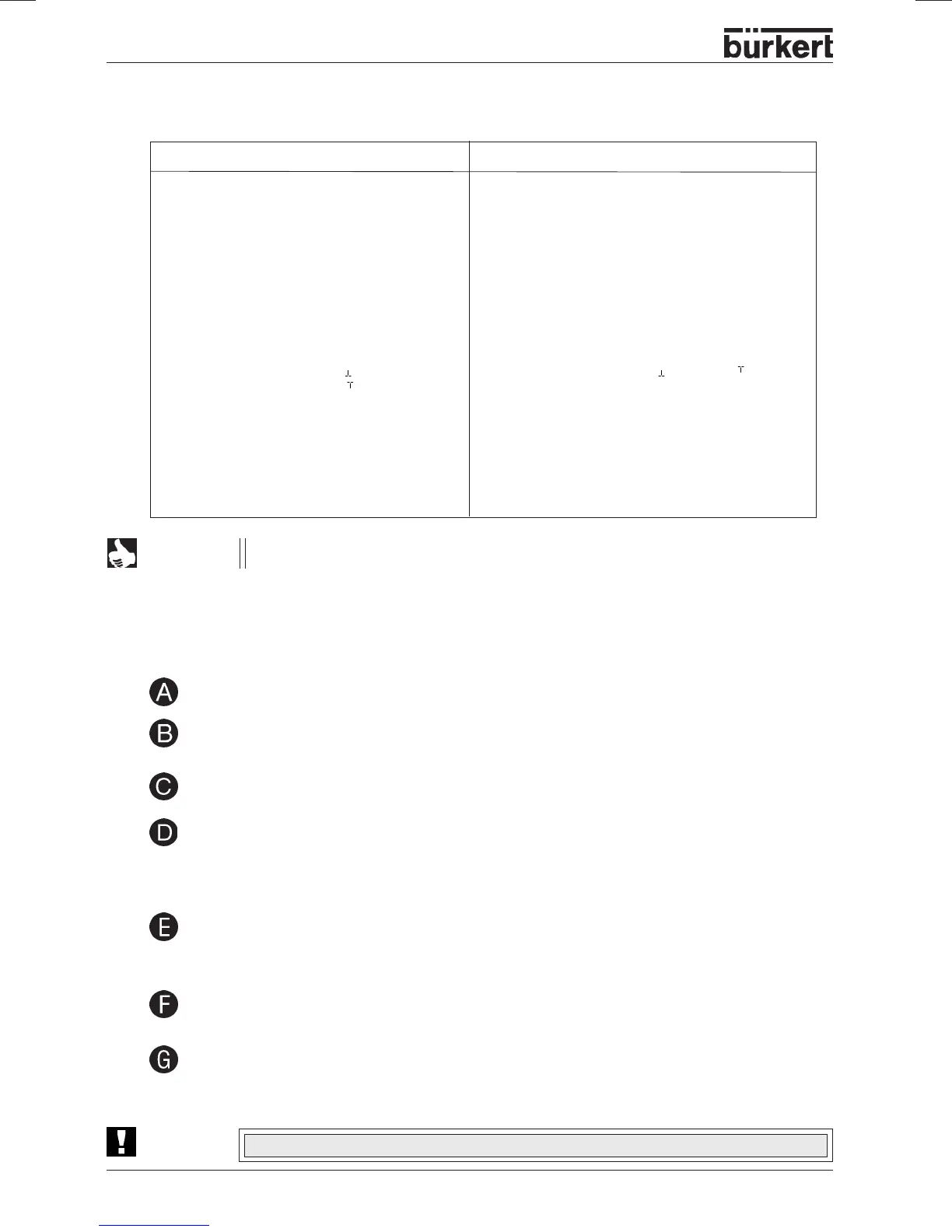
Function Factory setting
P.CONTRL
P.CO DBND 1 %
P.CO PARA
KP 1.00
TN 999.9
TV 0.0
X0 0
P.CO SETP SETP INT
P.CO INP INP 4´20 A
P.CO FILT 0
P.CO SCAL PV 000.0,
PV 100.0
P.CO TUNE D’ACT
P.CO KV FACT
Function Factory setting
P.CONTRL with flow rate controller
P.CO DBND 1 %
P.CO PARA
KP 1.0
TN 999.9,
TV 0.0
X0 0
P.CO SETP SETP INT
P.CO INP INP P1’P2
P.CO FILT 0
P.CO SCAL PV 000.0, PV 100.0,
P.TYP FLOW
UNIT M3/H,
TEMP MAN
DENS 1.293,
DIAM 0025
P.CO TUNE D’ACT
P.CO KV FACT
NOTE
The functions and factory settings shown in grey are valid for the optional flow rate
control.
Setting up a process control system
ATTENTION!
In order to be able to operate the TOP Control Continuous as a process controller, you must execute the
following steps:
In all cases, keep to the following sequence! X.TUNE
➔ P.Q’LIN ➔ P.CO TUNE



 To Next Page