3
Shooting Video Snapshots
336
Options in Steps 9 and 10
Function Description
J Save as album (Step 9)
The movie clip will be saved as the video
snapshot album’s first video snapshot.
J Add to album (Step 10)
The video snapshot just recorded will be
added to the album recorded immediately
before.
W Save as a new album
(Step 10)
A new video snapshot album is created and
the movie clip is saved as the first video
snapshot. The new album will be a different
file from the previously recorded album.
1 Playback video snapshot
(Step 9 and 10)
The video snapshot just recorded will be
played back. For playback operations, see the
table on the next page.
r Do not save to album
(Step 9)
r Delete without saving to
album (Step 10)
The video snapshot just recorded will be
erased instead of being saved to the album.
Select [OK] on the confirmation dialog.
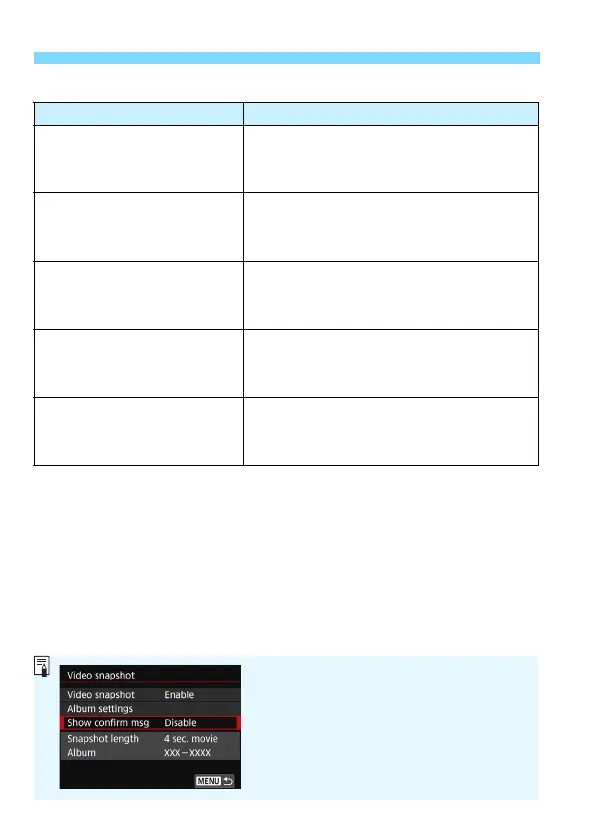
If you want to shoot another video snapshot
right after shooting one video snapshot, set
[Show confirm msg] to [Disable]. This
setting will allow you to immediately shoot the
next video snapshot without the confirmation
screen appearing after you shoot each time.



 To Next Page