337
3
Shooting Video Snapshots
[Playback video snapshot] Operations in Steps 9 and 10
*With [Skip backward] and [Skip forward], the skipping length corresponds to
the number of seconds set under [Video snapshot] (approx. 2 sec., 4 sec., or 8
sec.).
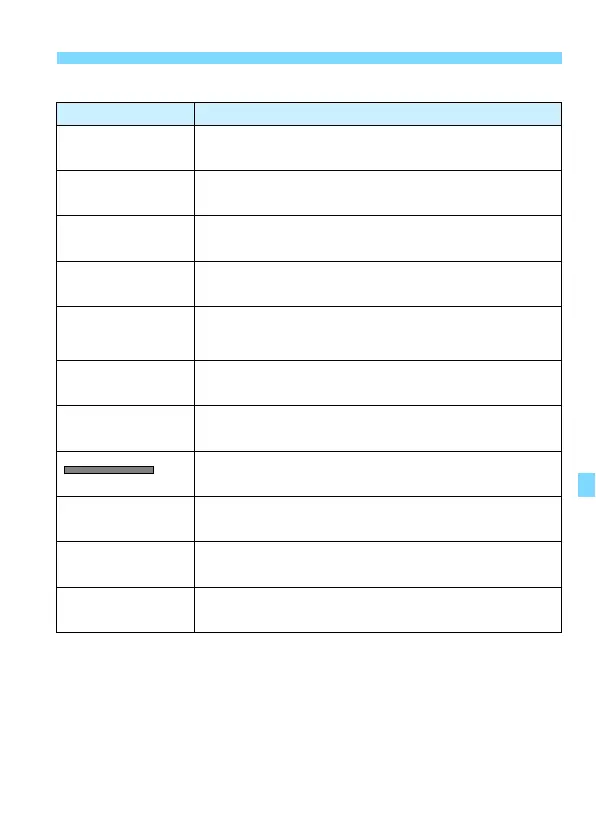
Function Playback Description
7
Play
By pressing <0>, you can play back or pause the video
snapshot recorded immediately before.
5
First frame Displays the first scene of the album’s first video snapshot.
P
Skip backward*
Each time you press <0>, the video snapshot skips back
by a few seconds.
3
Previous frame
Each time you press <0>, the previous frame is
displayed. If you hold down <0>, it will rewind the movie.
6
Next frame
Each time you press <0>, the movie will play frame-by-
frame. If you hold down <0>, it will fast forward the
movie.
O
Skip forward*
Each time you press <0>, the video snapshot skips
forward by a few seconds.
4
Last frame Displays the last scene of the album’s last video snapshot.
Playback position
mm' ss" Playback time (minutes:seconds)
9
Volume
Turn the <6> dial to adjust the volume of the built-in
speaker (p.365).
3
2
Pressing the <M> button returns to the previous
screen.



 To Next Page