3
Shooting Video Snapshots
338
1
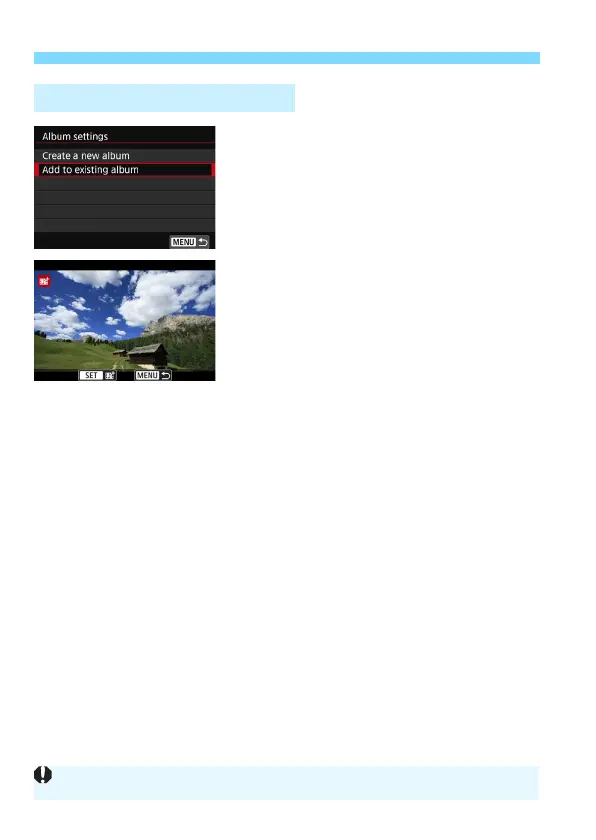
Select [Add to existing album].
Follow step 5 on page 334 to select
[
Add to existing album
], then press
<
0
>.
2
Select an existing album.
Turn the <
5
> dial to select an
existing album, then press <
0
>.
Select [
OK
], then press <
0
>.
Certain video snapshot settings will
change to match the existing album’s
settings.
Press the <
M
> button to exit the
menu.
The video snapshot shooting screen
will appear.
3
Shoot the video snapshot.
See “Creating a Video Snapshot
Album” (p.335) to shoot the video
snapshot.
Adding to an Existing Album
You cannot select an album shot with another camera.



 To Next Page