2. Lens Attachment
L
12
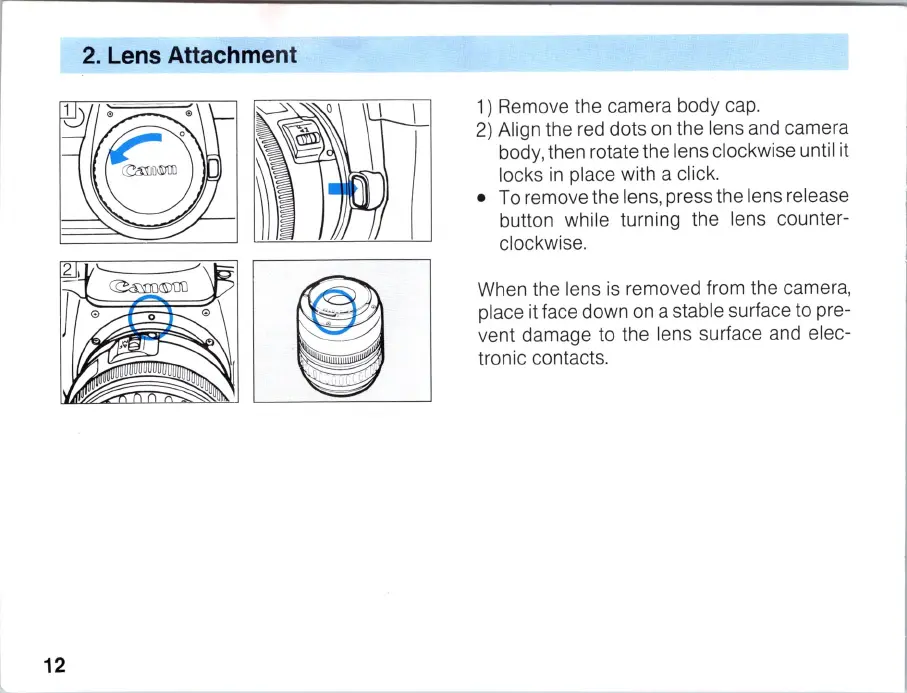
1)
Remove the camera body cap.
2)
Align the red dots
on
the lens and camera
body, then rotate the lens clockwise until it
locks
in
place with a click.
• To remove the lens, press the lens release
button while turning the lens counter-
clockwise.
When the lens is removed from the camera,
place it face down on a stable surface to pre-
vent damage to the lens surface and elec-
tronic contacts.



 To Next Page