3.
Av (Aperture-priority AE)
In
this mode, you set the aperture and the
camera automatically sets the shutter speed
according to the lighting conditions.
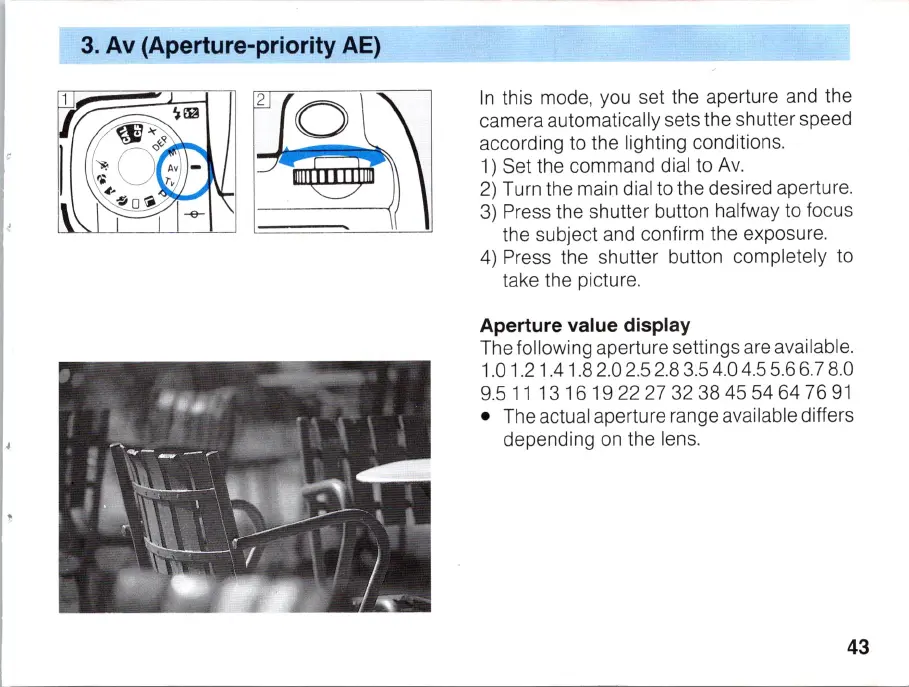
1) Set the command dial to Av.
2)
Turn the main dial to the desired aperture.
3)
Press the shutter button halfway to focus
the subject and confirm the exposure.
4)
Press the shutter button completely to
take the picture.
Aperture value display
The following aperture settings are available.
1.01.21.41.82.02.52.83.54.04.55.66.78.0
9.5
11
1316
1922273238455464
76
91
• The actual aperture range available differs
depending on the lens.
43



 To Next Page