50
\\\
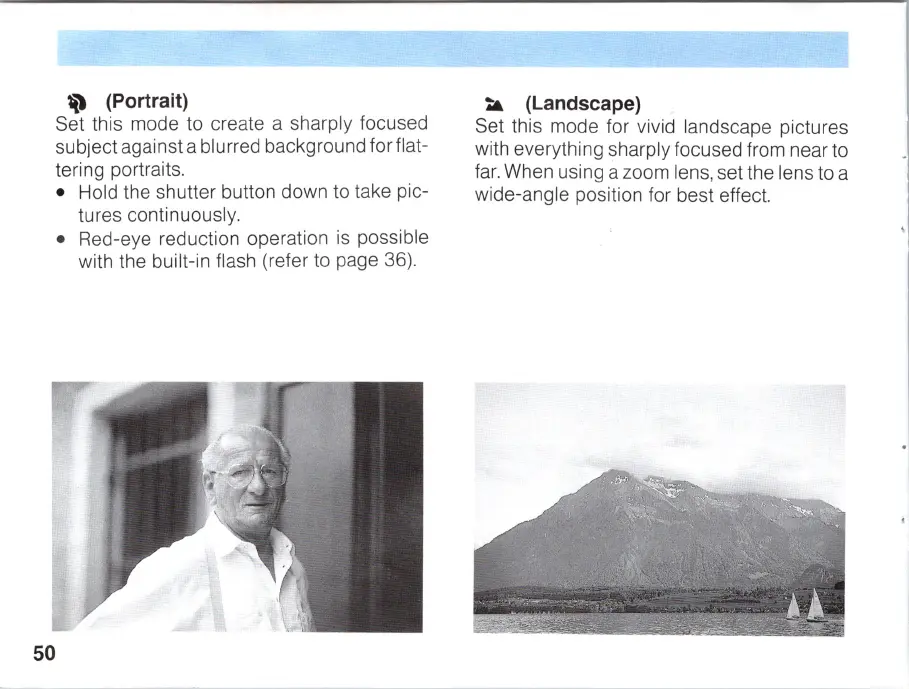
(Portrait)
Set this mode to create a sharply focused
subject against a blurred background for flat-
tering portraits.
• Hold the shutter button down to take pic-
tures continuously.
• Red-eye reduc
ti
on operation
is
possible
with the built-in flash (refer to page 36).
~
(Landscape)
Set this mode for vivid landscape pictures
with everything sharply focused from near to
fa
r.
When using a zoom lens, set the lens to a
wide-angle positi
on
for best effect.



 To Next Page