14
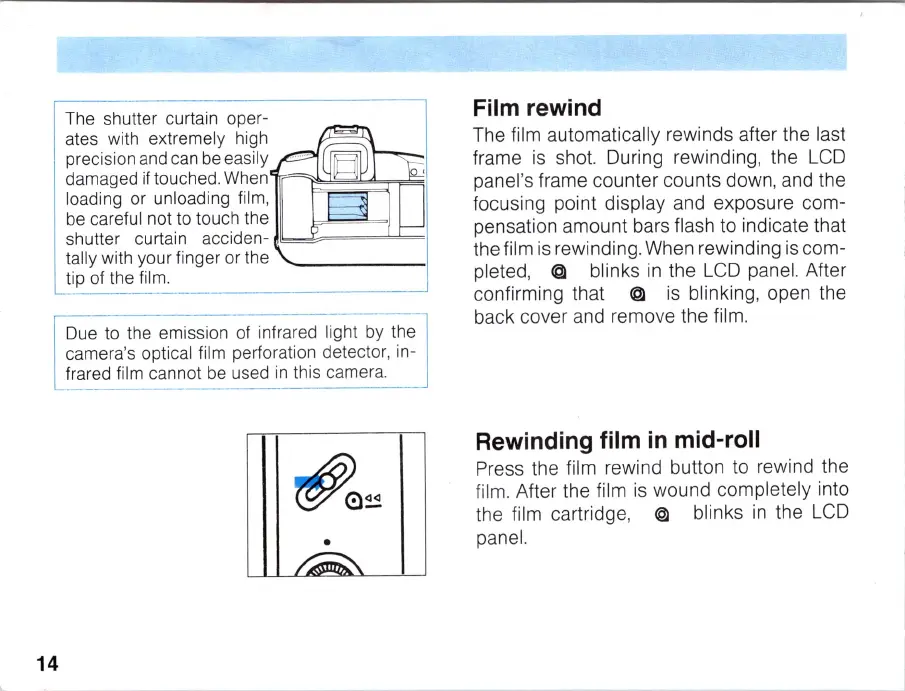
The shutter curtain oper-
ates with extremely high
precision and
ca
n be easily
damaged if touched. When
1r
1
~~~
~=r9
1
loading or
un
loading film,
be
careful not to touch the
shutter curtain acciden-
~
b~
===bk=
1
tally with your finger or the
ti
p of the film.
Due to the emission
of
infrared light by the
camera's optical film perforation detecto
r,
in-
frared film cannot
be
used
in
this camera.
•
Film rewind
The film automatically rewinds after the last
frame
is
shot. During rewinding, the
LCD
panel's frame counter
co
unts down, and the
focusing point display and exposure com-
pensation amount bars flash to indicate that
the film
is
rewinding. When rewinding
is
com-
pleted,
@ blinks
in
the
LCD
panel. After
confirming that @
is
blinking, open the
back cover and remove the film.
Rewinding film
in
mid-roll
Press the film rew
in
d button to rewind the
film. After the film
is
wound completely into
the film cartridge, @ blinks
in
th
e
LCD
panel.



 To Next Page