46
If the aperture
val
ue
blinks, the desired depth
of field cannot
be
obtained. Use a wide-angle
lens or move farther from the subject and re-
peat steps 3 through
5.
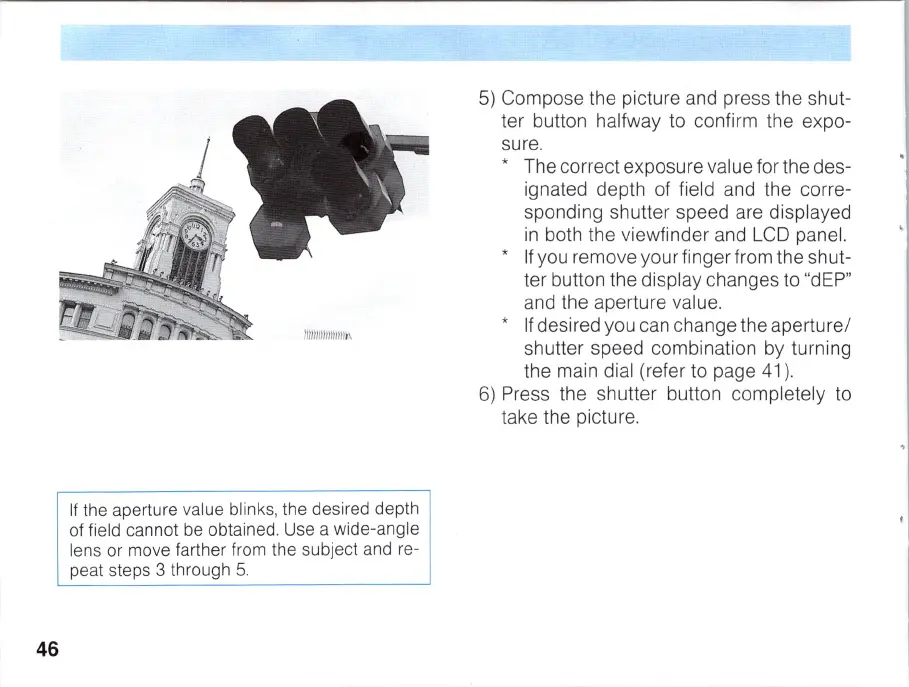
5)
Compose the picture and press the shut-
ter button halfway to confirm the expo-
sure.
* The correct exposu
re
va
lu
e for the des-
ignated depth of field and the corre-
sponding shutter speed are displayed
in
both the viewfinder and
LCD
panel.
*
If
you remove your finger from the shut-
ter button the display changes to "dEP"
and the aperture value.
*
If
desired you can change the aperture/
shutter speed combination by turning
the main dial (refer to page 41).
6)
Press the shutter button completely to
take the picture.



 To Next Page